For an Accelerated Mobile Page (AMP) to function, it must include the AMP runtime script. This JavaScript file is the engine that powers the entire AMP framework, enabling its performance optimizations and enforcing its strict rules. A missing or invalid AMP script tag is a critical validation error that will prevent your page from being recognized as a valid AMP document, making it ineligible for the Google AMP Cache and other benefits.
Think of the AMP script as the secret ingredient in a recipe. Without it, you just have a collection of standard ingredients; you don’t have the final, optimized dish. This script is a mandatory part of the AMP boilerplate that must be included in the “ of every AMP page. For a broader look at AMP, see our main guide on AMP.
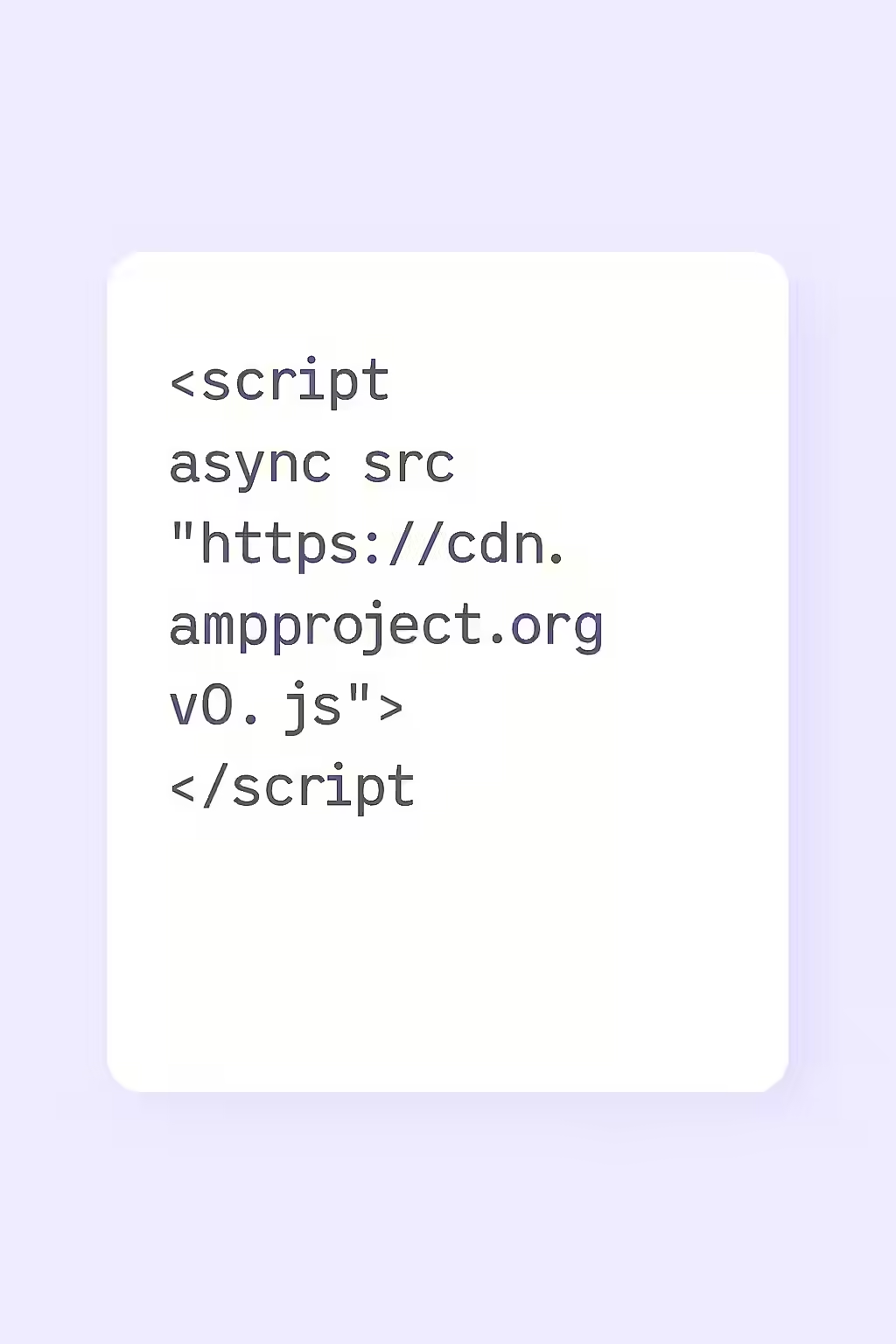
Why the AMP Script is Non-Negotiable
The AMP runtime script is the core of the AMP library. As detailed in the official AMP documentation, its inclusion is a mandatory requirement.
- AMP Validation: A missing or incorrectly placed AMP script is an instant validation failure.
- Performance Optimizations: The script is responsible for managing resource loading and implementing the performance patterns that make AMP fast.
A Step-by-Step Guide to a Valid Implementation
Fixing a missing or invalid AMP script is a simple but essential task. For more on the relationship between AMP and non-AMP pages, see our guide on AMP canonicalization.
Example: Correct AMP Script Placement
<!-- Before: Script is missing --> <head> ... </head> <!-- After: Script is added as the last element in the head --> <head> ... <script async src="https://cdn.ampproject.org/v0.js"></script> </head>For more on this topic, see our guide on on-page SEO.
Frequently Asked Questions
What does the ‘async’ attribute do?
The `async` attribute is crucial for performance. It tells the browser that it can download the AMP script in the background without stopping the parsing and rendering of the rest of the HTML. This is a key part of what makes AMP pages load so quickly.
Do I need to include other scripts for other AMP components?
Yes. Many AMP components, like `amp-carousel` or `amp-youtube, require their own specific component script to be included in the <head>` in addition to the main runtime script. The official documentation for each component will specify the required script.
How can I check if my AMP script is valid?
The most effective way is to use Google’s official AMP Test tool. It will immediately tell you if your page is valid AMP, and a missing or incorrectly placed AMP script is one of the most common errors it will report.
Is your AMP missing its engine? Start your Creeper audit today to find and fix all your AMP validation errors.