In the world of web development, it’s the little things that make a big difference. And when it comes to your HTML, one of the most important little things is the meta viewport tag. The meta viewport tag is an HTML element that is used to control the layout of a webpage on mobile devices. It’s often used to set the width of the viewport and to disable zooming and scaling. This guide will explore the importance of the meta viewport tag and how to fix it.
Think of your website as a house. You want to make sure that it looks good on all devices, from a desktop computer to a mobile phone. The same is true for your website. By making sure that your pages have a valid meta viewport tag, you can create a more stable and reliable experience for your users. For a deeper dive into the world of web development, see our article on on-page SEO.
Why a Valid Meta Viewport Tag is Important
- Mobile-friendliness: A valid meta viewport tag is essential for making your website mobile-friendly. If you do not have a valid meta viewport tag, your page may be rendered with a variety of different layout issues on mobile devices.
- User experience: A valid meta viewport tag helps to ensure that your page is rendered correctly on all devices. This can improve the user experience and make your website more accessible to a wider audience.
Your Guide to a More Stable and Reliable Website
Fixing missing or invalid meta viewport tags is a simple but important task. Here’s how to do it:
Example: A Correct Meta Viewport Tag
<!-- Before: Missing meta viewport tag -->
<head>
 <title>My Page</title>
</head>
<!-- After: Correct meta viewport tag added -->
<head>
 <title>My Page</title>
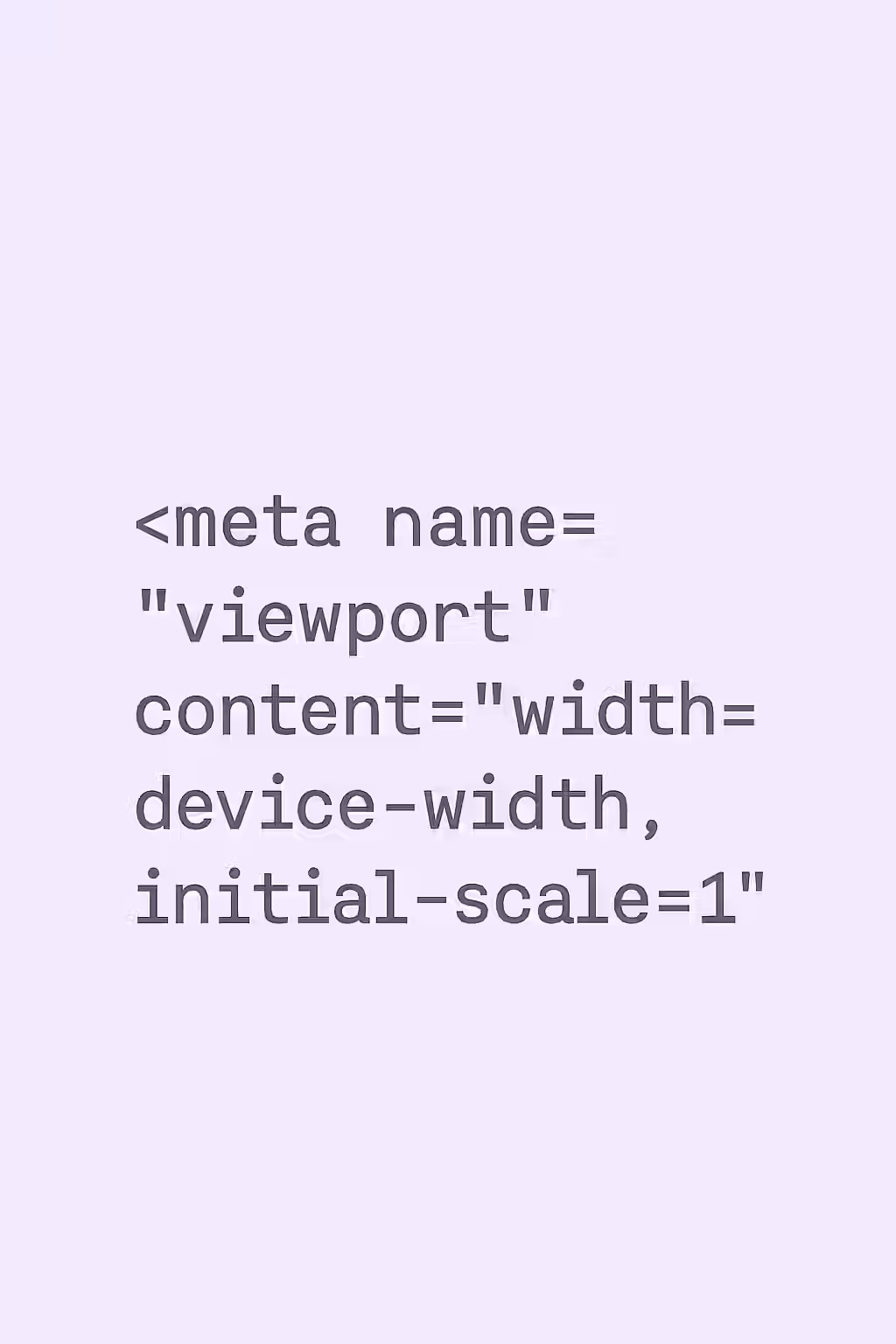
 <meta name="viewport" content="width=device-width, initial-scale=1.0">
</head>
For more on the importance of a well-structured website, check out this guide to mobile-friendly design from Google. For another great resource, check out this guide to the meta viewport tag from MDN.
Frequently Asked Questions
What is the meta viewport tag?
The meta viewport tag is an HTML element that is used to control the layout of a webpage on mobile devices. It’s often used to set the width of the viewport and to disable zooming and scaling.
Why is `user-scalable=no` bad for accessibility?
The `user-scalable=no` attribute prevents users from zooming in on the page, which is a major accessibility issue for users with low vision. It’s a best practice to always allow users to zoom.
How do I add a valid meta viewport tag to my pages?
You can add a valid meta viewport tag to your pages by simply adding the following line of code to the <head> section of your HTML document: <meta> name=\”viewport\” content=\”width=device-width, initial-scale=1.0\”>.