In the architecture of a webpage, the H1 tag serves as the main headline. It’s meant to be a single, powerful statement that summarizes the page’s primary topic for both users and search engines. When a page has multiple H1 tags, it’s like a book with several titles—it creates confusion, dilutes the core message, and can significantly weaken your SEO efforts. While not a direct violation that incurs penalties, it’s a critical structural flaw that signals a lack of clarity and focus.
Think of your website’s heading structure as an outline for a report. The H1 is the main title, H2s are major sections, H3s are subsections, and so on. This hierarchy creates a logical flow that helps search engines understand content relationships. Having more than one H1 disrupts this logical order, making it harder for crawlers to determine the page’s primary purpose. For a deeper dive into headings, see our main guide on on-page SEO.
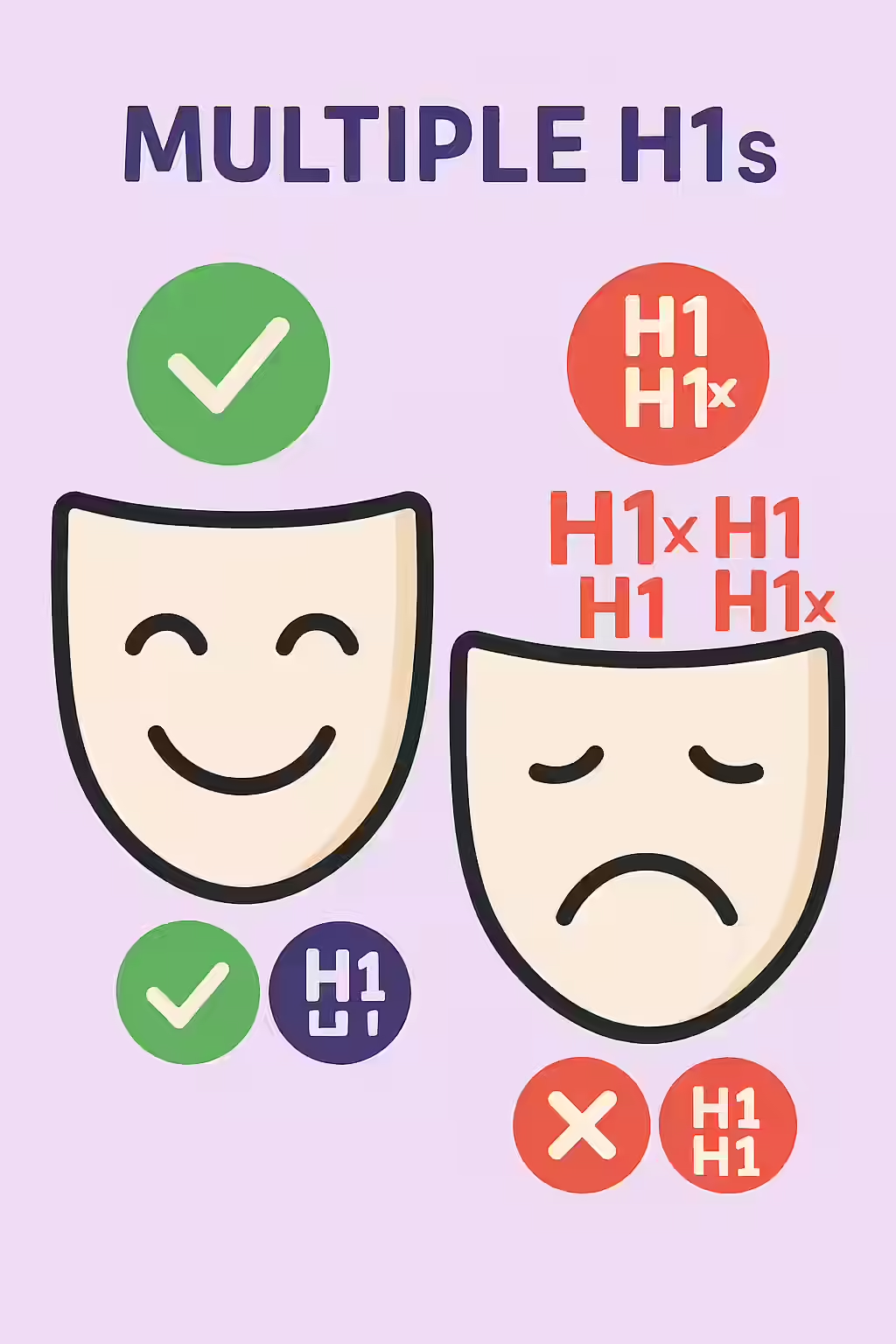
Why One H1 is the Golden Rule for SEO and Accessibility
While the HTML5 specification technically allows for multiple H1s if they are nested within separate sectioning elements (like `<article>` or `<section>`), this is a poor practice from an SEO and accessibility standpoint. Search engines still give the most weight to a single, overarching H1. Furthermore, as detailed in the W3C’s Web Accessibility Tutorials, screen reader users rely on a single H1 to quickly grasp the page’s main topic. Multiple H1s can make the page difficult to navigate for visually impaired users.
A Step-by-Step Guide to Consolidating Your H1s
Fixing multiple H1 tags is a straightforward but vital task for maintaining a healthy site structure. Here’s how to do it:
Example: Consolidating Multiple H1s
<!-- Before: Two H1 tags -->
<h1>My Page Title</h1>
...
<h1>Another Main Title</h1>
<!-- After: One H1 and one H2 -->
<h1>My Page Title</h1>
...
<h2>A Secondary Title</h2>
For more on this topic, see our guide on H1 setup. For another great resource, check out this article from Ahrefs.

Frequently Asked Questions
Is it ever okay to use more than one H1 tag?
While HTML5 technically allows for multiple H1 tags within different sectioning elements (like <article> or <section>), it is not a recommended practice for SEO. Search engines still derive the primary topic from a single, page-level H1. Using more than one can dilute your keyword focus and create confusion for both search bots and accessibility tools.
Should my logo be an H1?
On your homepage, it’s acceptable for your logo to be the H1. However, on your internal pages, the H1 should be the unique title of that page’s content, not a repeating logo.
Will Google penalize my site for having multiple H1s?
Google does not issue a direct ‘penalty’ for multiple H1 tags. However, it can negatively impact your SEO by diluting the focus of your page. When Google’s crawler finds several H1s, it may struggle to determine which one is the most important, potentially weakening your page’s ability to rank for its target keyword.
Ready to unify your page headings? Start your Creeper audit today and see how you can improve your website’s H1 tags.