Pagination is a common way to break up long lists of content into manageable chunks, but it requires clear signals to guide search engines through the sequence. The `rel=”next”` and `rel=”prev”` link attributes were designed for this purpose. However, a critical error occurs when a page contains multiple, conflicting pagination URLs—for instance, two different `rel=”next”` links. This creates a fork in the road for search engine crawlers, leaving them unsure of the correct path forward and potentially harming the indexation of your content.
Think of your paginated series as a single-file line. Each person knows who is directly in front of and behind them. Multiple pagination URLs are like someone in the middle of the line pointing to two different people as being ‘next.’ This breaks the chain of command, and a search engine, faced with ambiguity, may simply stop trying to follow the sequence. For a deeper dive into crawling, see our article on crawl depth.
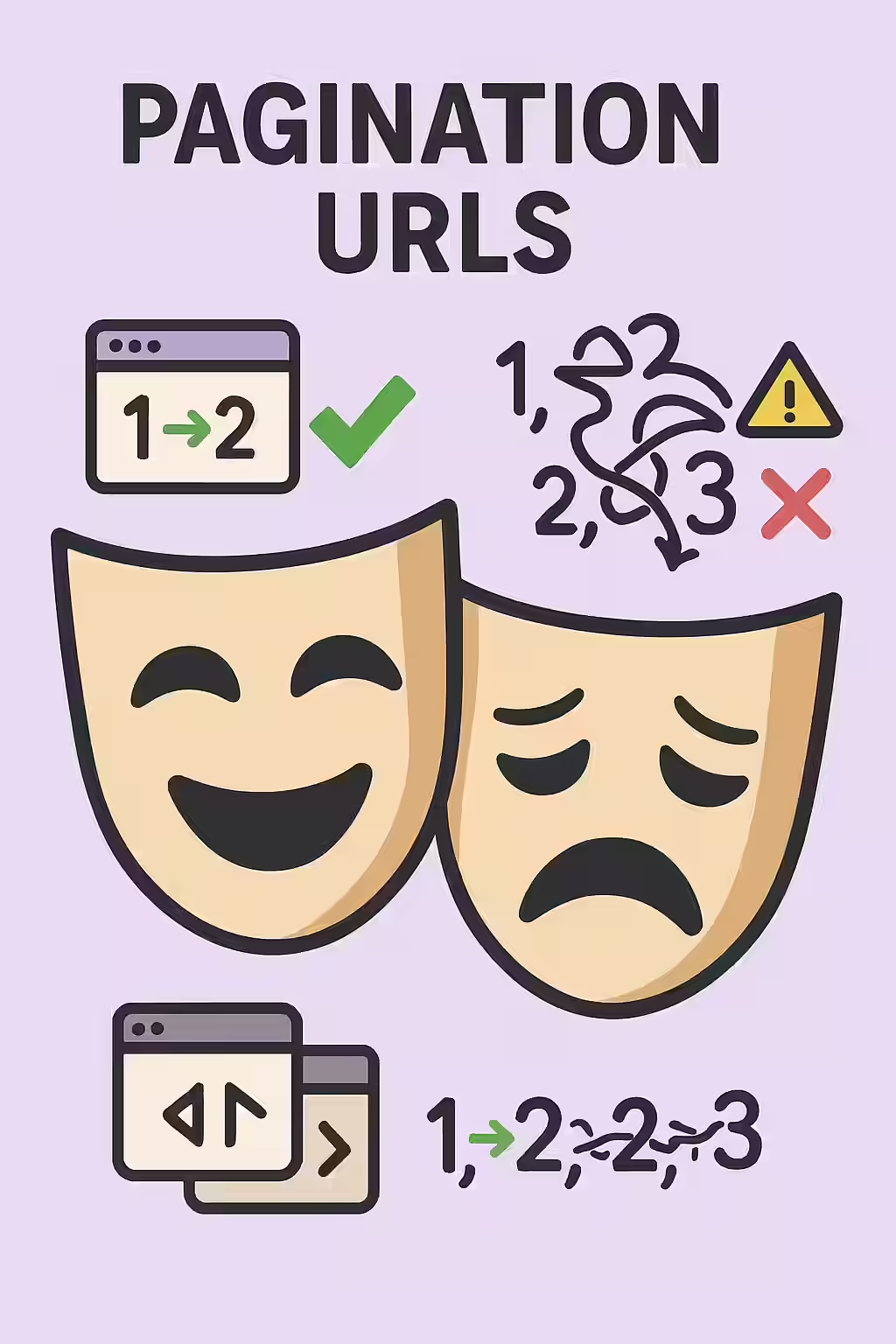
The SEO Problems Caused by Conflicting Pagination
A clean pagination series helps search engines understand the relationship between pages and consolidate ranking signals. When you introduce conflicting `rel=”next”` or `rel=”prev”` tags, you create several SEO hazards:
- Broken Crawl Path: Search engines may not discover all the pages in the series if the path is unclear, leading to poor indexability for deeper content.
- Signal Dilution: Proper pagination helps consolidate signals like backlinks to the entire series. Conflicting tags can disrupt this process, weakening the authority of your content.
For more on this topic, this guide from Moz provides excellent insights into pagination best practices.
How to Uncross Your Wires: Finding and Fixing the Issue
Fixing multiple pagination URLs requires identifying the source of the conflict and ensuring only one, correct sequence is defined in the HTML <head>. For Google’s perspective on this, their guide on consolidating duplicate URLs is a must-read.
Example: Consolidating Pagination Links
<!-- Before: Conflicting next links --> <head> <link rel="next" href="/category/page/3/" /> <link rel="next" href="/category/page/4/" /> </head> <!-- After: A single, correct next link --> <head> <link rel="next" href="/category/page/3/" /> </head>For more on this topic, see our guide on pagination loops.
Frequently Asked Questions
Are rel=’next’/’prev’ tags still important for SEO?
While Google announced in 2019 that they no longer use rel=’next’/’prev’ as a primary indexing signal, these tags are still considered a best practice for defining a clear, logical site structure for crawlers and for accessibility. They do no harm and can be beneficial for other search engines and for maintaining a clean architecture.
Should rel=’next’/’prev’ tags be in the <head> or <body>?
The `rel=”next”` and `rel=”prev”` attributes should be on “ tags within the “ section of your HTML. While the clickable pagination links for users are in the “, these specific signals for search engines belong in the head.
What is a common cause of this error?
This error often stems from having multiple pagination systems active on one page. For instance, a category page might have pagination for the list of products, while also having a separate paginated comments section. If both systems incorrectly add rel=’next’/’prev’ tags to the HTML <head>, it creates a conflict.
Don’t let your site’s path fork. Start your Creeper audit today and ensure your pagination is clear and effective.