A clean and consistent URL structure is a cornerstone of good technical SEO. However, a surprisingly common issue that can disrupt this structure is the presence of multiple slashes in URLs. This occurs when a URL contains consecutive slashes (e.g., `https://example.com/blog//my-post/`). While browsers can often still resolve these URLs, search engines see them as technically distinct from their single-slash counterparts. This creates significant SEO problems, primarily by generating duplicate content and wasting valuable crawl budget.
Think of a URL as a precise address. A mail carrier can probably still find your house if you write “123 Main Street//Apt 4,” but the postal service’s official record will be different, leading to confusion and potential delivery issues. Similarly, search engines are forced to decide which version of the URL is the correct one, which can dilute your ranking signals. For a broader look at URL best practices, see our guide on on-page SEO.
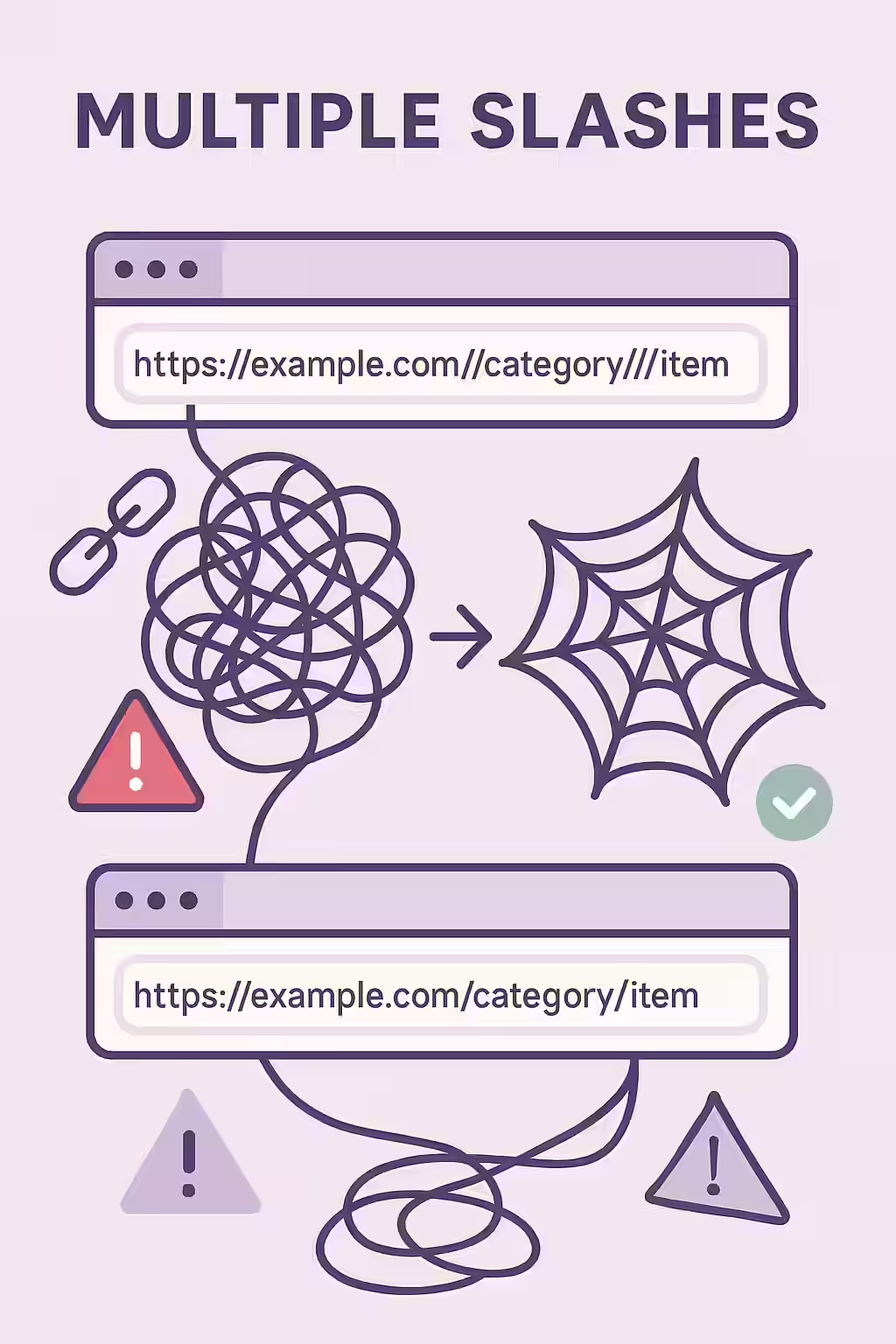
Why Double Slashes Create SEO Headaches
From a server’s perspective, `example.com/page/` and `example.com//page/` can be treated as two separate requests. If your server is configured to serve the same content for both, you’ve created a classic duplicate content problem. This has several negative effects:
- Duplicate Content: Search engines may index multiple versions of the same page, splitting ranking signals like backlinks and engagement metrics between them. This can be solved with a proper canonical tag strategy, but it’s better to fix the root cause.
- Wasted Crawl Budget: Google has to use resources to crawl and render both URL variations, wasting its budget on redundant pages instead of discovering new, unique content on your site.
A Two-Pronged Approach: How to Fix and Prevent Multiple Slashes
The most robust solution involves both a permanent fix at the server level and a cleanup of your internal links. For a technical overview of URL syntax, the Ahrefs guide to URL structure is an excellent resource.
Example: A Redirect Rule in `.htaccess`
RewriteEngine On RewriteCond %{THE_REQUEST} // RewriteRule .* $0 [R=301,L]This code, when added to your `.htaccess` file, will automatically 301 redirect any URL with multiple slashes to the correct version.
For more on this topic, see our guide on URL parameters.
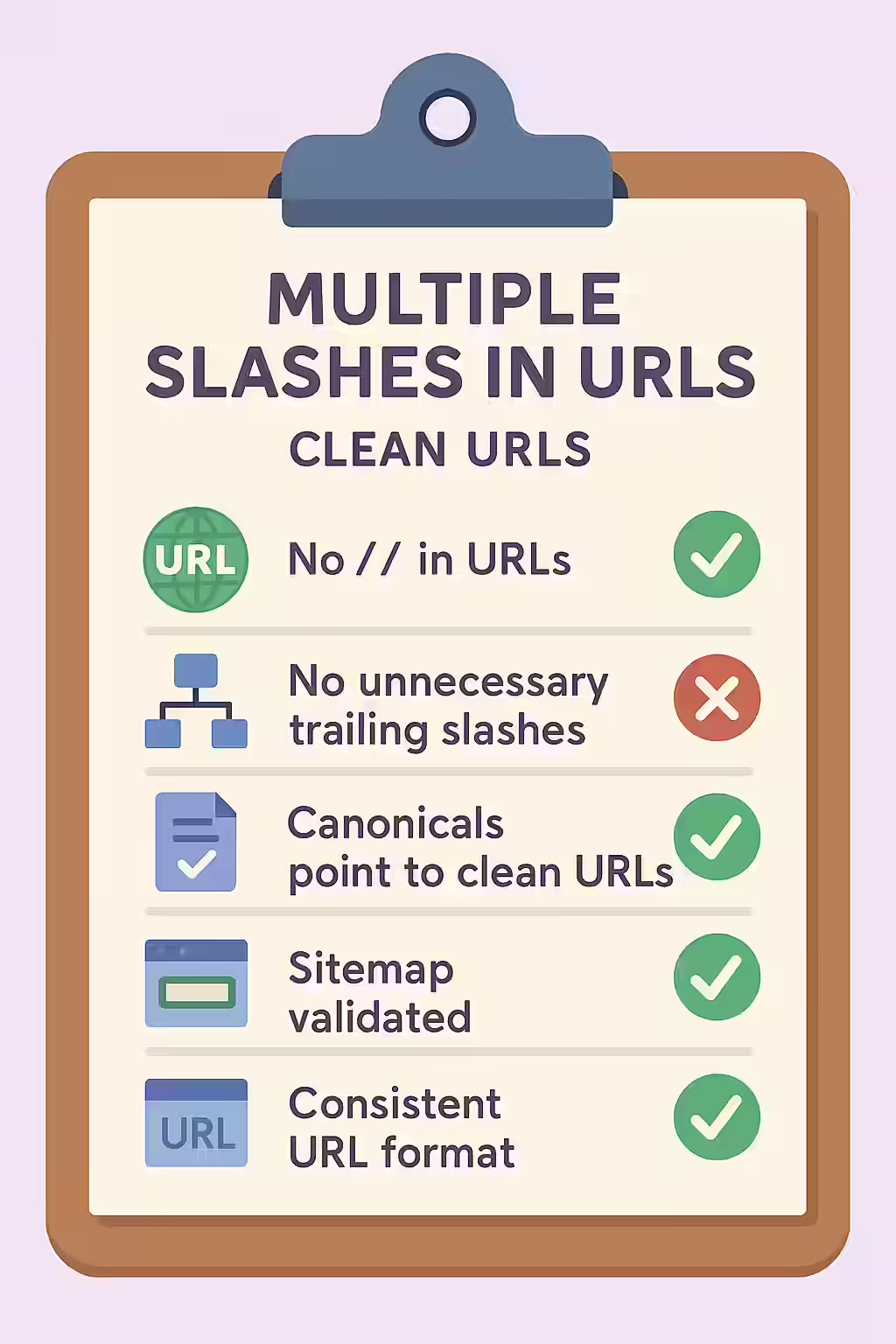
Frequently Asked Questions
Does this apply to the slashes in ‘http://’?
No, the slashes in the protocol part of a URL (like in ‘http://’ or ‘https://’) are standard and do not cause this issue. The problem of multiple slashes refers to consecutive slashes within the path of the URL, such as ‘example.com/blog//my-post/’.
Does this issue apply to subdomains?
Yes. The issue can occur at any point in the URL path, including after a subdomain (e.g., `blog.example.com//my-post/`). The same redirect rules and cleanup principles apply.
My CMS seems to be creating these links automatically. What should I do?
This is a common problem. First, check your CMS’s permalink or URL generation settings. If you cannot fix it at the source, the best and most robust solution is to implement a server-level redirect (like the .htaccess rule) to automatically catch and correct all instances of multiple slashes.
Ready to untangle your URLs? Start your Creeper audit today and ensure your URL structure is clean and effective.