In the visual-first world of modern search, images are a powerful source of traffic. The `noimageindex` directive is a specific instruction that tells search engines not to index the images on a given page. While the page itself can still be indexed and ranked, this directive makes its visual assets invisible to Google Image Search. Unless you have a specific legal or strategic reason to hide your images, using this directive can cut you off from a significant channel of user discovery and engagement.
Think of your website as a gallery exhibit. The `noimageindex` tag is like putting a “Do Not Photograph” sign on every painting. While visitors can still walk through and read the descriptions, you lose the opportunity for your artwork to be discovered and shared independently. For a broader look at image SEO, see our guide on the images category.
Implementation Methods: Meta Tag vs. X-Robots-Tag
There are two ways to implement the `noimageindex` directive, each with its own use case. As explained in Google’s documentation on meta tags, the choice depends on the scope and type of content you want to affect.
Example: Using the `noimageindex` Meta Tag
<!-- Before: No directive --> <head> <title>My Page</title> </head> <!-- After: noimageindex directive added --> <head> <title>My Page</title> <meta name="robots" content="noimageindex" /> </head>When Should You Actually Use ‘noimageindex’?
While generally discouraged, there are a few legitimate scenarios where hiding your images from search is necessary:
- Licensing Restrictions: You may have stock photos licensed for use on your site but not for redistribution via search engines.
- Sensitive Content: If images contain sensitive or private information, you may want to prevent them from being easily discovered.
In most cases, however, you want your images to be found. For more on this, check out this guide to image SEO from Moz.
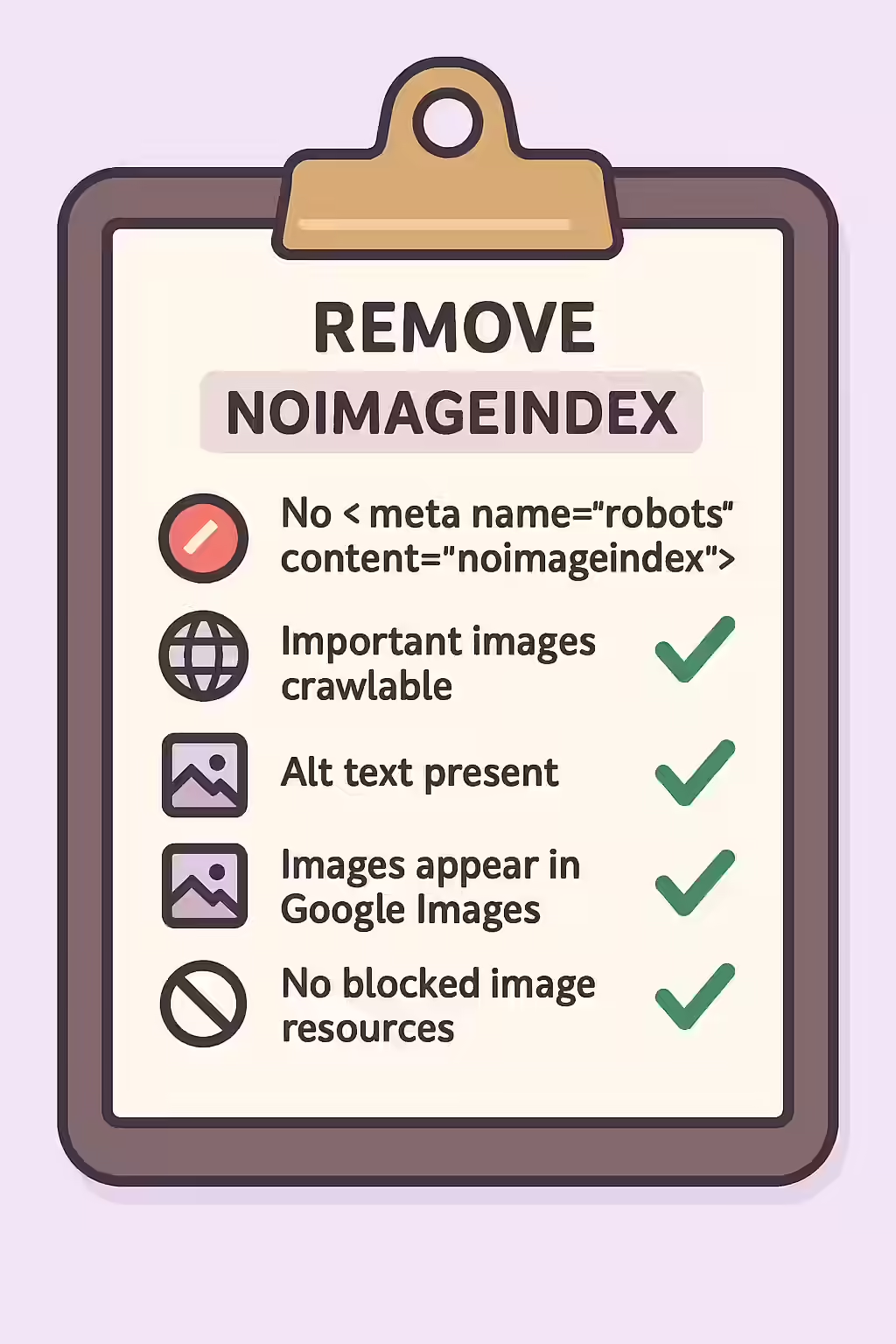
Frequently Asked Questions
Does ‘noimageindex’ also ‘nofollow’ the links on the images?
No, the directives are separate. `noimageindex` only affects the indexing of the image file itself. A link wrapped around the image (`` tag) will still be crawled and followed unless it has a separate `rel=”nofollow”` attribute.
Does ‘noimageindex’ affect my page’s ranking?
It does not affect the ranking of the page itself, only the ability of the images on that page to be indexed in Google Image Search. However, since image search can be a significant source of traffic, it can indirectly harm your overall site performance.
If I remove the ‘noimageindex’ tag, how long until my images get indexed?
The time it takes for images to be indexed after removing the directive depends on your site’s crawl frequency. To potentially speed up the process, you can use the URL Inspection tool in Google Search Console to request re-indexing of the page containing the images.
Ready to make your images visible? Start your Creeper audit today and ensure your directives are helping, not hurting, your SEO.