The `noindex` directive is a powerful and direct instruction that tells search engines not to include a specific page in their search results. While it is an essential tool for SEO when used correctly, an accidental or forgotten `noindex` tag on an important page can make it completely invisible to organic search, effectively erasing it from Google. Understanding how to audit for and manage this directive is a fundamental skill for any website owner.
Think of your website as a public library. The `noindex` tag is like taking a book and locking it in a back room where the public can’t find it. This is useful for administrative documents or old drafts, but if you accidentally lock away a bestseller, you’re losing a major asset. For a broader look at directives, see our main guide on the directives category.
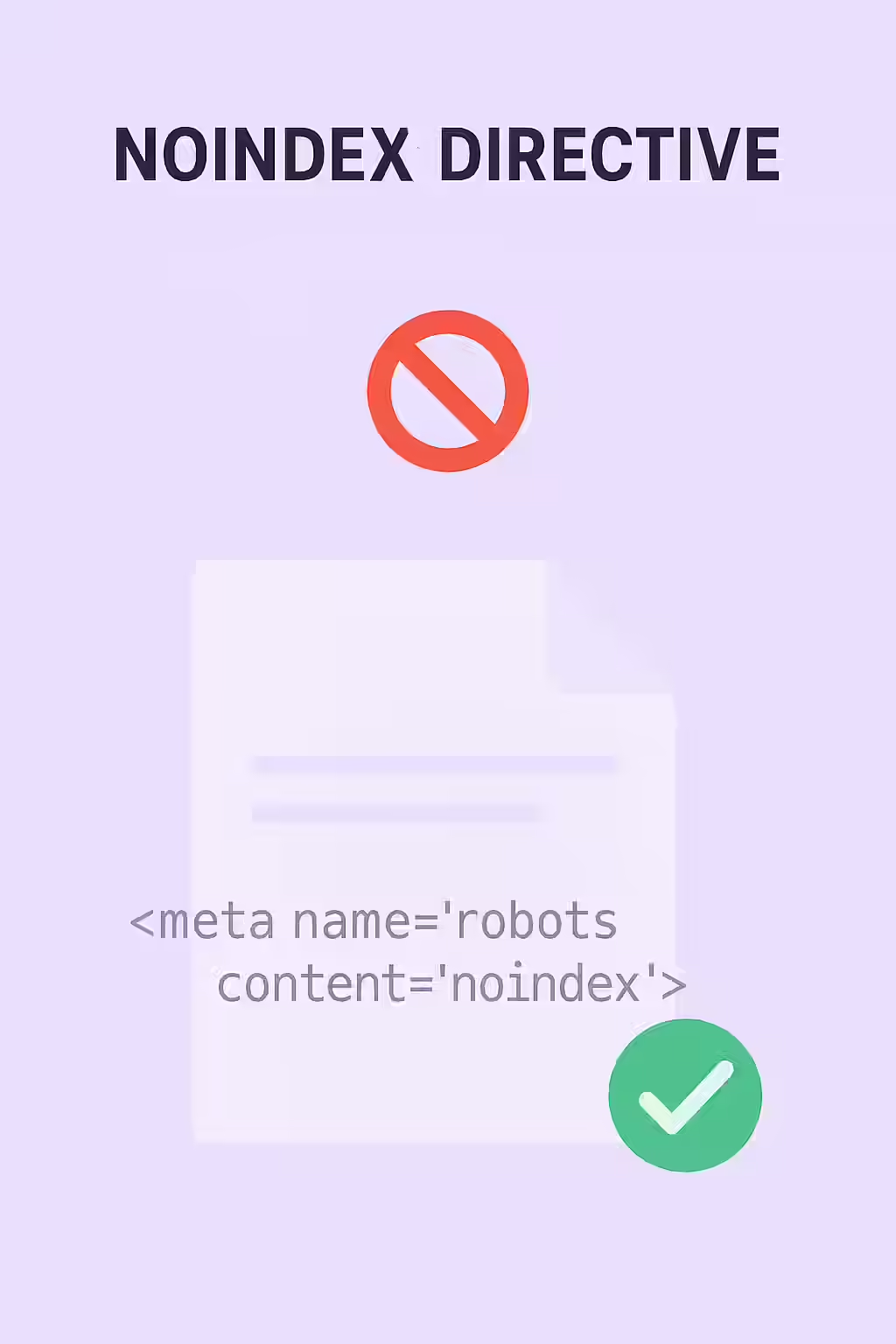
Implementation Methods: Meta Tag vs. X-Robots-Tag
There are two ways to implement the `noindex` directive, each with its own use case. As explained in Google’s documentation on meta tags, the choice depends on the scope and type of content you want to affect.
Example: A `noindex` Meta Tag
<!-- In the <head> of a page --> <meta name="robots" content="noindex" />When Should You Actually Use ‘noindex’?
While you should never `noindex` your important content, there are many legitimate use cases for this directive:
- Thin or Low-Value Content: Internal search results, filtered pages, or tag pages that don’t offer unique value.
- Administrative Pages: Login pages, user profiles, and “thank you” pages that are not intended as landing pages.
For more on this, check out this guide to noindex tags from Ahrefs. For more on this topic, see our guide on noindex only in original HTML.
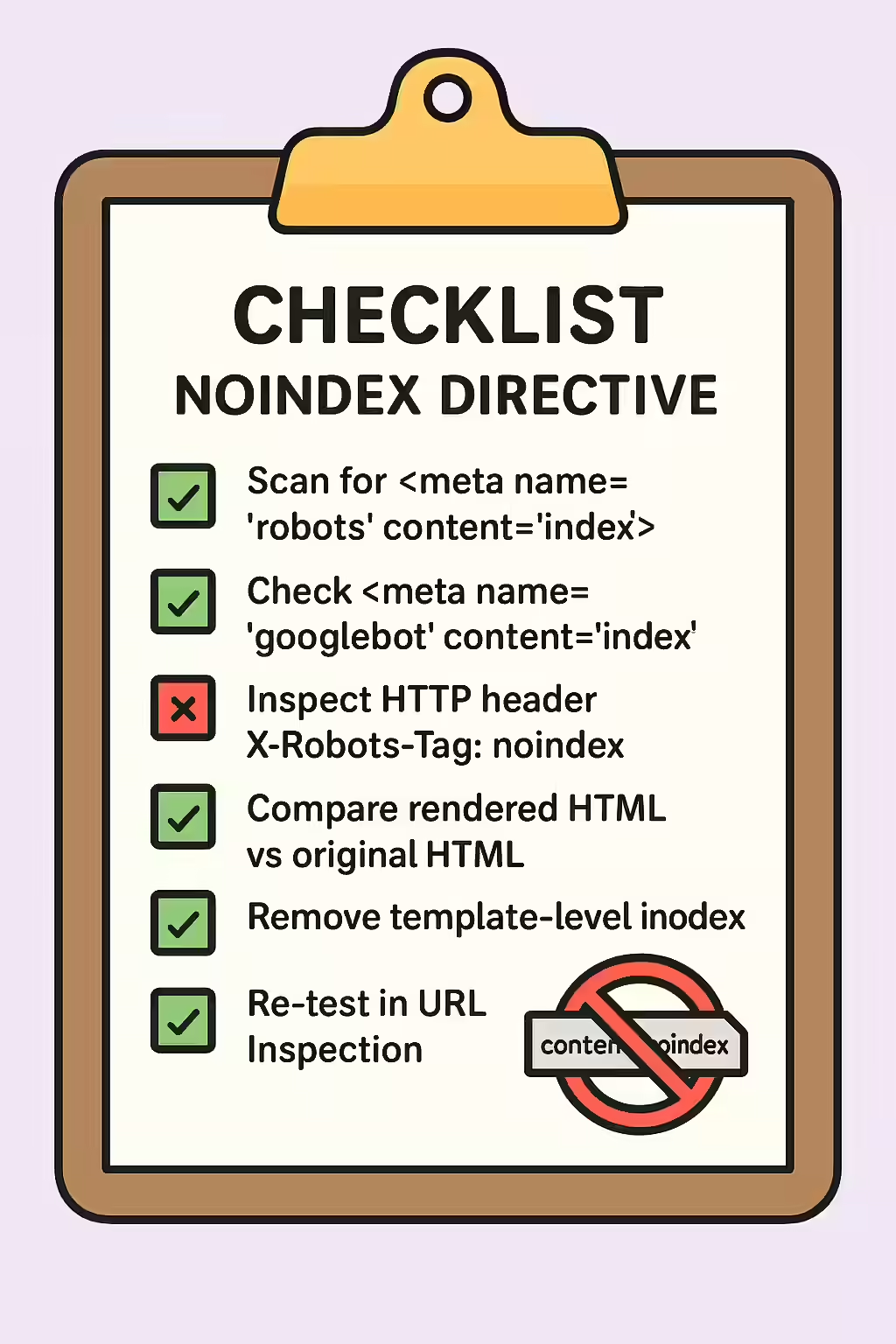
Frequently Asked Questions
What is the difference between ‘noindex’ and blocking a page with robots.txt?
Blocking a page with robots.txt prevents search engines from crawling it. However, if other pages link to it, the URL can still be indexed without a title or description. The `noindex` tag is a more direct and effective way to prevent a page from appearing in search results, as it allows crawling but explicitly forbids indexing.
Should I include ‘noindexed’ pages in my sitemap?
No. Your XML sitemap should only contain the URLs that you want search engines to index. Including ‘noindexed’ pages in your sitemap sends a conflicting signal to search engines.
How long does it take for a ‘noindex’ tag to be processed?
Once you add a `noindex` tag to a page, it will be removed from the search results the next time Google crawls and processes that page. To speed this up, you can use the URL Inspection tool in Google Search Console to request re-indexing.
Ready to make your pages visible? Start your Creeper audit today and ensure your directives are helping, not hurting, your SEO.