A paginated series is a sequence of connected pages, and for search engines to understand this sequence, every link in the chain must be a live, healthy page. A non-200 pagination URL is a critical error where a `rel=”next”` or `rel=”prev”` link points to a URL that is broken (404), redirected (3xx), or has a server error (5xx). This breaks the crawl path, preventing search engines from discovering all the content in the series and potentially harming the indexation of your deeper pages.
Think of your paginated series as a chain. Each link must connect securely to the next. If one link is broken or points to the wrong place, the rest of the chain is disconnected and lost. This is especially damaging for e-commerce category pages or long-form articles, where a significant portion of your content can be hidden behind a broken pagination link. For a broader look at pagination, see our main guide on the on-page SEO category.
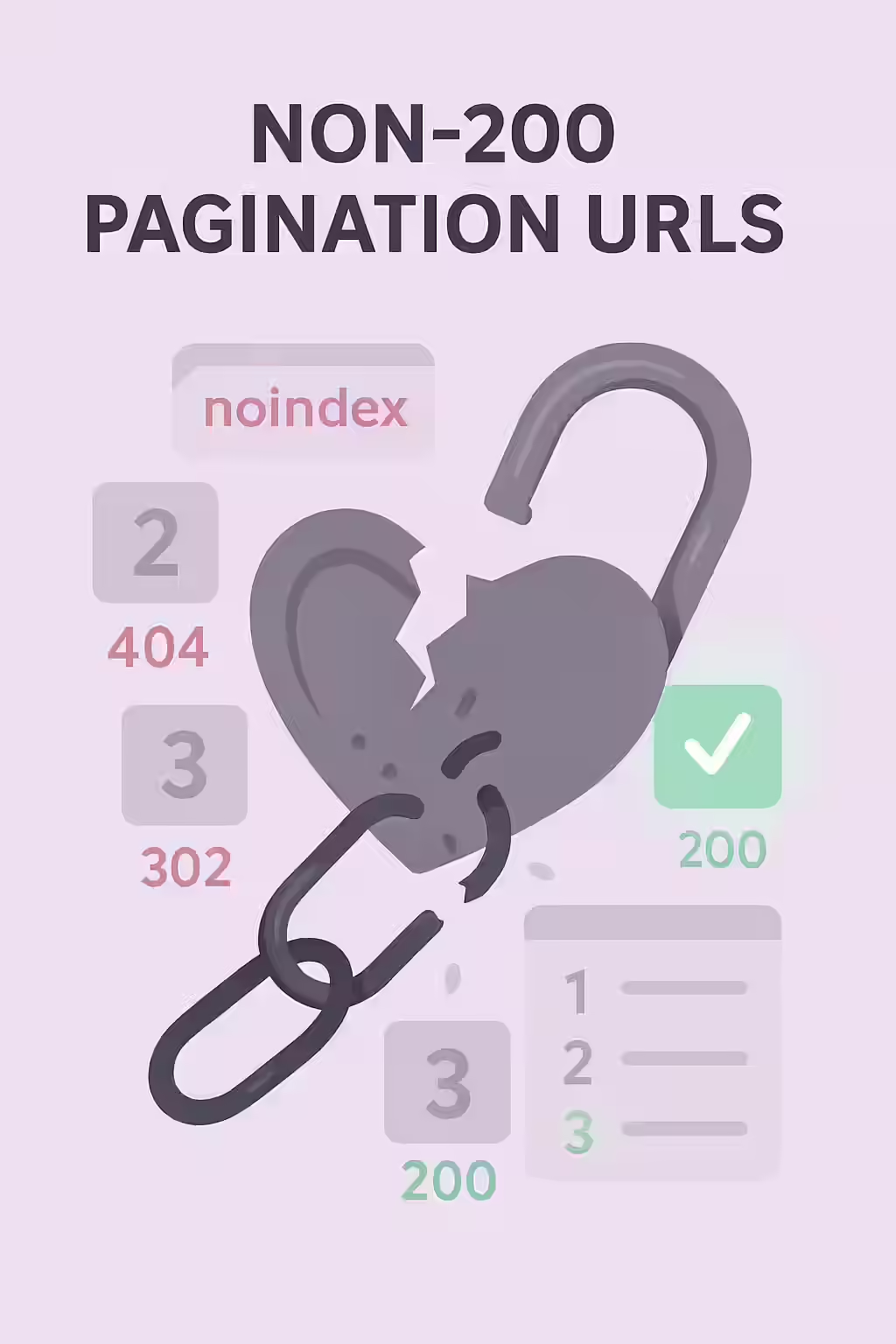
Why Every Pagination Link Must Return a 200 OK
The purpose of pagination is to create a clear, crawlable path for search engines. Any deviation from a successful `200 OK` status code disrupts this process. For a deep dive into status codes, see our guide on HTTP status codes.
- 404 (Not Found): This is a dead end. A `rel=”next”` link pointing to a 404 page stops the crawler in its tracks, and any subsequent pages will not be discovered.
- 3xx (Redirect): While slightly better than a 404, a redirect adds an unnecessary step to the crawl path and can be a sign of a misconfiguration. The link should point directly to the final destination.
A Step-by-Step Guide to Fixing Broken Pagination Links
The goal is to ensure that every URL in your `rel=”next”` and `rel=”prev”` tags is a live, canonical, `200 OK` page. For Google’s perspective on this, their guide on pagination is an essential resource.
Example: Fixing a Broken `rel=”next”` Link
<!-- Before: The 'next' link points to a 404 page --> <link rel="next" href="/category/page/3/" /> <!-- This URL is broken --> <!-- After: The 'next' link is removed from the last page --> <!-- No 'next' link is present on the final page of the series -->For more on this topic, see our guide on pagination loops. For another great resource, check out this article from Moz.
Frequently Asked Questions
What does a ‘200 OK’ status code mean?
A 200 OK status code is the standard, successful response for a webpage. It means the server found the requested resource and is sending it to the browser or crawler. All live, healthy pages on your site should return this status code.
Should rel=’next’/’prev’ tags be in the <head> or <body>?
The `rel=”next””` and `rel=””prev””` attributes should be on “ tags within the “ section of your HTML. While the clickable pagination links for users are in the “, these specific signals for search engines belong in the head.
How can I find all the broken pagination links on my site?
The most effective way is to use a website crawler like Creeper. It will follow all `rel=’next’/’prev’` links in your HTML and report the final status code of the destination URL, immediately flagging any that are not a 200 OK.
Is your pagination chain broken? Start your Creeper audit today to find and fix all non-200 pagination URLs.
“