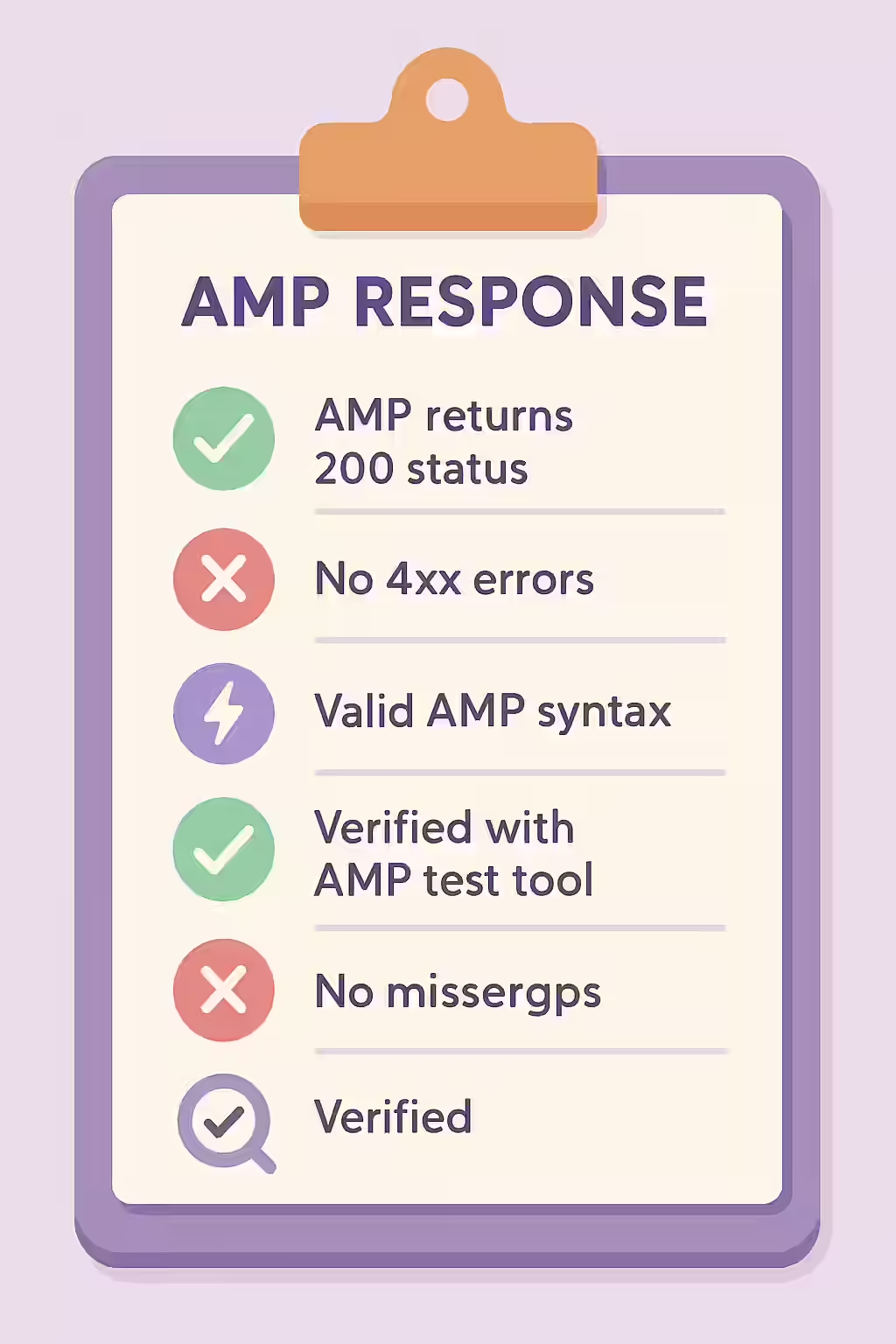
For an Accelerated Mobile Page (AMP) to be considered valid and eligible for Google’s cache, it must be a live, accessible page that returns a 200 OK status code. A non-200 response—such as a 3xx redirect, a 4xx client error, or a 5xx server error—on an AMP URL is a critical technical flaw. It breaks the connection between your canonical page and its AMP version, preventing the AMP page from being served in search results and defeating the entire purpose of your AMP implementation.
Think of the `rel=”amphtml”` tag on your canonical page as a signpost pointing to a high-speed express lane. If that express lane is closed (a 404 error) or leads to a detour (a redirect), the traffic can’t get through. Search engines will see this broken connection and will not be able to serve your fast-loading AMP page to mobile users. For a broader look at AMP, see our main guide on the AMP category.
Why Every AMP URL Must Return a 200 OK
The AMP ecosystem relies on direct, valid connections. Any other response code indicates a problem that invalidates the page. For a deep dive into status codes, see our guide on HTTP status codes.
- 3xx Redirects: An AMP URL should be the final destination, not a stop along the way. Redirecting an AMP page adds latency and is not supported by the Google AMP Cache.
- 4xx Client Errors: A link to a 404 or 410 AMP page is a broken link. It tells Google that the AMP version doesn’t exist, which invalidates the `rel=”amphtml”` tag on the canonical page.
- 5xx Server Errors: A server error on an AMP page signals an unreliable site and will cause Google to stop trying to access the AMP version.
A Step-by-Step Guide to Fixing Non-200 AMP URLs
The goal is to ensure that every URL specified in a `rel=”amphtml”` tag is a live, canonical, `200 OK` page. For Google’s perspective on this, their guide on AMP discovery is an essential resource.
- Crawl Your Site for AMP Links: Use an SEO audit tool like Creeper to perform a full crawl. The tool will extract all `rel=”amphtml”` links from your pages.
- Check the Status Codes of AMP URLs: The crawler will then visit each of these AMP URLs and report their HTTP status code.
- Identify Non-200 URLs: The audit will produce a list of all canonical pages that point to an AMP URL with a non-200 status.
- Update the `rel=”amphtml”` Link: The fix is to update the `href` in the `rel=”amphtml”` tag on the canonical page to point to the correct, final, 200 OK version of the AMP page.
The SEO Power of a Well-Structured Website
A well-structured website with a valid AMP implementation provides a superior mobile experience, which is a key factor in modern SEO. By ensuring all your AMP URLs are live and accessible, you can take full advantage of the speed and visibility benefits that AMP offers. This is a key part of a successful on-page SEO strategy.
Frequently Asked Questions
What is a 200 OK status code?
A 200 OK status code is the standard, successful response for a webpage. It means the server found the requested resource and is sending it to the browser or crawler. For AMP, this is a mandatory requirement for the page to be considered valid and eligible for caching.
Why would my AMP URL be redirecting?
This often happens due to a misconfiguration in how your server handles mobile user agents or URL structures. For example, a rule that is supposed to redirect mobile users to the AMP page might be incorrectly redirecting the AMP page itself. It can also happen after a site migration if AMP URLs were not updated correctly.
How can I find all my AMP pages that don’t return a 200 OK status?
The most effective way is to use a website crawler like Creeper. It will scan your site, identify all the `rel=’amphtml’` links, and then crawl those AMP URLs to verify that they return a 200 OK status code, flagging any that redirect or are broken.
Is your AMP connection broken? Start your Creeper audit today to find and fix all non-200 AMP URLs.