An XML sitemap is a roadmap you provide to search engines, guiding them to all of your important, indexable content. A critical error is including non-indexable URLs in your sitemap. This is a conflicting signal: you are telling search engines, “This page is important enough to be on my map,” but when they visit the page, another signal (like a `noindex` tag or a 404 error) tells them to ignore it. This contradiction wastes crawl budget and can cause search engines to lose trust in your sitemap as a reliable guide.
Think of your sitemap as a curated list of recommended destinations for a tourist. If you include a location that is closed for renovations or has a “Do Not Enter” sign, you are providing a poor experience and wasting the tourist’s time. A clean, valid sitemap contains only live, valuable pages. For a broader look at sitemaps, see our main guide on sitemaps.
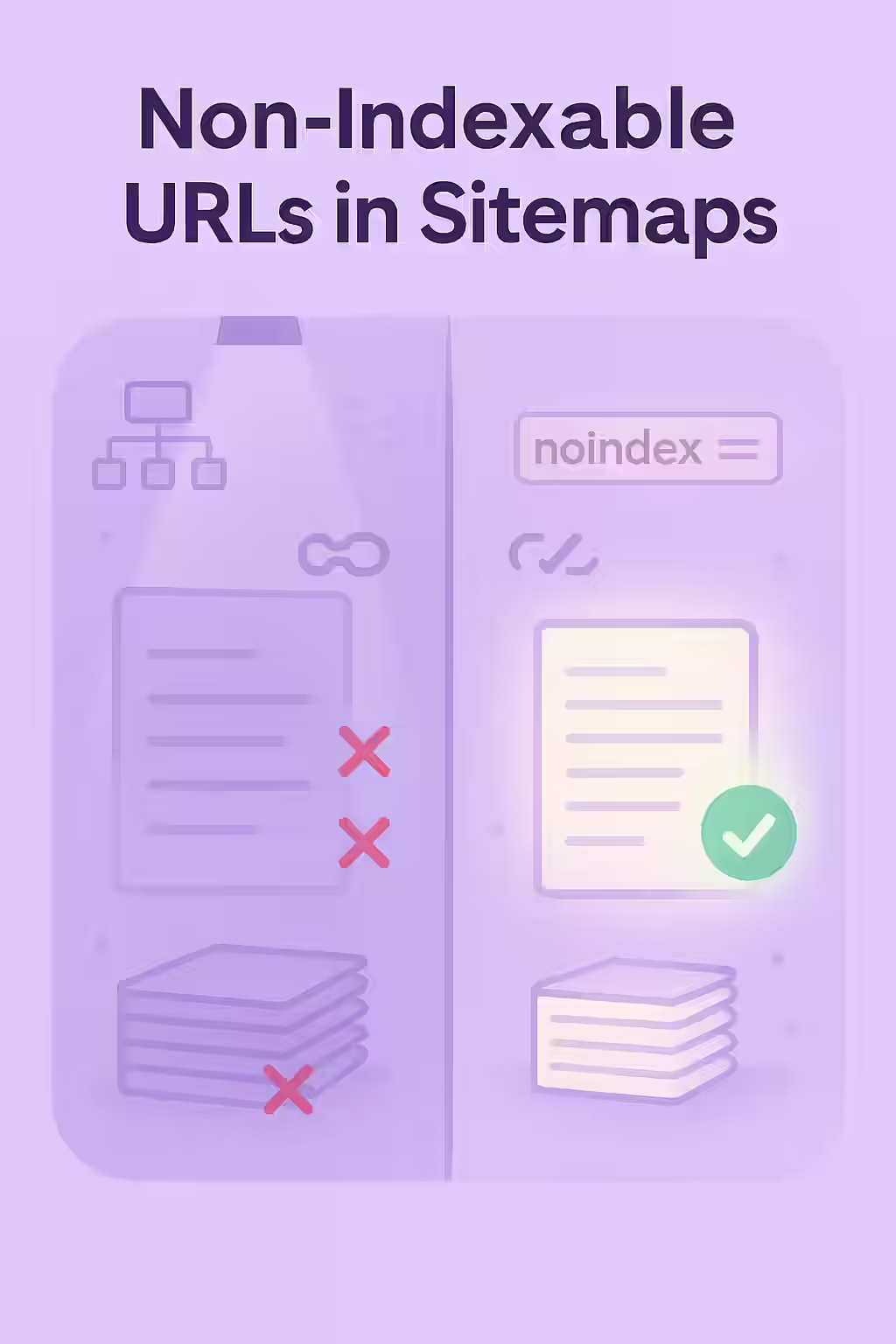
Why Your Sitemap Must Be Clean and Indexable
A sitemap should be a pristine list of your canonical, 200 OK pages. As Google’s documentation on sitemaps makes clear, you should not include non-indexable URLs.
- It Wastes Crawl Budget: Every non-indexable URL in your sitemap is a wasted crawl for search engines. This is budget that could have been spent discovering and indexing your valuable content.
- It Sends Conflicting Signals: It creates confusion and signals to search engines that your site may be poorly maintained, which can lead them to distrust your sitemap in the future.
- It Hides Deeper Issues: Non-indexable URLs in your sitemap are often a symptom of a larger problem, such as an incorrect noindex implementation or a broken link generation process.
A Step-by-Step Guide to Cleaning Your Sitemap
The goal is to ensure that every URL in your XML sitemap is a live, indexable, and canonical page. For more on this, check out this guide to XML sitemaps from Moz.
- Crawl Your Sitemap: Use an SEO audit tool like Creeper to crawl the URLs listed in your XML sitemap.
- Check the Indexability of Each URL: The crawler will visit each URL from the sitemap and check its indexability status (i.e., for `noindex` tags, robots.txt blocks, and non-200 status codes).
- Identify Non-Indexable URLs: The audit will produce a list of all URLs in your sitemap that are non-indexable.
- Remove the URLs from Your Sitemap: The fix is to remove these non-indexable URLs from your sitemap file. This should ideally be done at the source, by configuring your CMS or sitemap generation tool to exclude these pages automatically.
The SEO Power of a Well-Structured Website
A well-structured website with a clean and accurate sitemap is easier for search engines to crawl and understand. By removing non-indexable URLs, you can improve your crawl efficiency, build trust with search engines, and ensure that your most important content is discovered and indexed. This is a key part of a successful on-page SEO strategy.
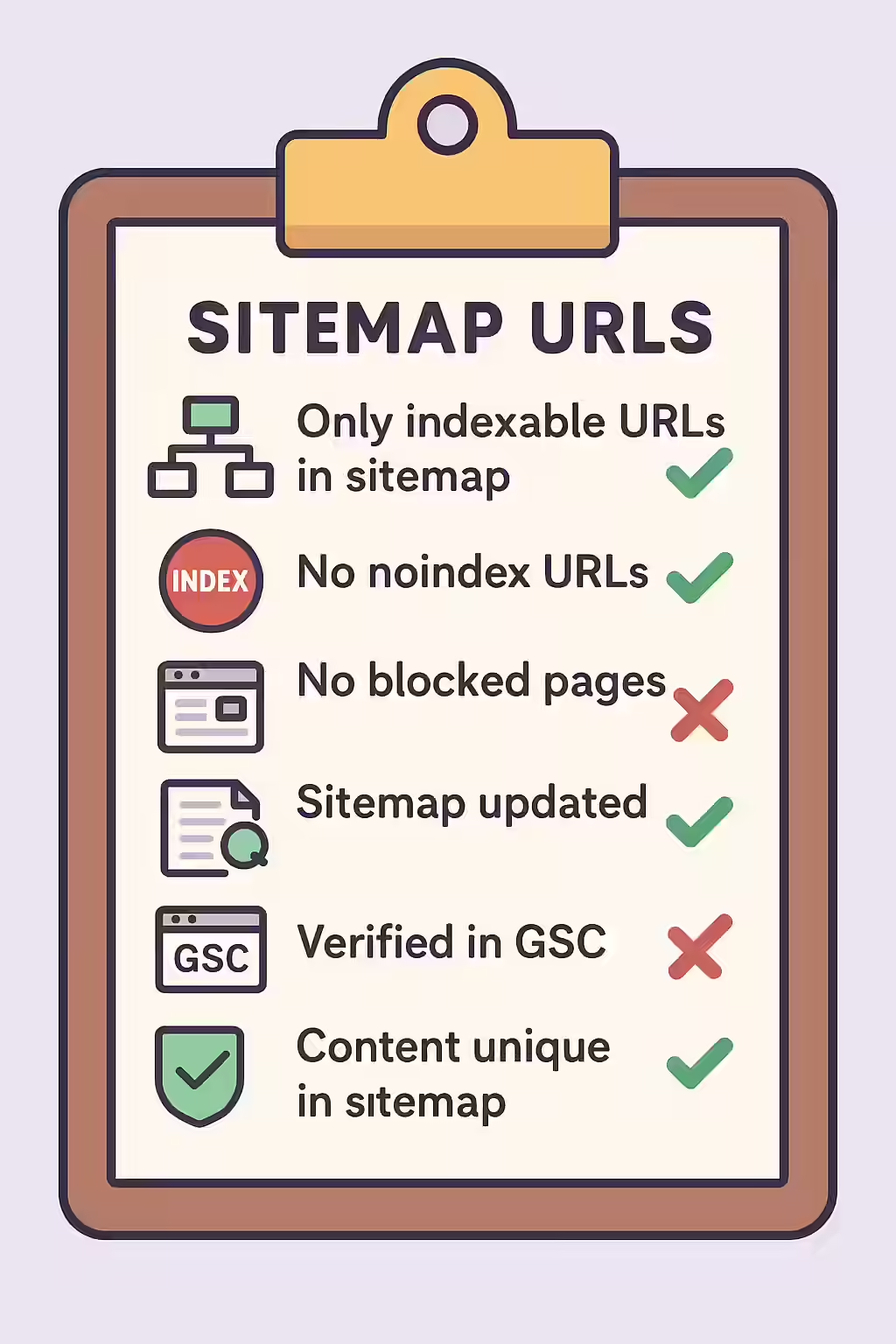
Frequently Asked Questions
What makes a URL ‘non-indexable’?
A URL is considered non-indexable if it has a `noindex` tag, is blocked by robots.txt, has a canonical tag pointing to a different URL, or returns a non-200 HTTP status code (like a 404 or a redirect). None of these should be in your sitemap.
Will Google penalize me for having non-indexable URLs in my sitemap?
Google will not issue a direct ‘penalty,’ but it will flag the issue as an error in Google Search Console. A sitemap with many errors is a signal of a poorly maintained site, and Google may begin to distrust it as a reliable source for discovering your content.
How can I automatically keep my sitemap clean?
Most modern CMS platforms and SEO plugins have options to automatically generate your sitemap. Ensure that these tools are configured to only include indexable, canonical, 200 OK pages. Regularly auditing your sitemap with a crawler is still a best practice to catch any errors.
Is your sitemap leading search engines down dead ends? Start your Creeper audit today to find and fix these critical issues.