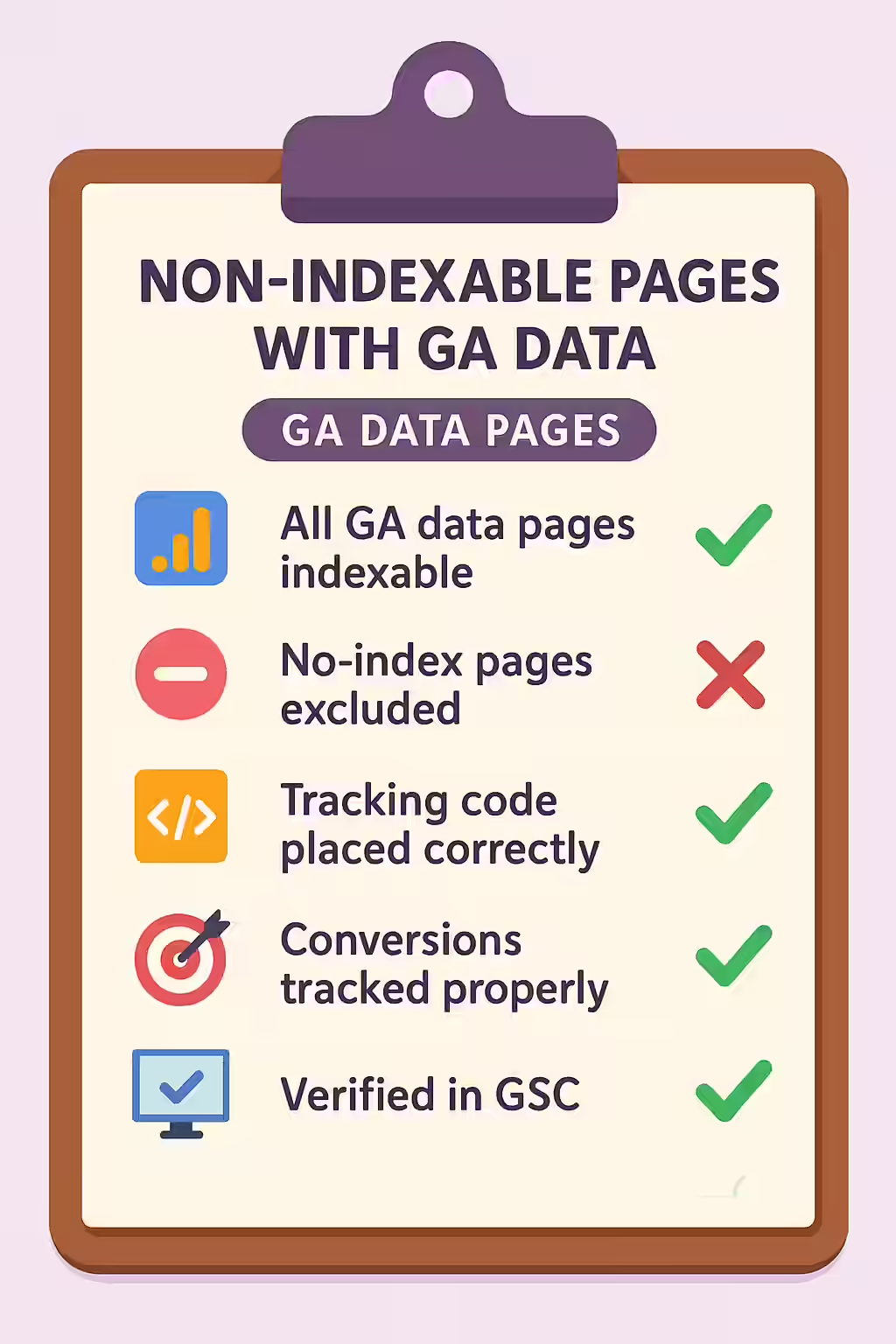
In a well-structured website, there should be a clear distinction: some pages are meant for search engines, and some are not. A confusing situation arises when you have non-indexable pages that are still receiving traffic according to your Google Analytics (GA) data. This is a red flag that indicates a disconnect between your SEO strategy and your marketing efforts, or a potential technical issue that is preventing a valuable page from being indexed.
Think of it as a private, unlisted event that somehow has a crowd of people showing up. How did they find out about it? Are they supposed to be there? This scenario suggests that you are actively sending traffic (e.g., from email or social media campaigns) to a page that you have explicitly told search engines to ignore. For a broader look at analytics, see our main guide on the analytics category.

Why This is a Problem for SEO and Marketing
Discovering traffic to non-indexable pages is a critical diagnostic issue. For a deep dive into this topic, this guide from Sitechecker on non-indexable pages is an excellent resource.
- Wasted Ad Spend or Effort: You may be spending money on paid ads or social media campaigns that are driving users to a page that has no long-term organic value.
- Missed SEO Opportunity: Alternatively, this could be a valuable page that is accidentally being blocked from search engines by an incorrect `noindex` tag or `robots.txt` rule.
A Step-by-Step Guide to Diagnosing the Issue
The goal is to align your marketing efforts with your SEO strategy. For more on this, check out this guide to Google Analytics for SEO from Ahrefs.
- Identify the Pages: Use an SEO audit tool like Creeper that integrates with your Google Analytics account to find all non-indexable pages that have received traffic within a given date range.
- Analyze the Traffic Source: In Google Analytics, investigate the source of the traffic to these pages. Is it from a paid campaign, a social media link, or direct traffic?
- Determine the Page’s Purpose: For each page, decide if it *should* be indexable. If it’s a valuable content page, remove the `noindex` tag or other blocking directive. If it’s a low-value page (like a thank-you page), update your marketing campaigns to point to a more appropriate, indexable landing page.
The SEO Power of a Well-Tracked Website
A well-tracked website is a more successful website. By fixing any non-indexable pages with GA data that may be present, you can improve your user experience, reach a wider audience, and even improve your SEO. For more on the importance of a well-structured website, check out this guide to Google Analytics from Google.
Frequently Asked Questions
How can a non-indexable page even get traffic?
A non-indexable page can get traffic from any source other than organic search, such as direct traffic, email marketing campaigns, social media links, or paid ad campaigns. This is why it’s crucial to ensure you are not actively driving traffic to pages you have intentionally excluded from the search index.
What is the difference between this and ‘Non-Indexable with Search Analytics Data’?
This issue refers to data from Google Analytics, which tracks all traffic sources. Non-Indexable with Search Analytics Data is a more specific and often more confusing issue, as it refers to data from Google Search Console, which *only* tracks organic search traffic.
How can I find these pages on my site?
The most effective way is to use a tool like Creeper that integrates with your Google Analytics account. It will crawl your site to determine the indexability of every page and then cross-reference that with your GA data to flag any non-indexable pages that are still receiving traffic.
Ready to find your ghosts in the machine? Start your Creeper audit today and see how you can improve your website’s analytics.