Finding a page in your Google Search Console (GSC) data that is currently non-indexable is a critical red flag for your SEO. It means a page that was once visible in the search results—receiving impressions and clicks—is now blocked, redirected, or otherwise hidden from Google. This is a “ghost page” that haunts your analytics, representing lost traffic and a potential technical issue that needs immediate attention.
Think of it as a store that used to be on a busy street and was getting customers, but one day you find it’s been boarded up. The historical sales data tells you it was valuable, but it can’t attract new customers in its current state. This guide will help you find these ghost pages and restore their value. For a broader look at analytics, see our main guide on the analytics category.

Why This Conflict is a Critical SEO Issue
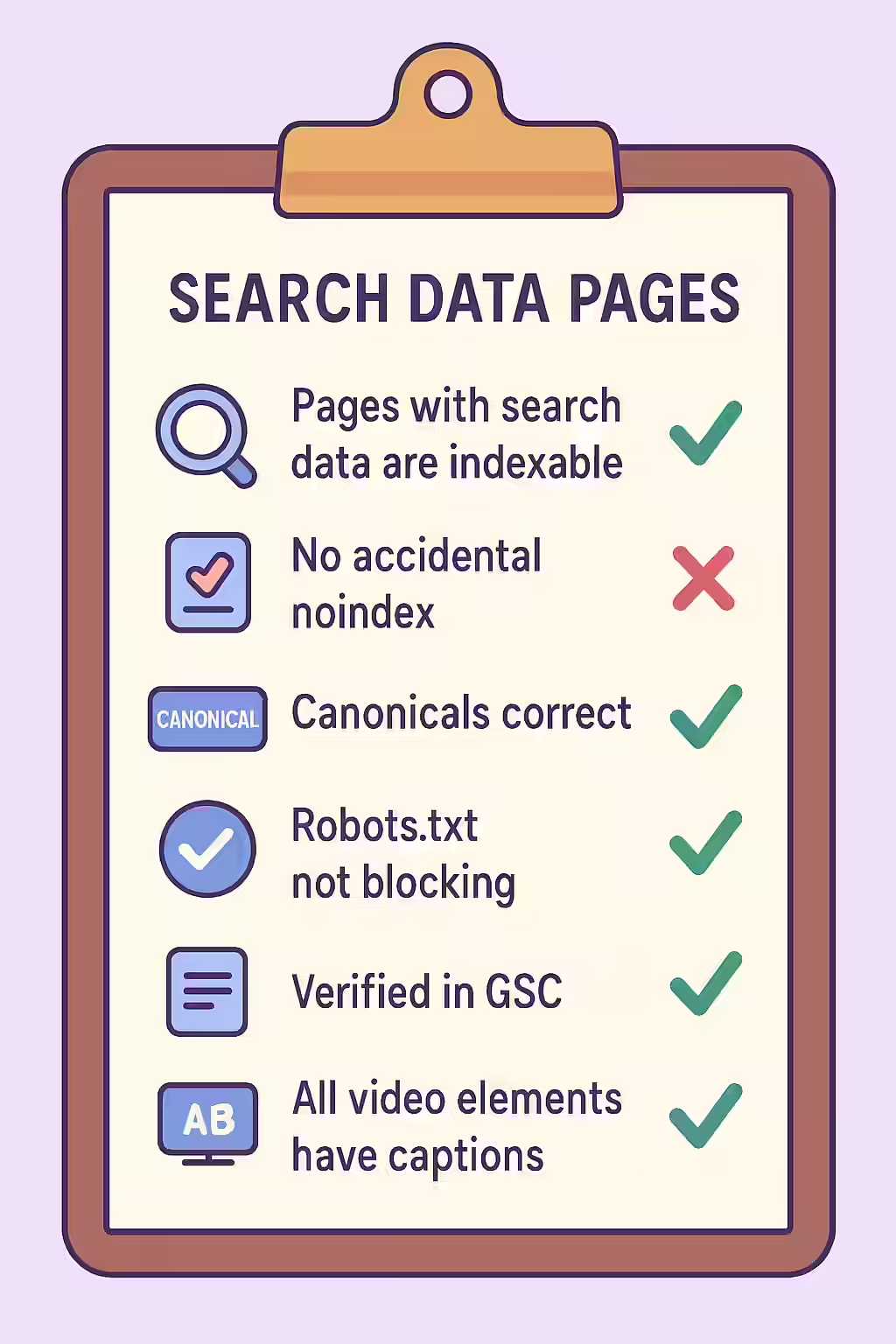
This scenario almost always indicates that a previously valuable, indexable page has been made non-indexable, either intentionally or by accident. For a deep dive into indexability, see our guide on non-indexability status.
- It Signals Lost Organic Traffic: The GSC data is proof that the page was driving organic traffic. By making it non-indexable, you have cut off that traffic source.
- It Indicates a Recent, Potentially Harmful Change: This issue often arises after a site migration, redesign, or update where a `noindex` tag was accidentally applied or a redirect was implemented incorrectly.
- It Wastes Link Equity: Any external or internal links pointing to this URL are now hitting a non-indexable page, effectively wasting that authority.
A Step-by-Step Guide to Exorcising Your Ghost Pages
The goal is to investigate why a once-performing page is no longer indexable and decide on the correct course of action. For more on this, check out this guide to the Index Coverage report from Google.
- Identify the Ghost Pages: Use an SEO audit tool like Creeper that integrates with Google Search Console. It will cross-reference your crawl data with your GSC data and flag any URLs that are non-indexable but have recent impressions or clicks.
- Determine the Cause of Non-Indexability: Use your crawler or the URL Inspection tool in Google Search Console to find out *why* the page is non-indexable (e.g., `noindex` tag, canonicalized elsewhere, 404 error).
- Analyze the Historical Performance: In GSC, filter for the specific URL and look at its performance over the last 12-16 months. Was it a high-traffic page? What queries did it rank for?
- Make a Strategic Decision:
- If the page was valuable and should be in search results, remove the `noindex` tag or other block to make it indexable again.
- If the page was intentionally removed, ensure it has a proper 301 redirect to the most relevant live page to preserve its link equity.
The SEO Power of a Well-Tracked Website
A well-tracked website allows you to monitor the health and performance of your content over time. By finding and fixing your ghost pages, you can reclaim lost traffic, preserve your link equity, and ensure your site’s architecture is sound. This is a key part of a successful on-page SEO strategy.
Frequently Asked Questions
How can a non-indexable page have impressions and clicks in GSC?
This usually happens because the page *was* indexable in the past and has only recently become non-indexable. Google Search Console data has a delay, so you are likely seeing performance data from the period before the page was blocked, noindexed, or canonicalized elsewhere.
Could this be a sign that Google is ignoring my ‘noindex’ tag?
While rare, it’s possible. If a page has a very high number of authoritative backlinks, Google might override a `noindex` tag and keep it in the index. However, the more likely scenario is a time lag in the data or a misconfiguration. Always trust the URL Inspection tool for the current live status.
How can I find all the non-indexable pages on my site that have GSC data?
The most effective way is to use a tool like Creeper that integrates with your Google Search Console account. It will crawl your site to determine the indexability of every page and then cross-reference that data with your GSC performance data, immediately flagging any pages that are non-indexable but have recent impressions or clicks.
Ready to find your ghost pages? Start your Creeper audit today and align your traffic with your indexability strategy.