In the world of SEO, it’s the little things that make a big difference. And when it comes to your website, one of the most important little things is to fix any non-sequential heading tags that may be present. Non-sequential heading tags are when you have heading tags that are not in a logical order. This is a major SEO issue, as it can confuse search engines and prevent them from indexing your pages correctly. This guide will explore the importance of fixing non-sequential heading tags and how to do it.
Think of your website as a library. You want to make sure that all the books are in a logical order. The same is true for your website. By fixing any non-sequential heading tags that may be present, you can create a more successful and user-friendly experience for everyone. For a deeper dive into the world of SEO, see our article on on-page SEO.
Why Non-Sequential Headings Are a Problem
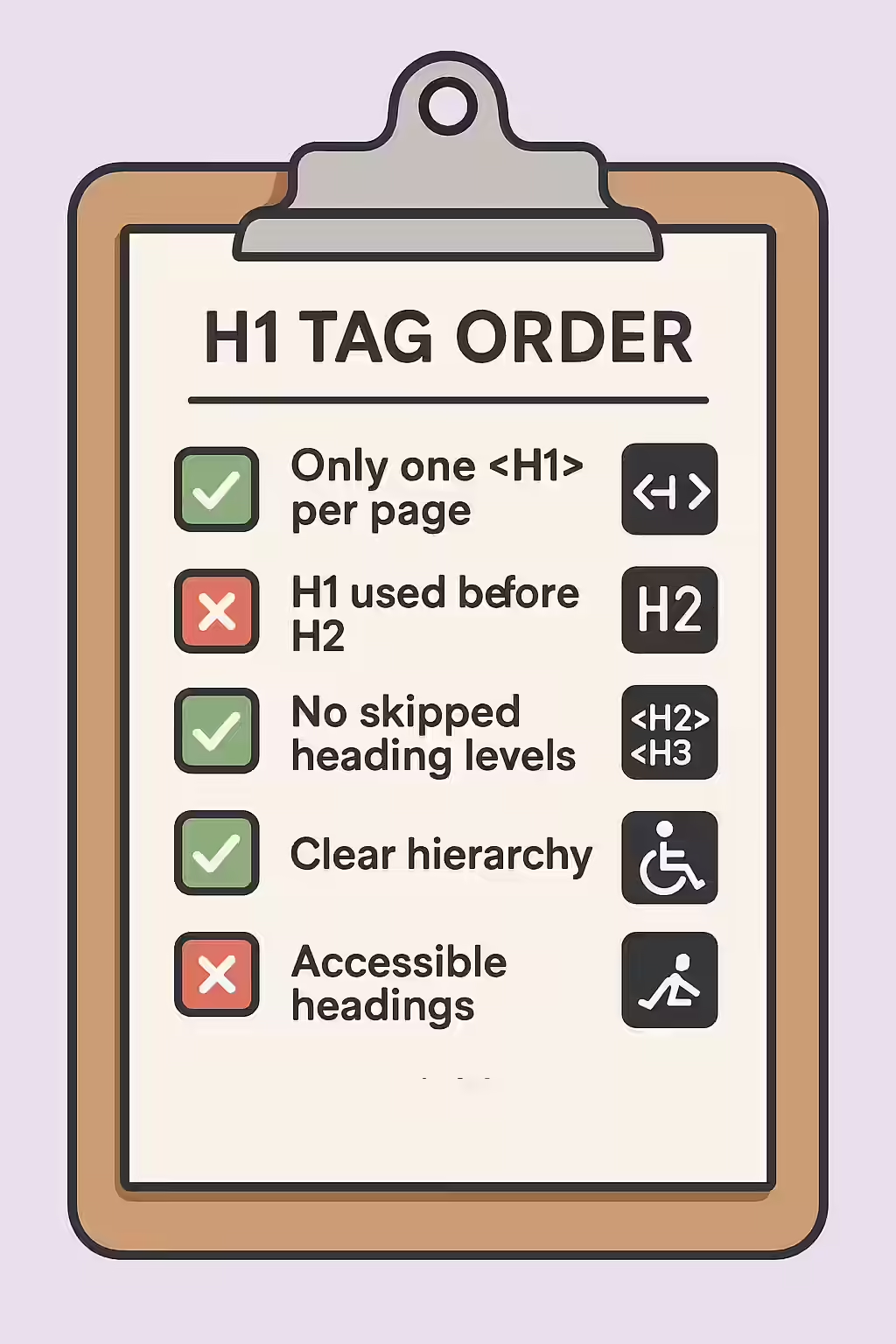
Skipping heading levels (e.g., going from an H1 to an H3) disrupts the logical flow of your content. This creates significant problems for both accessibility and SEO:
- Accessibility: Screen readers rely on a proper heading structure to navigate the page. When the hierarchy is broken, it’s like a table of contents with missing chapters, making it difficult for visually impaired users to understand the page’s layout and find information.
- SEO: Search engines use headings to understand the structure and topics of your content. An illogical order can confuse crawlers, potentially leading to misinterpretation of your content’s importance and hierarchy.
Your Guide to a More Successful and User-Friendly Website
Fixing non-sequential heading tags is a simple but important task. Here’s how to do it:
- Identify Your Non-Sequential Heading Tags: Use an SEO audit tool like Creeper to crawl your site and identify any pages with non-sequential heading tags.
- Fix Your Non-Sequential Heading Tags: Once you’ve identified the pages, you can take steps to fix them. This may involve reordering the heading tags, or it may involve changing some of the heading tags to a different level (e.g., changing an H3 to an H2).
Code Example:
Incorrect Structure:
<h1>Main Title</h1> <h3>A Sub-Topic</h3> <p>Content...</p>Correct Structure:
<h1>Main Title</h1> <h2>A Sub-Topic</h2> <p>Content...</p>The SEO Power of a Well-Structured Website
A well-structured website is a more successful website. By fixing any non-sequential heading tags that may be present, you can improve your user experience, reach a wider audience, and even improve your SEO. For more on the importance of a well-structured website, check out this guide to heading elements from the Mozilla Developer Network.
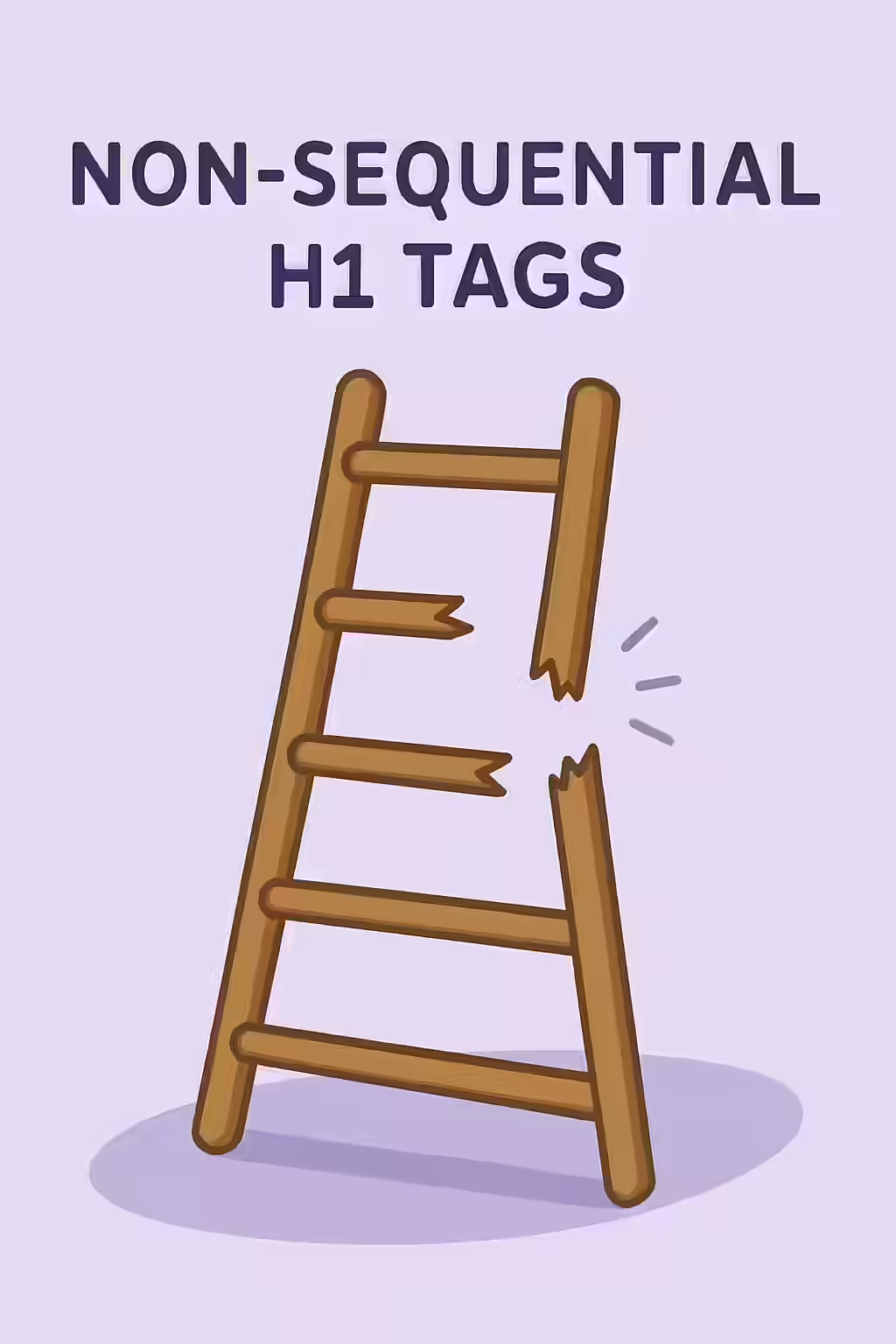
Don’t let your pages be a broken ladder. By taking the time to fix any non-sequential heading tags that may be present, you can build a more successful and user-friendly online presence. For more on how to create a winning on-page strategy, see our article on on-page SEO.
Frequently Asked Questions
What are non-sequential heading tags?
Non-sequential heading tags are when you have heading tags that are not in a logical order. This is a major SEO issue, as it can confuse search engines and prevent them from indexing your pages correctly.
Why are non-sequential heading tags important?
Non-sequential heading tags are important because they can confuse search engines and prevent them from indexing your pages correctly. They can also be a frustrating experience for users, as they may not be able to find the pages they’re looking for.
How do I fix non-sequential heading tags?
There are a variety of different things that you can do to fix non-sequential heading tags. You should start by using an SEO audit tool like Creeper to identify any pages with non-sequential heading tags. Once you’ve identified the pages, you can take steps to fix them.
Ready to fix your broken ladder? Start your Creeper audit today and see how you can improve your website’s heading tags.