The `none` directive is a powerful instruction for search engines that serves as a shorthand for `noindex, nofollow`. When a page has a meta robots tag or an X-Robots-Tag with the `none` directive, you are telling search engines to do two things: do not include this page in the search results, and do not follow any of the links on this page. While this is a useful tool for certain types of content, an accidental `none` directive on a valuable page can be devastating for your SEO.
Think of your website as a city, and your links as the roads. The `none` directive is like putting up a “Road Closed” sign at the entrance to a district and also telling the mapmakers to remove the district from the map entirely. This is useful for private or under-construction areas, but if you put it at the entrance to your main business district, you’ve cut it off completely. For a broader look at directives, see our main guide on the directives category.
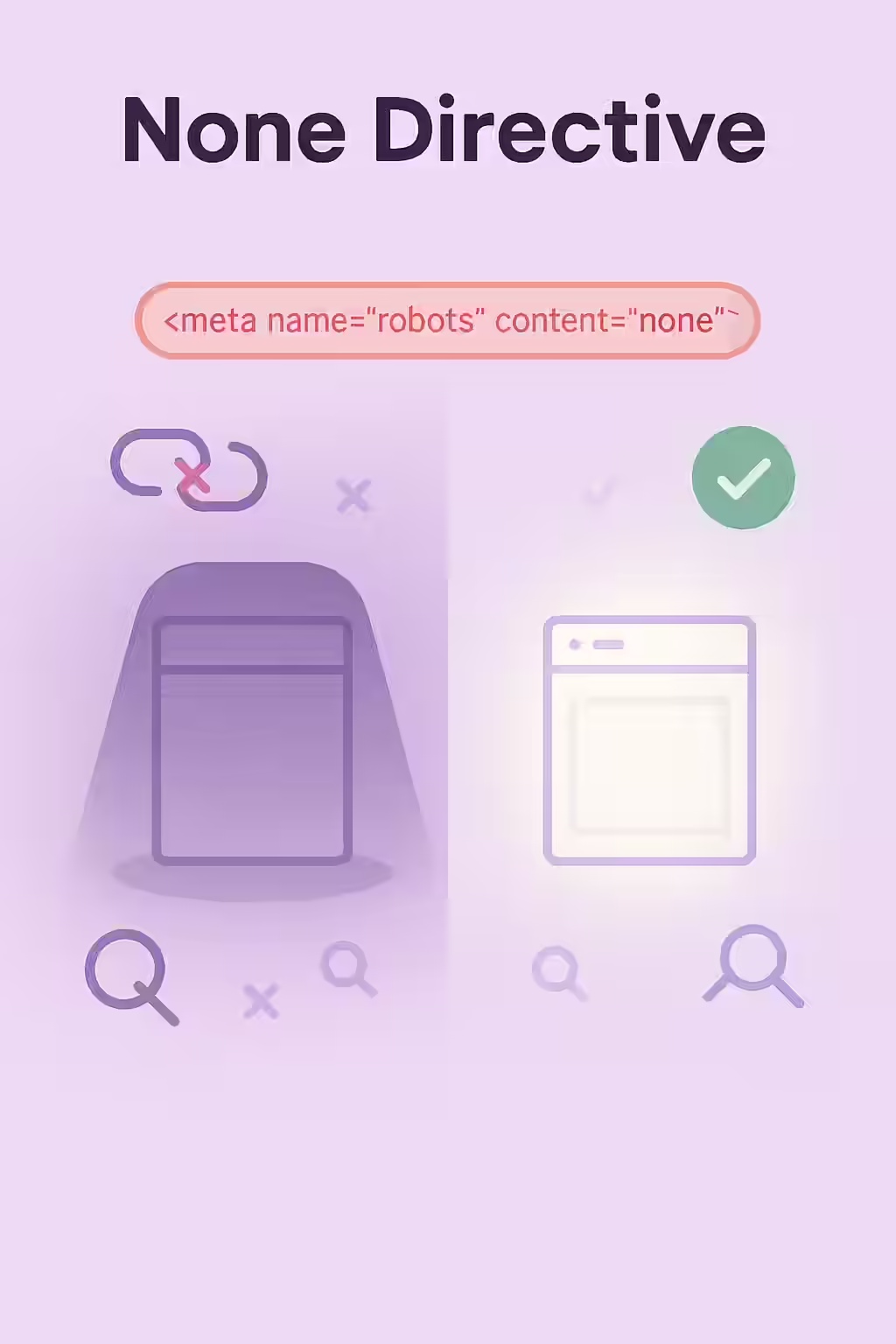
Implementation Methods: Meta Tag vs. X-Robots-Tag
There are two ways to implement the `none` directive, each with its own use case. As explained in Google’s documentation on meta tags, the choice depends on the scope and type of content you want to affect.
- Meta Tag: Placed in the `<head>` section of an HTML page, this method is straightforward for individual pages.
<meta name="robots" content="none" /> <!-- This is equivalent to: --> <meta name="robots" content="noindex, nofollow" /> - X-Robots-Tag: Sent as part of the HTTP header, this method is more flexible. It can be used to apply the directive across an entire site or to non-HTML files like PDFs.
HTTP/1.1 200 OK X-Robots-Tag: none
When Should You Actually Use the ‘none’ Directive?
While you should never use `none` on your important content, there are several legitimate use cases:
- Administrative Pages: Internal login pages, user account areas, and other pages that are not intended for public consumption.
- Thank You Pages: Pages that users see after submitting a form or completing a purchase.
- Internal Search Results: To prevent your own low-value search result pages from being indexed.
For more on this, check out this guide to robots meta tags from Moz.
The SEO Power of a Well-Structured Website
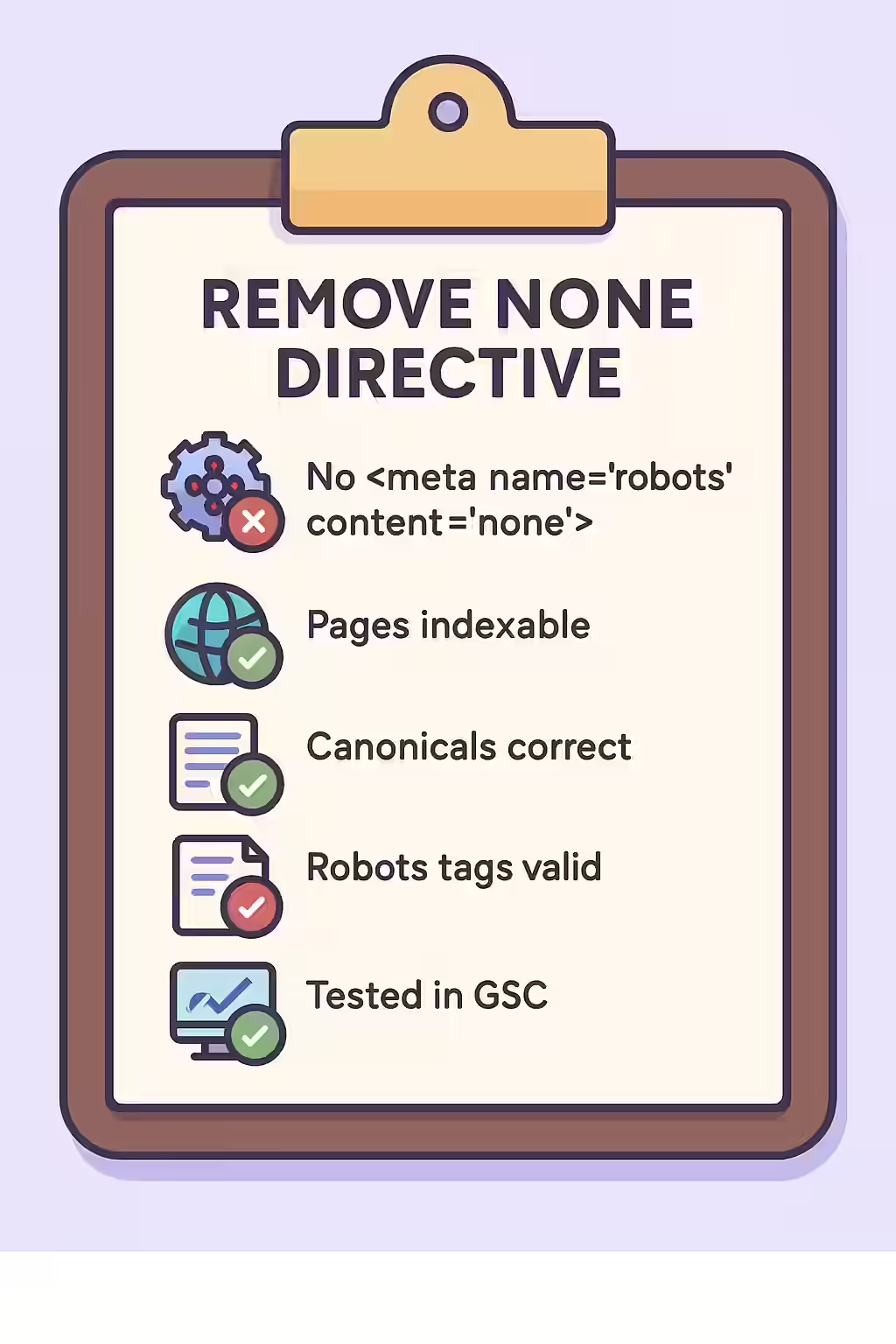
A well-structured website uses directives like `none` strategically to guide search engines to its most valuable content. By auditing your site to ensure you haven’t accidentally applied this tag to important pages, you can reclaim lost traffic and ensure your best content is visible in search results. This is a key part of a successful on-page SEO strategy.
Frequently Asked Questions
Is `<meta name=”robots” content=”none”>` the same as `<meta name=”robots” content=”noindex, nofollow”>`?
Yes, they are functionally identical. The `none` directive is simply a shorthand for the `noindex, nofollow` combination. Both will be interpreted by search engines in the same way.
Why would I ever use the ‘none’ directive?
The ‘none’ directive is useful for pages that you want to completely hide from search engines, such as internal login pages, admin areas, or ‘thank you’ pages after a form submission. It ensures that the page itself is not indexed and that no link equity is passed from it.
How can I find all the pages on my site with a ‘none’ directive?
The most effective way is to use a website crawler like Creeper. It will scan every page on your site and can be configured to specifically report on pages that contain the `none` directive (or its `noindex, nofollow` equivalent) in either a meta tag or an X-Robots-Tag.
Ready to make your pages visible? Start your Creeper audit today and ensure your directives are helping, not hurting, your SEO.