The `nosnippet` directive is a meta robots tag that gives you control over how your page is displayed in the search results. Specifically, it tells search engines not to show a text snippet, video preview, or any other rich snippet for your page. While the page can still be indexed and will appear in search results, it will only show the title and URL. Unless you have a specific strategic reason for using it, the `nosnippet` tag can severely harm your click-through rate (CTR) by removing the descriptive text that entices users to click.
Think of your search result as a movie poster. The title is the movie’s name, and the snippet is the exciting tagline and summary. The `nosnippet` tag is like releasing a poster with only the title, leaving potential viewers with no context or reason to be interested. For a broader look at directives, see our main guide on the directives category.

Implementation Methods: Meta Tag vs. X-Robots-Tag
There are two ways to implement the `nosnippet` directive, each with its own use case. As explained in Google’s documentation on meta tags, the choice depends on the scope and type of content you want to affect.
- Meta Tag: Placed in the “ section of an HTML page, this method is straightforward for individual pages.
<meta name="robots" content="nosnippet" /> - X-Robots-Tag: Sent as part of the HTTP header, this method is more flexible. It can be used to apply the directive across an entire site or to non-HTML files like PDFs.
HTTP/1.1 200 OK X-Robots-Tag: nosnippet
When Should You Actually Use ‘nosnippet’?
While generally discouraged for most content, there are a few legitimate scenarios where hiding your snippet is a valid strategy:
- Paywalled Content: If the answer to a user’s query is visible in the snippet, they may not click through to your paywalled article. `nosnippet` can be used to encourage clicks.
- Sensitive Information: To prevent sensitive or personal data from being displayed in a public search result.
- Forcing Clicks on Data-Heavy Pages: If your page is a tool or a database where the value is in the interaction, not the text, you might use `nosnippet` to force a click.
For more on this, check out this guide to robots meta tags from Moz.
The SEO Power of a Well-Structured Website
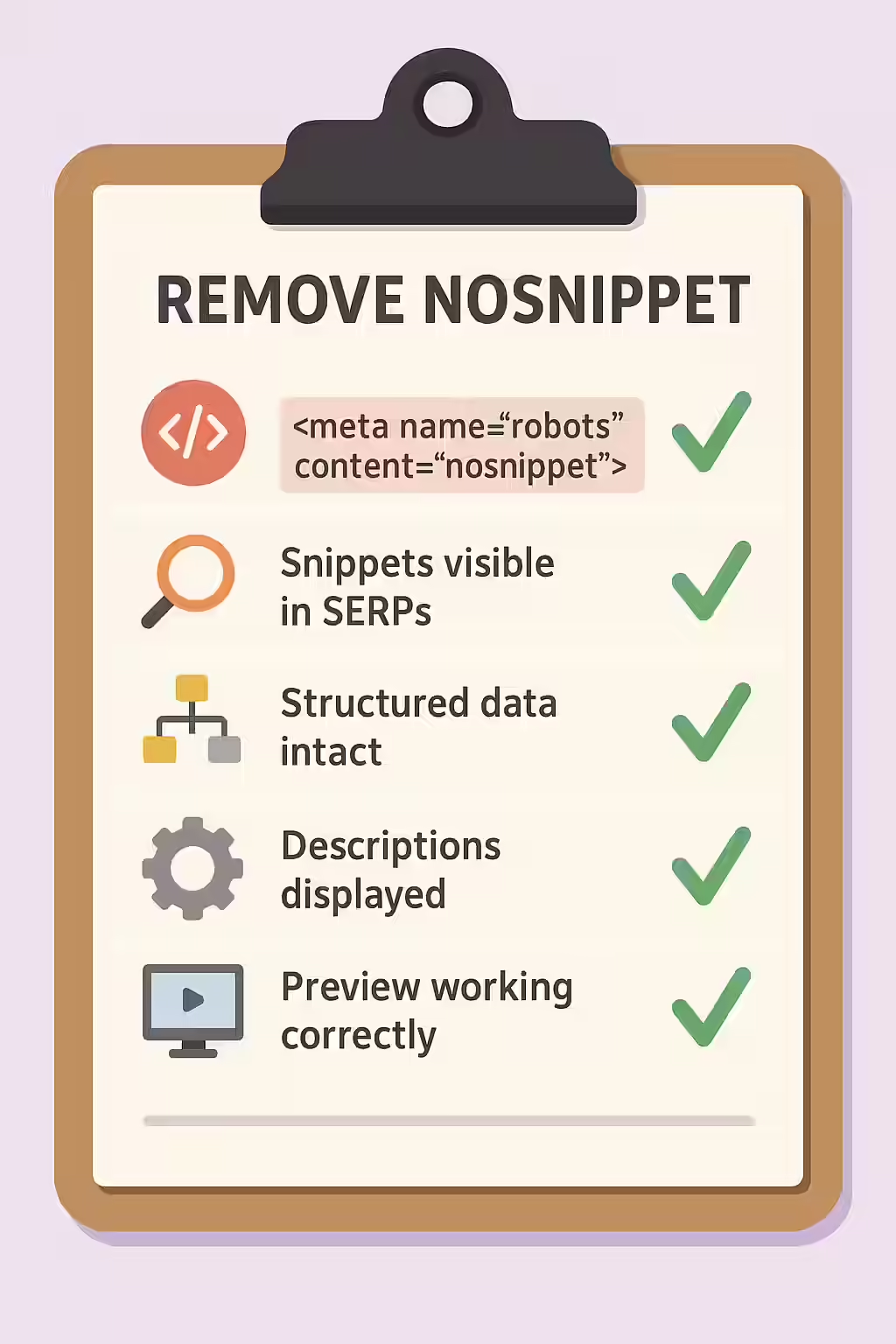
A well-structured website uses directives like `nosnippet` strategically and intentionally. By auditing your site to ensure you haven’t accidentally applied this tag to important pages, you can protect your click-through rate and ensure your search results are as compelling as possible. This is a key part of a successful on-page SEO strategy.
Frequently Asked Questions
Does ‘nosnippet’ also prevent my page from being indexed?
No, the `nosnippet` directive does not affect indexing. A page with this tag can still be fully indexed and ranked. It only prevents a text snippet, video preview, or other rich snippet from being shown in the search results. To prevent indexing, you must use the noindex directive.
Why would anyone ever use the ‘nosnippet’ tag?
A primary use case is for pages where the content is behind a paywall. Using `nosnippet` can encourage users to click through to the site to read the content, rather than getting the answer directly from the search results. It can also be used for pages with sensitive information that you don’t want displayed in a public snippet.
How can I find all the pages on my site with a ‘nosnippet’ tag?
The most effective way is to use a website crawler like Creeper. It will scan every page on your site and can be configured to specifically report on pages that contain the `nosnippet` directive in either a meta tag or an X-Robots-Tag.
Ready to make your snippets visible? Start your Creeper audit today and ensure your directives are helping, not hurting, your SEO.