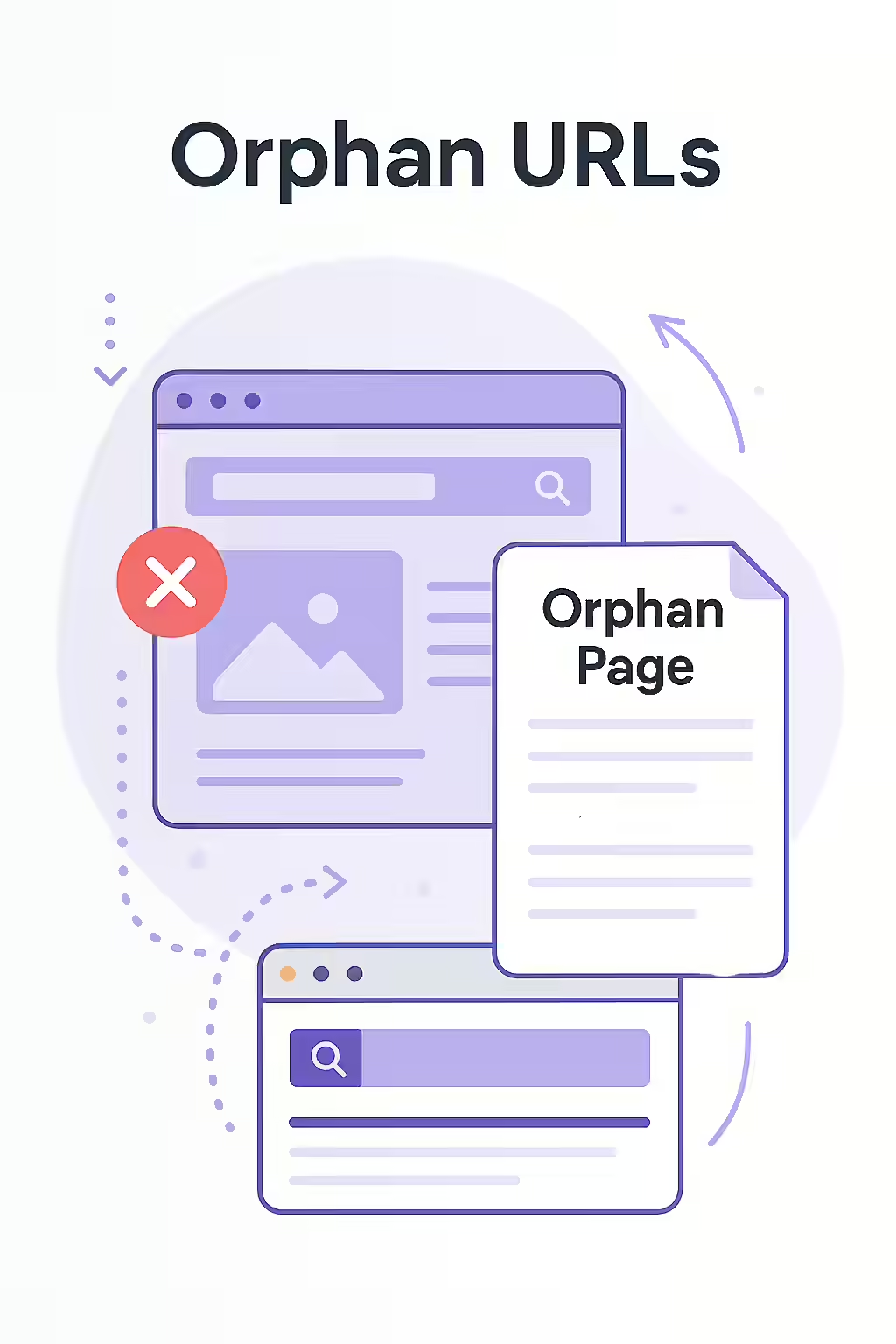
An orphan URL is a page on your website that has no incoming internal links from any other page on your site. Because search engines primarily discover content by following links, orphan pages are often invisible to them. Even if they are discovered through an XML sitemap or external backlinks, their lack of internal links prevents them from receiving any authority from your site, making it nearly impossible for them to rank for competitive keywords.
Think of your website as a city, and your internal links as the roads. An orphan page is a house that has no roads leading to it. No matter how great the house is, no one will ever find it because it’s completely disconnected from the rest of the city. For a broader look at your site’s architecture, see our main guide on link structure.
Why Orphan URLs Are a Critical SEO Issue
A well-connected website is a crawlable website. Orphan pages break this connectivity and have several negative SEO consequences. For a deep dive into this topic, this guide to orphan pages from Semrush is an excellent resource.
- They Are Difficult to Index: Without internal links, search engines have a very hard time discovering these pages. This means valuable content may never make it into the search results.
- They Have No Internal Authority: Orphan pages do not receive any PageRank or link equity from the rest of your site. This lack of internal support is a critical factor that prevents them from ranking well.
- They Waste Crawl Budget: If search engines do find orphan pages (e.g., through sitemaps), they may waste their limited crawl budget on these low-value, disconnected pages instead of on your important, well-linked content.
- They Provide a Poor User Experience: Users have no way to navigate to these pages from other parts of your site, meaning they can only be found through direct links, creating a disjointed journey.
A Step-by-Step Guide to Finding and Adopting Your Orphan Pages
Finding orphan pages requires a multi-source approach, as a standard website crawl will not find them. For Google’s perspective on this, their guide on making your links crawlable is a must-read.
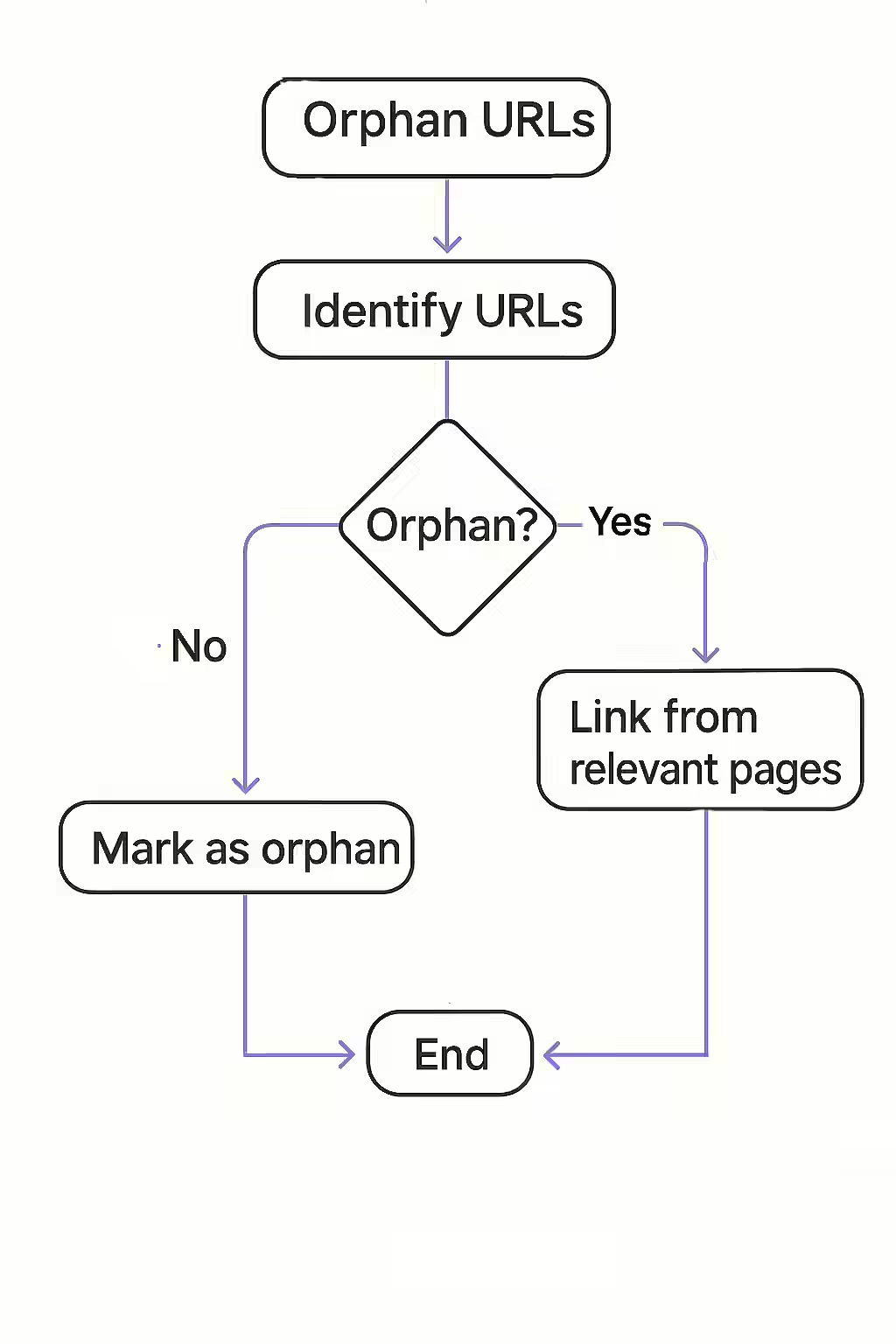
- Gather a Complete List of URLs: You need to combine several data sources to get a full list of your site’s URLs. This includes your XML sitemap, your server log files, and data from Google Analytics and Google Search Console.
- Crawl Your Site: Perform a full crawl of your website starting from the homepage. This will give you a list of all the URLs that are discoverable through your internal linking.
- Cross-Reference the Lists: Compare your complete list of URLs with the list of crawled URLs. Any URL that is on the complete list but not on the crawled list is an orphan page.
- Integrate or Remove: For each orphan page, you must make a strategic decision.
- If the page is valuable: Integrate it into your site’s link structure. Add links to it from relevant category pages, include it in your main navigation if appropriate, or link to it from within the body content of related blog posts.
- If the page is outdated or unnecessary: Delete it and implement a 301 redirect to a relevant page to preserve any existing link equity from external sources.
Finding and fixing orphan pages is often the first step in a larger project. Once you’ve dealt with them, the next logical step is to perform a full content audit to assess the quality of all your pages.
Frequently Asked Questions
How can a page exist if it has no links?
Orphan pages are often created by accident. They can be old landing pages from past campaigns, pages that were removed from the main navigation but never deleted, or pages created by a CMS that were never properly integrated into the site structure.
Can Google find orphan pages without internal links?
Sometimes, yes. If an orphan page is listed in your XML sitemap or has backlinks from external websites, Google may still be able to find and index it. However, without internal links, the page will have very little authority and is unlikely to rank well.
What’s the difference between an orphan page and a dead-end page?
An orphan page has no incoming internal links, making it hard to find. A dead-end page has no outgoing internal links, which traps both users and link equity on the page, preventing them from exploring the rest of your site.
How can I find all the orphan URLs on my site?
Finding orphan URLs requires comparing a list of all your known URLs with a list of URLs found during a crawl. The most effective way is to use a tool like Creeper that can connect to your Google Analytics and Google Search Console accounts to get a complete list of URLs, and then cross-reference it with the crawl data to identify any pages that have no internal links.
Ready to find your lost pages? Start your Creeper audit today and ensure your entire site is interconnected.