While modern browsers are incredibly resilient at rendering broken code, a page that is full of HTML validation errors is a sign of a poorly maintained website. These errors, which can range from stray tags to obsolete attributes, can cause unpredictable rendering issues and make it more difficult for search engines to parse and understand your content. While not a direct, major ranking factor, clean, valid code is a fundamental aspect of technical SEO and a signal of a high-quality site.
Think of your HTML code as the blueprint for a house. If the blueprint has errors, the builders (browsers) will do their best to construct the house, but you might end up with a crooked wall or a door that doesn’t open properly. For a broader look at code quality, see our guide on the validation category.

Why Clean Code Matters for SEO
A well-structured, valid HTML document is easier for search engines to crawl and interpret. For a deep dive into the technical requirements of HTML, the MDN Web Docs are an excellent resource.
- Improved Crawlability: Clean code is easier for search engine bots to parse, which can lead to more efficient crawling.
- Better Rendering: Severe validation errors can prevent a page from rendering correctly, which can impact how Google’s renderer sees your content.
- Future-Proofing: Writing to the standard ensures that your site will continue to work correctly as browsers and search engines evolve.
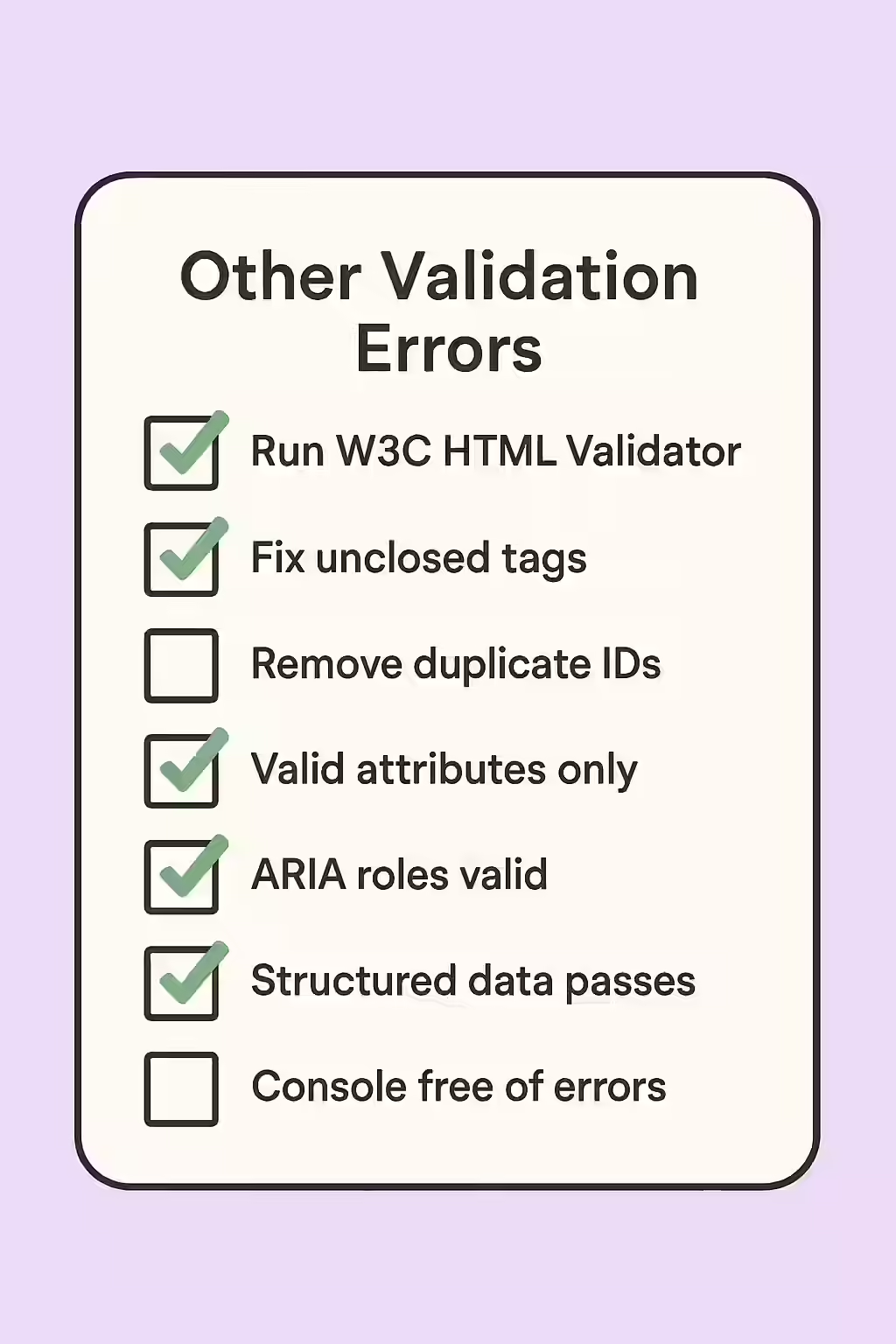
A Step-by-Step Guide to Fixing Validation Errors
The goal is to produce a clean, valid HTML document for every page on your site. For a definitive check, you can use the W3C Markup Validation Service.
- Crawl Your Site for Validation Errors: Use an SEO audit tool like Creeper that includes HTML validation to crawl your site and identify any pages with errors.
- Prioritize Critical Errors: Focus on fixing the most severe errors first, such as unclosed tags or incorrectly nested elements, as these are the most likely to cause rendering issues.
- Fix the Errors in Your Templates: Most validation errors originate in your site’s templates. Work with your developer to correct the code at the source to prevent the errors from recurring.
- Re-validate Your Pages: After deploying the fixes, use the W3C validator or recrawl the pages to confirm that the errors have been resolved.
The SEO Power of a Well-Maintained Website
A well-maintained website with clean, valid code is a more successful website. By fixing validation errors, you can improve your user experience, prevent rendering issues, and signal to search engines that your site is a high-quality resource. This is a key part of a successful on-page SEO strategy.
Frequently Asked Questions
Will my site be penalized for having HTML validation errors?
Google does not issue a direct ‘penalty’ for HTML validation errors. However, severe errors can prevent Google from correctly rendering and understanding your page, which can indirectly harm your ability to rank. Clean code is a signal of a high-quality, well-maintained website.
What is the most common type of validation error?
Some of the most common validation errors include stray or unclosed tags (like a `</div>` without a matching opening tag), incorrectly nested elements, and the use of obsolete attributes. These are often caused by copy-pasting content or by conflicts between different plugins.
How can I check my site for validation errors?
You can use the free W3C Markup Validation Service to check a single page. For a comprehensive, site-wide audit, it’s more efficient to use a website crawler like Creeper that has HTML validation built in.
Is your code clean? Start your Creeper audit today to find and fix all your HTML validation errors.