In the age of mobile-first indexing, a website that is not mobile-friendly is at a severe disadvantage. Google now primarily uses the mobile version of your site to determine its rankings, which means that a poor mobile experience can directly harm your visibility in search results. A non-mobile-friendly page is one that is difficult to use on a mobile device, requiring users to pinch-to-zoom, scroll horizontally, or struggle to tap small buttons. This is a critical user experience and SEO issue that needs to be addressed.
Think of your website as a physical store. If the aisles are too narrow for most of your customers to walk through, they will simply leave and go to a competitor. A non-mobile-friendly site is the digital equivalent of this, creating a frustrating experience that drives users away. For a broader look at mobile SEO, see our main guide on the mobile usability category.

Why Mobile-Friendliness is Non-Negotiable for SEO
A mobile-friendly website is a more successful website. As detailed in this guide to mobile-first indexing from Google, a positive mobile experience is essential.
- It’s a Direct Ranking Factor: Mobile-friendliness is a direct signal used by Google’s ranking algorithms.
- It Improves User Experience: A site that is easy to use on mobile will have lower bounce rates and higher engagement, which are also important ranking signals.
- It Reaches a Wider Audience: The majority of web traffic now comes from mobile devices. A non-mobile-friendly site alienates the largest segment of your potential audience.
A Step-by-Step Guide to a Mobile-Friendly Website
The goal is to ensure that your website provides a seamless experience on all devices. For more on this, check out this guide to responsive design from web.dev.
- Test Your Site: Use Google’s Mobile-Friendly Test to get a pass/fail score for your pages and a list of specific issues.
- Implement a Responsive Design: This is the modern best practice. A responsive design uses a flexible grid and CSS media queries to adapt your layout to any screen size.
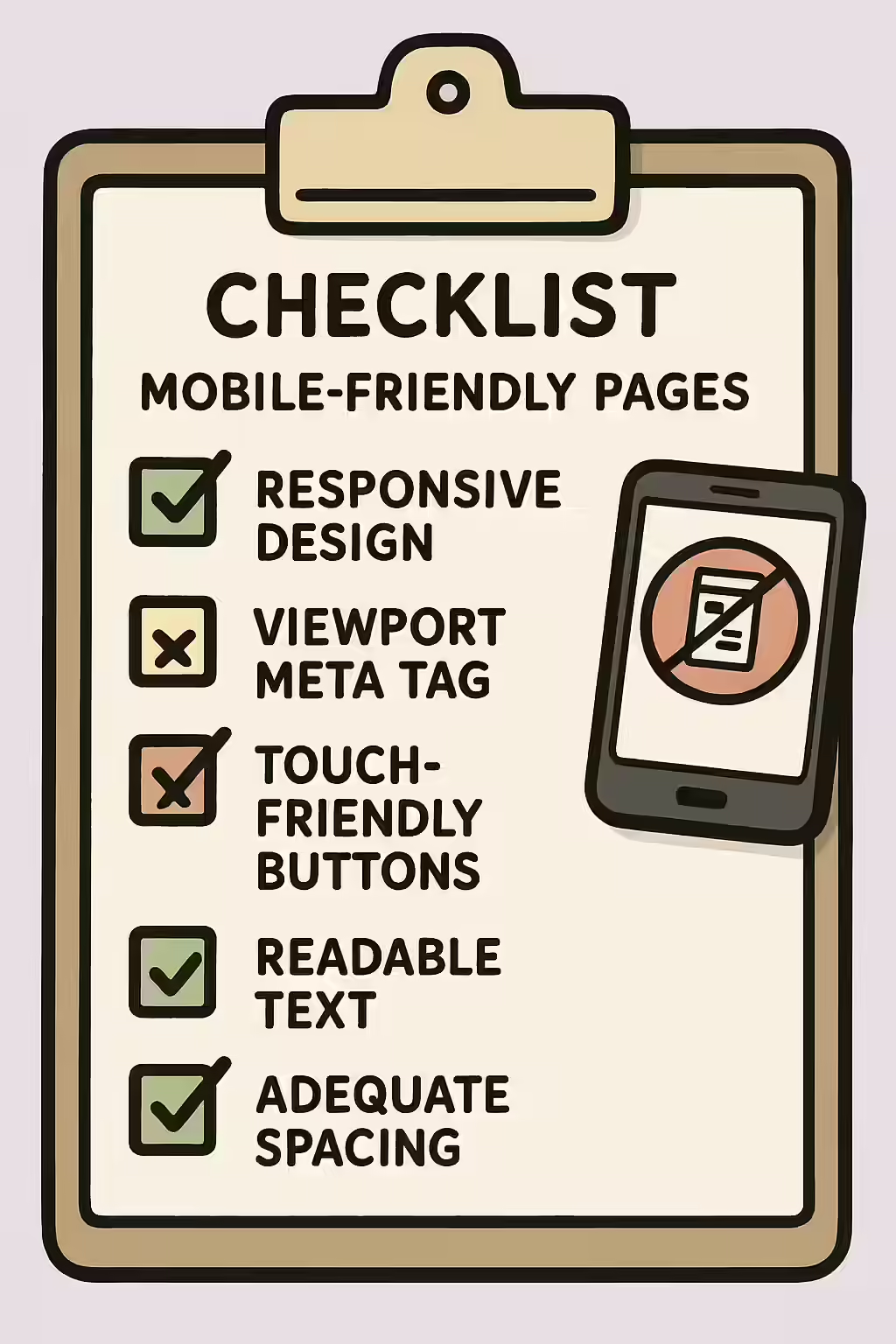
- Fix Common Usability Issues: Address the specific issues identified by the test, such as ensuring your text is legible, your clickable elements are large enough, and your content does not overflow the screen.
- Monitor the Mobile Usability Report: Regularly check the Mobile Usability report in Google Search Console to find and fix any new issues that arise.
The SEO Power of a Well-Structured Website
A well-structured, mobile-friendly website is a more successful website. By ensuring your pages are easy to use on all devices, you can improve your user experience, reach a wider audience, and improve your SEO. This is a key part of a successful on-page SEO strategy.
Frequently Asked Questions
What is mobile-first indexing?
Mobile-first indexing means that Google primarily uses the mobile version of your content for indexing and ranking. This is why having a mobile-friendly website is no longer optional—it’s a fundamental requirement for SEO success.
What are the most common mobile usability issues?
The most common issues reported by Google Search Console include a missing meta viewport tag, text that is too small to read, clickable elements that are too close together, and content that is wider than the screen.
How can I test if my pages are mobile-friendly?
The best tool is Google’s own Mobile-Friendly Test. You can enter any URL from your site, and it will give you a pass/fail result and a list of any specific mobile usability issues it found.
Is your site mobile-friendly? Start your Creeper audit today to find and fix all your mobile usability issues.