Your page title is the single most important on-page SEO element. It’s the headline of your digital billboard, the first impression you make on a potential visitor in the search results. A proper page title setup is not just a technical detail; it’s a fundamental practice that can dramatically impact your rankings, click-through rates, and overall SEO success.
Think of the `<title>` tag as the official name of your webpage. It tells both users and search engines what your page is about in the most concise way possible. Getting it right is a blend of art and science, requiring you to balance keyword relevance with user-friendly language. For a broader look at metadata, see our guide on page titles and metadata.
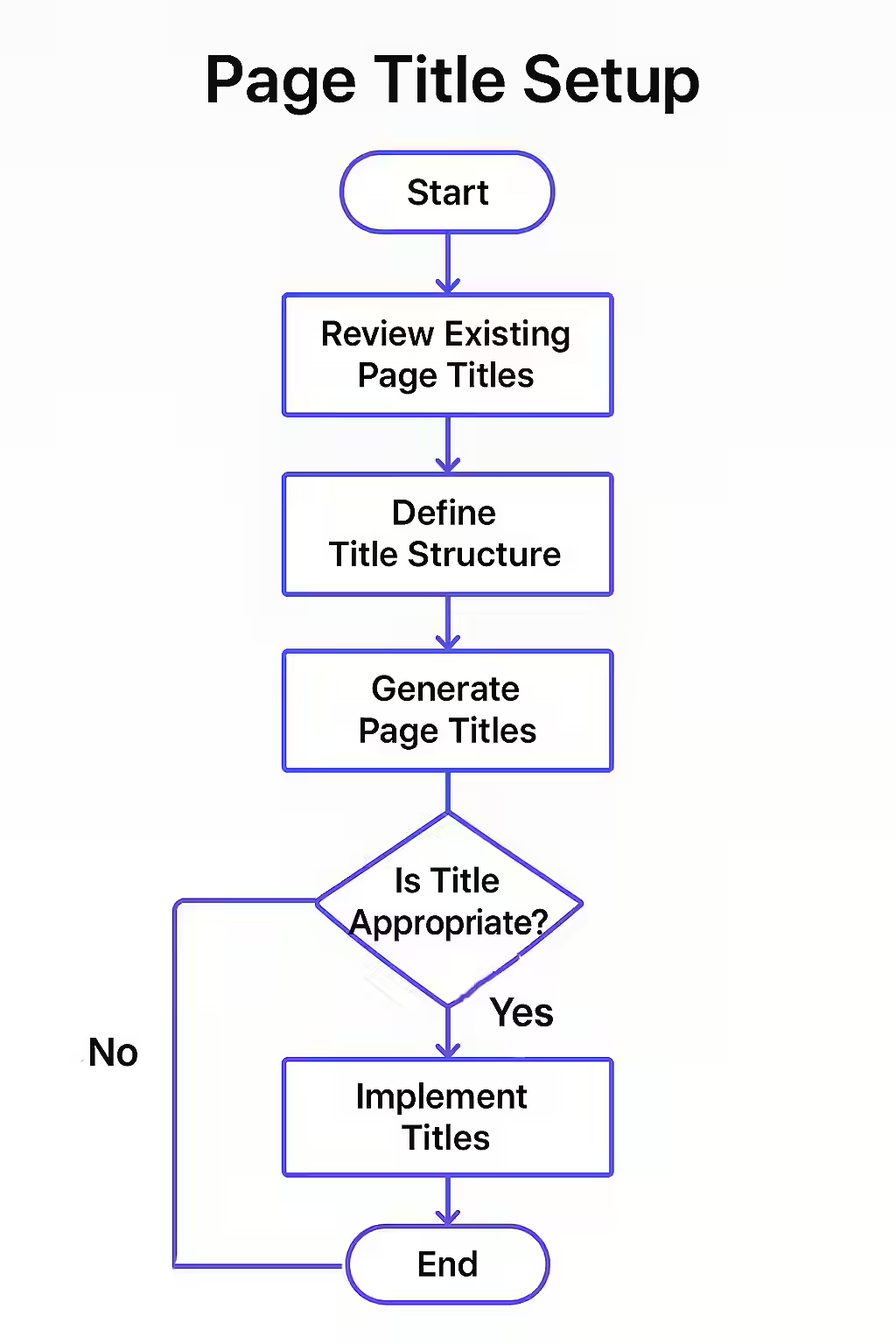
The Core Pillars of an Effective Page Title
A high-performing page title is built on a foundation of several key principles. Here’s what you need to focus on:
- Keyword Relevance: The title must include the primary keyword or phrase that the page is targeting. Placing it near the beginning of the title can give it more weight.
- Descriptive and Accurate: The title should accurately summarize the content of the page. Misleading titles can lead to a high bounce rate, which is a negative signal to search engines.
- Optimal Length: While there’s no penalty for long titles, they will be truncated in search results. Aim for a length of 50-60 characters to ensure your full title is visible.
- Uniqueness: Every page on your site should have a unique title. This helps search engines distinguish between your pages and avoids duplicate content issues.
A Blueprint for the Perfect Page Title
For a comprehensive guide on writing titles, this resource from Moz is an industry standard.
| Element | Best Practice |
|---|---|
| Primary Keyword | Place it as close to the beginning as possible. |
| Secondary Keywords | Include them if they fit naturally and don’t make the title clunky. |
| Brand Name | Include it at the end, separated by a pipe (|) or hyphen (-). |
| Call to Action (Optional) | Use words like “Guide,” “Checklist,” or “Shop Now” to encourage clicks. |
Auditing Your Page Title Setup
Regularly auditing your page titles is essential for maintaining good SEO health. Use a tool like Creeper to crawl your site and identify titles that are too long, too short, or duplicated. Pay close attention to your most important pages and ensure their titles are optimized for both users and search engines. For more on title length, see our guide on titles over 55 characters.
Frequently Asked Questions
What is a page title in SEO?
A page title, or title tag, is an HTML element that specifies the title of a web page. It is displayed in browser tabs, social media shares, and most importantly, as the clickable headline in search engine results.
Why is the page title so important for SEO?
The page title is a major ranking factor for search engines like Google. It helps them understand the content and relevance of your page. It is also the first thing a user sees in the search results, making it critical for attracting clicks.
Should my page title and H1 tag be the same?
While they don’t have to be identical, your page title and H1 tag should be very similar and target the same primary keyword. This creates a consistent experience for users and reinforces the topic of your page for search engines.
Is your page title setup costing you clicks? Use Creeper to audit your page titles and start writing headlines that rank.