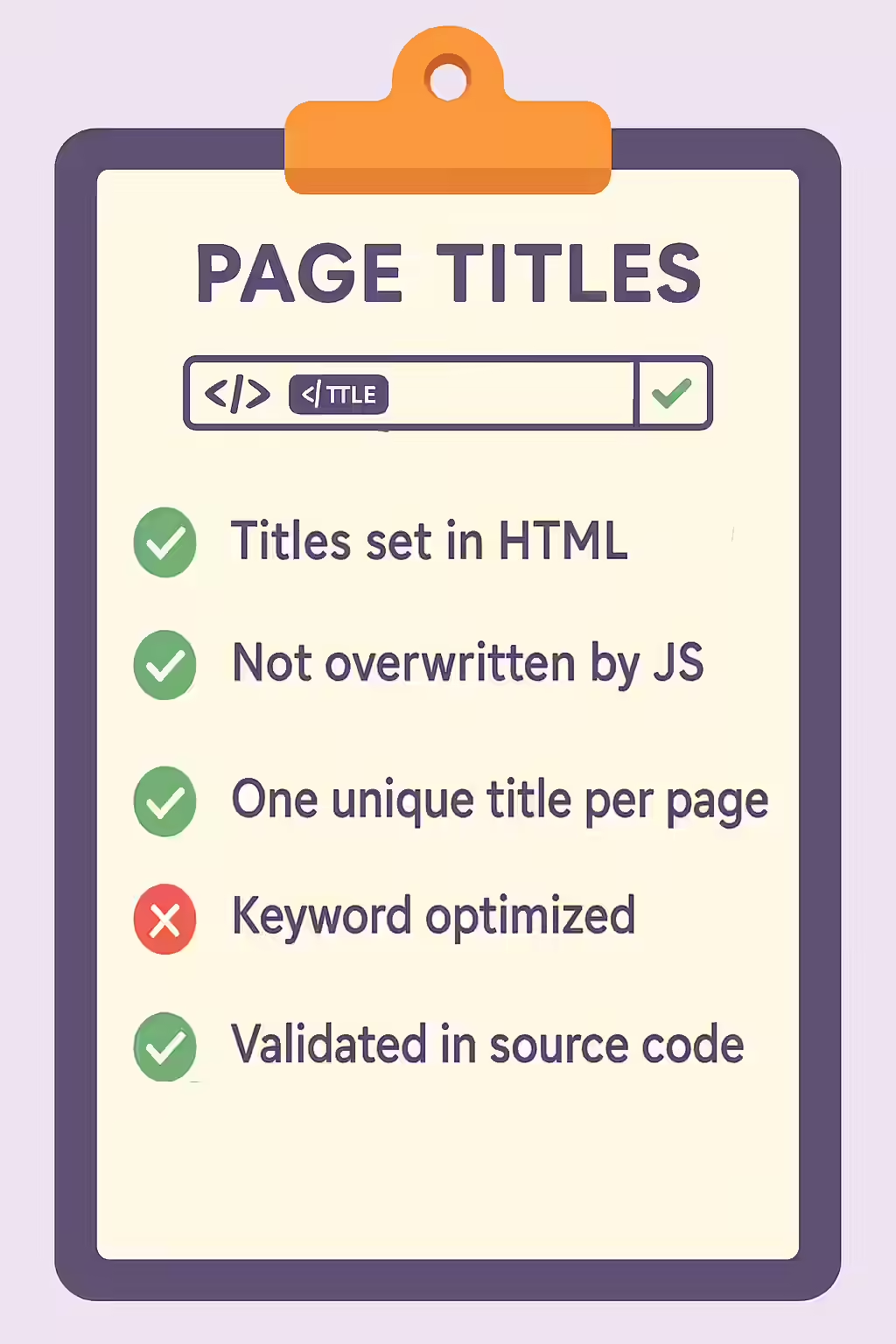
For search engines to understand your content, consistency is key. A critical JavaScript SEO issue occurs when the `<title>` tag is updated by JavaScript, meaning the title in the initial HTML is different from the title in the final rendered HTML. This creates a conflicting signal for search engines. They see one title in the first wave of indexing and a different one in the second, which can lead to unpredictable indexing, the wrong title being used in search results, or the signal being diluted.
Think of it as a book that has one title printed on the cover but a different title on the title page inside. This discrepancy would confuse any librarian trying to catalog it. For a broader look at JavaScript-related issues, see our guide on the JavaScript SEO category.

Why a Consistent Title is Non-Negotiable
As detailed in Google’s guide to JavaScript SEO basics, providing a consistent title is a best practice.
- It Ensures a Strong, Clear Signal: A single, consistent title provides a clear and unambiguous signal to search engines about the topic of your page.
- It Prevents Unwanted Title Rewrites: If Google sees two different titles, it may decide to ignore both and write its own, which is often not as effective as the one you’ve crafted.
- It Improves User Experience: A consistent title ensures that the title in the browser tab matches the one in the search results, creating a seamless user experience.
A Step-by-Step Guide to Fixing Inconsistent Titles
The goal is to ensure that every page on your site serves the same unique and descriptive `<title>` tag in both the initial HTML and the final rendered HTML. For more on this, check out this guide to title tags from Moz.
- Crawl Your Site with JavaScript Rendering: Use an SEO audit tool like Creeper that can compare the raw HTML to the rendered HTML.
- Identify Pages with Mismatched Titles: The audit will flag any pages where the `<title>` tag in the raw HTML is different from the one in the rendered version.
- Implement Server-Side Rendering (SSR) or Pre-rendering: The most robust solution is to implement a form of server-side rendering. This means that your server will execute the JavaScript and generate the full HTML, including the final, correct title tag, before sending it to the browser or crawler.
- Validate the Fix: After deploying the changes, recrawl the pages to confirm that the title tag is now the same in both the initial HTML and the final rendered HTML.
The SEO Power of a Well-Structured Website
A well-structured website provides clear and consistent signals to search engines. By ensuring your title tags are consistent, you can improve your chances of ranking, increase your click-through rate, and provide a better user experience. This is a key part of a successful on-page SEO strategy.
Frequently Asked Questions
What is the difference between the initial and rendered title?
The initial title is the one present in the raw HTML source code. The rendered title is the one that exists in the DOM after JavaScript has been executed. A discrepancy between these two is a signal of a potential JavaScript SEO issue.
Why would a title be updated by JavaScript?
This is common in Single-Page Applications (SPAs). The initial HTML might have a generic or placeholder title, and the specific, descriptive title is then loaded and inserted by JavaScript based on the content that is dynamically fetched.
How can I find pages with this issue?
The most effective way is to use a website crawler like Creeper that can render JavaScript. It will compare the title tag found in the raw HTML with the one in the rendered HTML and flag any pages where the two are different.
Are your titles changing? Start your Creeper audit today to find and fix all your JavaScript SEO issues.