Have you ever searched for something and seen a result that ends with “…”? That is the sound of a sentence falling off a cliff. If your website has page titles over 55 characters, there is a good chance your most important keywords are invisible to users on Google.
The page title length is one of the most fundamental aspects of on-page SEO. It’s the first thing users see, and often the only thing they read before deciding to click. If you don’t respect the title tag character limit, you’re asking users to guess what your page is about. And users hate guessing.
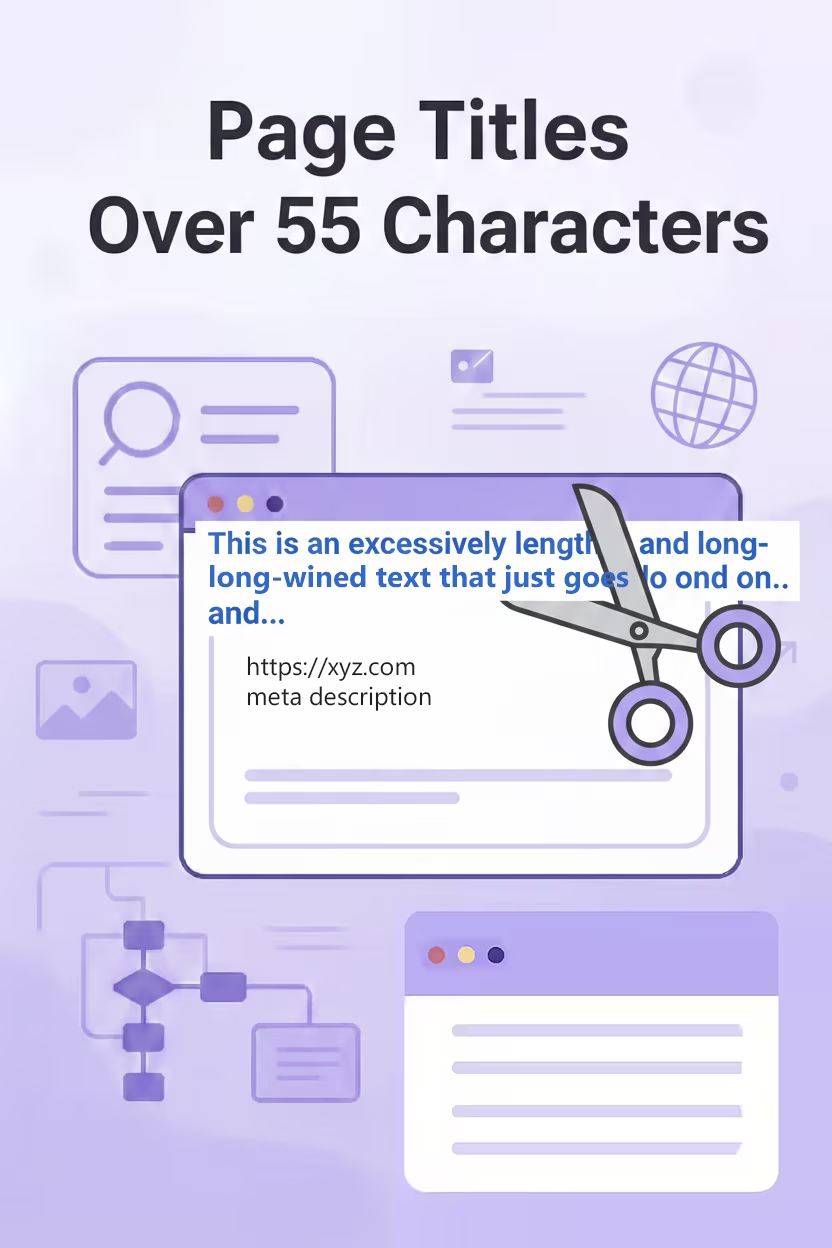
The 600-Pixel Rule (Why 55 Characters?)
Technically, Google doesn’t count characters; it counts pixels. The display limit on desktop is roughly 600 pixels. Because an “M” is wider than an “l”, the exact character count varies, but 55 to 60 characters is the industry standard for the safe zone.
If you ignore the page title character limit, the end of your title gets replaced with an ellipsis (…). This looks unprofessional and can hide your Unique Selling Proposition (USP) or branding.
Actionable Steps: Trimming the Fat
Fixing long titles is an art form. It requires saying more with less. Here is how to handle titles that are too long:
- Front-Load Important Keywords: Ensure your SEO title length strategy puts the main topic first. If it gets cut off, at least the user knows the subject.
- Remove “Stop Words”: Words like “and”, “if”, “but”, “then” take up space. Use pipes (|) or hyphens (-) to separate ideas cleanly.
- Audit Your Branding: If your site name is “The Best SEO Audit Company In The World”, appending that to every title will kill your limit. Consider using an acronym or just the domain name.
- Check for Duplicates: Often, long titles are copy-pasted. Ensure you don’t also have duplicate page titles while you are fixing the length.
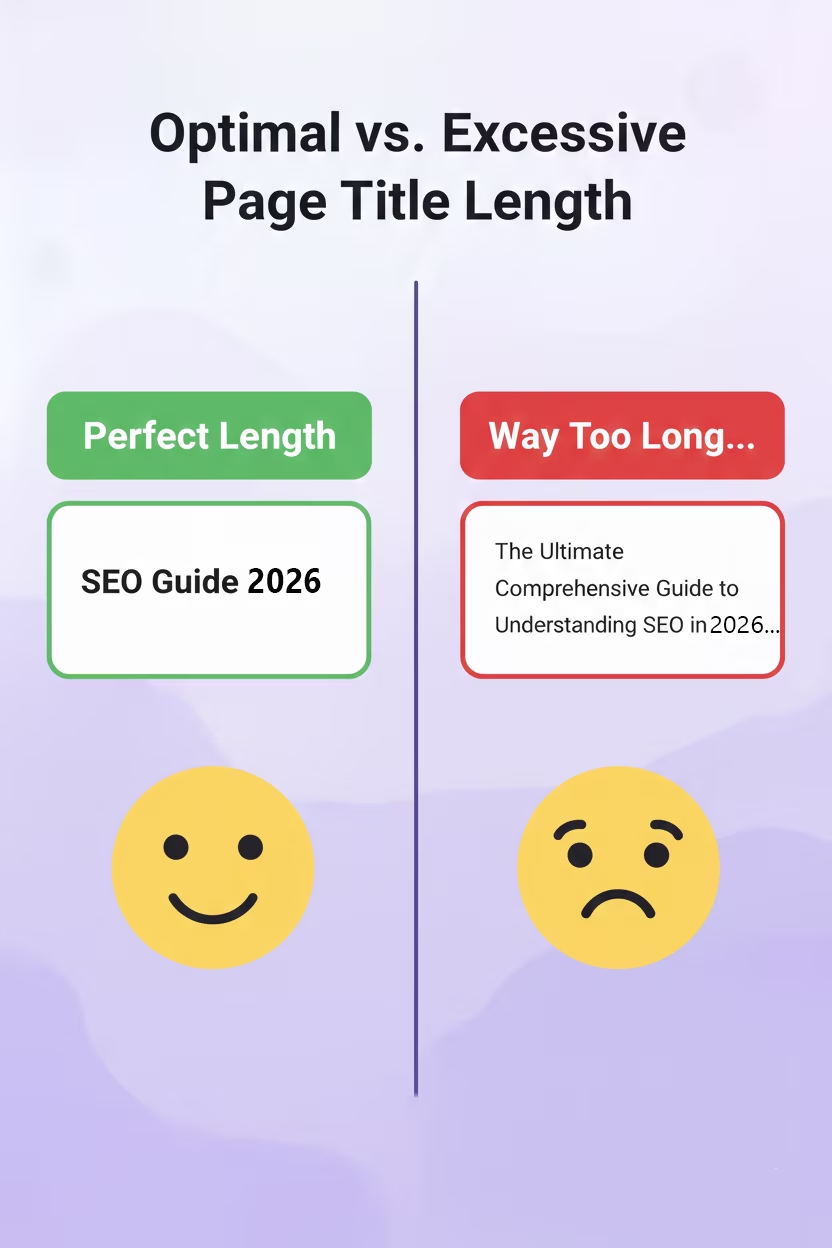
SEO Benefits of Concise Titles
Adhering to the meta description length and title limits isn’t just about aesthetics:
- Higher Click-Through Rate (CTR): A complete thought is more compelling than a broken sentence.
- Mobile Optimization: Mobile screens are smaller. A concise page title length SEO strategy ensures mobile users see your headline clearly.
- Control: If your title is too long, Google is more likely to rewrite it for you. Retain control by keeping it short.
FAQs
Does a long title tag hurt my ranking?
Directly? Not necessarily. Google still reads the keywords at the end of a long tag. However, the page title character limit is more about Click-Through Rate (CTR). If users can’t see what the page is about because it’s cut off, they are less likely to click, which eventually hurts ranking.
What is the exact pixel limit for title tags?
Google displays titles up to a width of 600 pixels. Since letters like ‘W’ take up more space than ‘i’, the character count varies, but keeping your SEO title length around 55-60 characters is the safe zone.
Why does Google rewrite my page titles?
If your page title length SEO optimization is poor (too long, keyword-stuffed, or irrelevant), Google may rewrite it using your H1 tag or anchor text to better match the user’s query. See Google’s explanation on title links.
If you aren’t sure which of your pages are suffering from truncation, use our SEO audit checklist or explore our cost-effective fixes to get your site in shape.
For a deeper dive into writing effective titles, check out Moz’s guide on Title Tags.