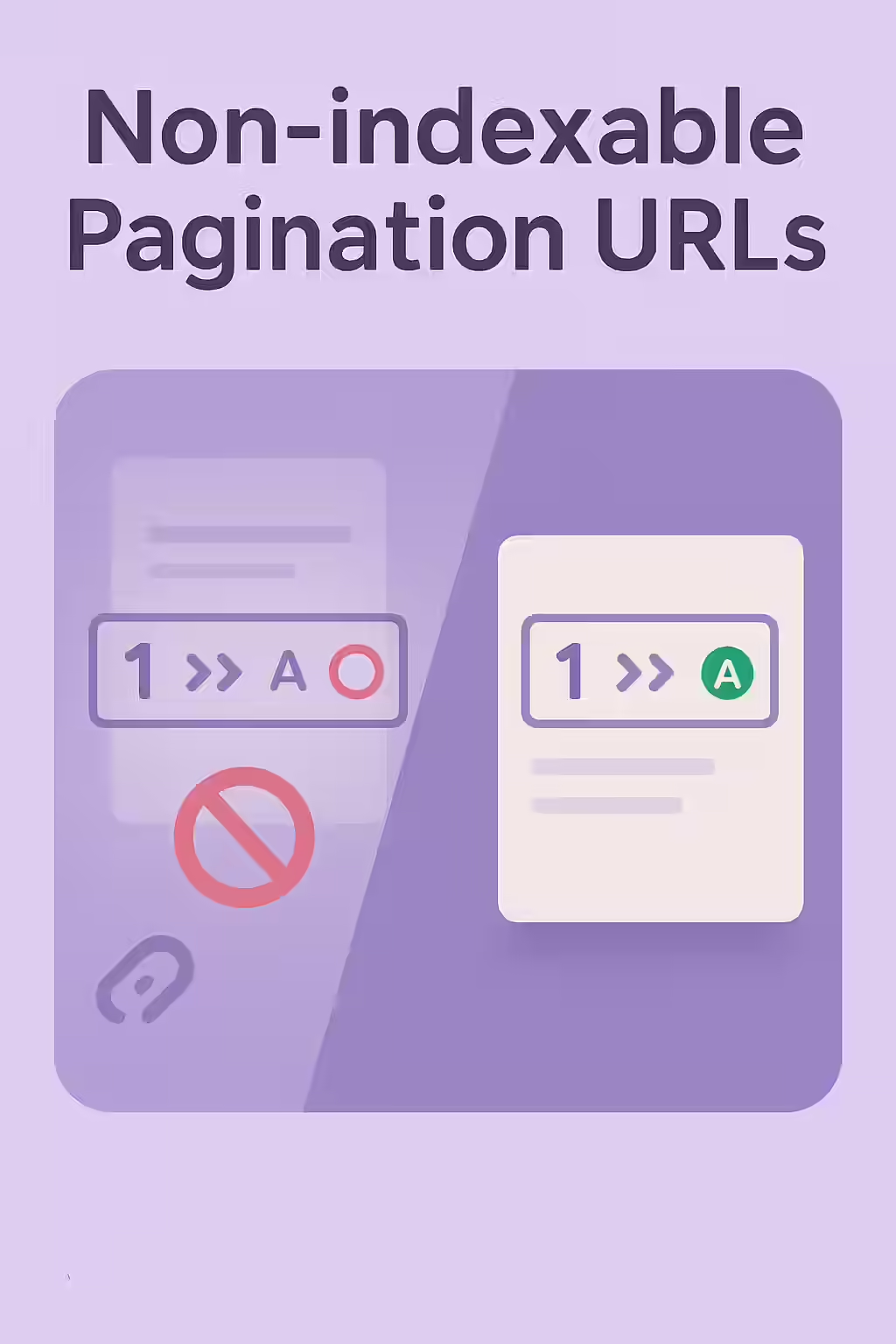
It’s a common misconception that paginated pages should be made non-indexable to avoid duplicate content issues. In reality, making your pagination URLs non-indexable is a critical SEO mistake that can prevent search engines from discovering and indexing the content on those pages. This guide will explain why this is a problem and how to fix it.
Think of your paginated pages as a trail of breadcrumbs that leads search engines to your content. If you make the breadcrumbs invisible, the trail is broken, and the content at the end of the trail may never be found. For a broader look at pagination, see our guide on the pagination category.
Why Paginated Pages Should Be Indexable
As explained in Google’s own guide to pagination, a clear and logical sequence of indexable pages is essential.
- Crawl Path: Search engines follow the links on your paginated pages to discover the content on the subsequent pages. If a page is set to `noindex`, Google may eventually stop following the links on that page.
- Consolidation of Signals: When implemented correctly, search engines can consolidate ranking signals (like backlinks) to the entire paginated series.
A Step-by-Step Guide to Fixing Non-Indexable Pagination
The goal is to ensure that all of your paginated pages are indexable and have self-referencing canonical tags. For more on this, check out this guide to pagination best practices from Moz.
Code Example: The Fix
<!-- Before: Incorrectly canonicalizing to page 1 --> <!-- On page 2 --> <link rel="canonical" href="/category/page/1/" /> <!-- After: Self-referencing canonical --> <!-- On page 2 --> <link rel="canonical" href="/category/page/2/" /> - Crawl Your Site: Use an SEO audit tool like Creeper to identify any paginated pages that are non-indexable.
- Remove `noindex` Directives: Check for and remove any `noindex` directives from your paginated pages.
- Implement Self-Referencing Canonical Tags: Ensure that each paginated page has a canonical tag that points to itself.
- Check Your `robots.txt` File: Make sure that you are not disallowing your paginated URLs in your `robots.txt` file.
Frequently Asked Questions
What makes a pagination URL non-indexable?
A pagination URL can be made non-indexable by a `noindex` directive in a meta robots tag or an X-Robots-Tag, or by being disallowed in the `robots.txt` file. Another common cause is a canonical tag that points to the first page of the series, rather than being self-referencing.
Why is it bad to noindex paginated pages?
When you noindex a paginated page, you are telling search engines that the page itself is not important. Over time, this can cause them to stop following the links on that page, which means they may not discover and index the content that is being paginated.
How should I handle canonical tags on paginated pages?
Each paginated page should have a self-referencing canonical tag. This tells search engines that each page in the series is a unique page that should be indexed. The only exception is if you have a ‘View All’ page, in which case all paginated pages should canonicalize to the ‘View All’ page.
Ready to make your pages visible? Start your Creeper audit today and see how you can improve your website’s pagination.