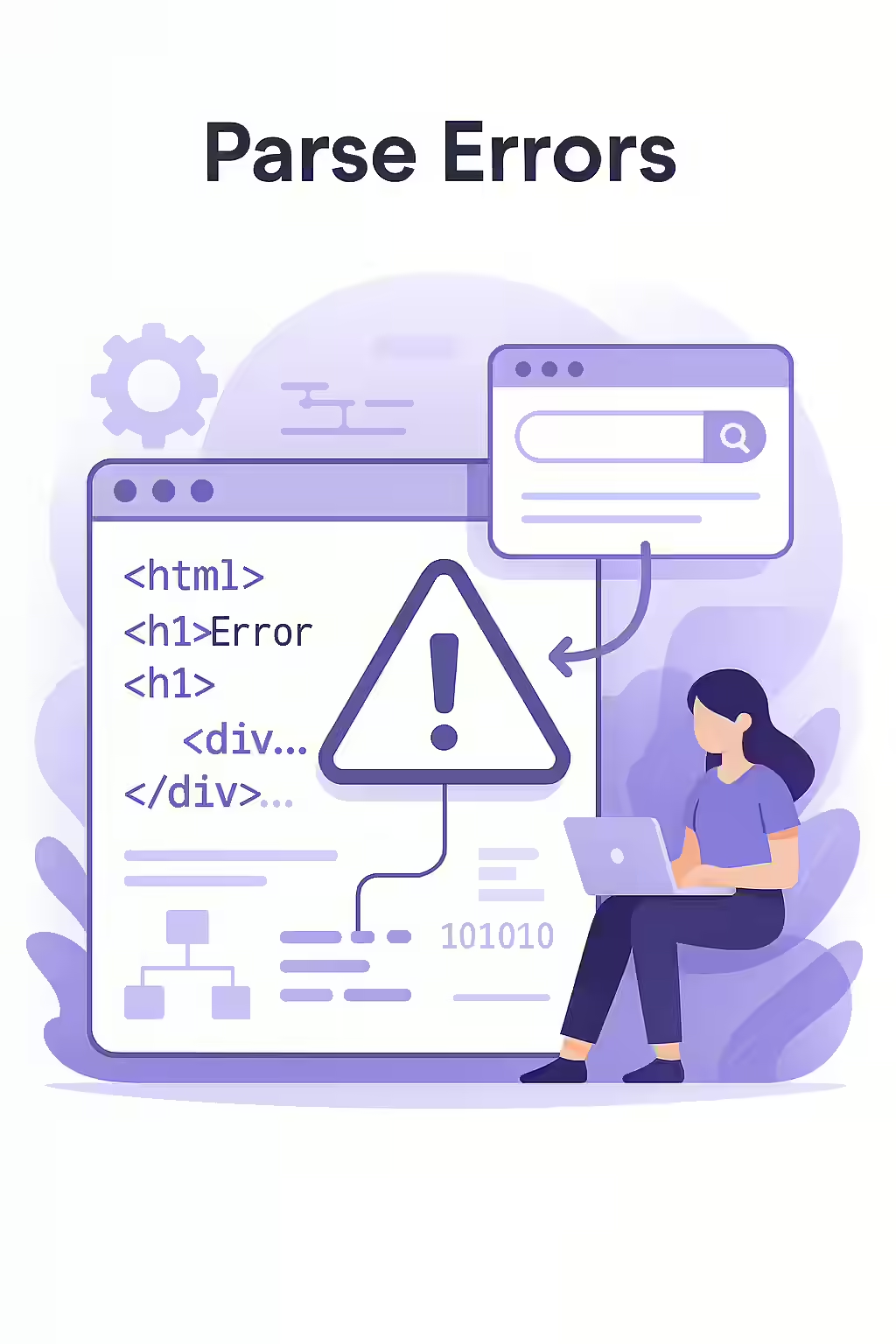
Have you ever tried to read a sentence with a typo so jarring that you have to stop and reread it? That’s similar to what a parse error is for a search engine. It’s a mistake in your website’s code that prevents a browser or search engine from understanding, or “parsing,” your page’s content. While they may seem like minor technical glitches, parse errors can have a significant impact on your SEO performance.
Think of your website’s code as a set of instructions. If those instructions are unclear or contain errors, the browser or search engine won’t be able to follow them correctly. This can lead to a broken or incomplete page, which is a bad experience for both users and search engine crawlers. For a deeper understanding of how search engines render your pages, see our article on crawling and indexing.
The SEO Impact of Garbled Code
Parse errors can harm your SEO in several ways:
- Incomplete Indexing: If a search engine can’t parse your page, it may not be able to index all of your content. This means that some of your valuable information may not be visible in the search results.
- Poor User Experience: A broken page is a frustrating experience for users. This can lead to a high bounce rate, which is a negative signal to search engines.
- Wasted Crawl Budget: If a search engine has to spend extra time trying to figure out your broken code, it may not have enough time to crawl all of the important pages on your site.
Finding and Fixing Parse Errors
For a technical guide on debugging HTML, check out this resource from MDN Web Docs.
| Type of Error | Common Cause | How to Fix |
|---|---|---|
| HTML Errors | Unclosed tags, stray characters, or improper nesting of elements. | Use an HTML validator to find and fix the errors. |
| CSS Errors | Typos in property names or values, or missing semicolons. | Use a CSS validator to identify and correct the errors. |
| JavaScript Errors | Syntax errors, or trying to use a variable that doesn’t exist. | Use your browser’s developer console to find and debug the errors. |
A Clean Bill of Health for Your Code
Regularly checking for and fixing parse errors is an essential part of technical SEO. By ensuring that your code is clean and error-free, you can improve your chances of ranking well in the search results and provide a better experience for your users. For more on the importance of a technically sound website, see our article on technical SEO.
Frequently Asked Questions
What is a parse error in the context of a website?
A parse error is an error that occurs when a web browser or search engine crawler is unable to understand a piece of code on your website. This is usually due to a syntax error, like a typo or a missing character, in your HTML, CSS, or JavaScript.
How do parse errors affect SEO?
Parse errors can negatively impact your SEO by preventing search engines from properly crawling, rendering, and indexing your pages. This can lead to lower rankings, reduced visibility, and a poor user experience.
How can I find and fix parse errors on my site?
You can use a tool like Creeper to crawl your site and identify pages with parse errors. Once you’ve found them, you can use your browser’s developer tools to inspect the code and find the source of the error. Fixing the error may involve correcting a typo, adding a missing character, or rewriting a piece of code.
Is your code speaking clearly? Start your Creeper audit today to find and fix parse errors that could be holding back your site.