A clean and consistent URL structure is a cornerstone of good technical SEO. One of the most common and easily avoidable issues is the use of uppercase characters in URLs. While browsers may treat URLs as case-insensitive, search engines do not. This can lead to duplicate content issues and a confusing user experience. This guide will explain why this is a problem and how to fix it.
Think of your URLs as street signs. If some signs are in all caps and others are in lowercase, it can be confusing for drivers. The same is true for your website. By using a consistent, lowercase URL structure, you can create a more successful and user-friendly experience for everyone. For a broader look at URL optimization, see our guide on the URL category.
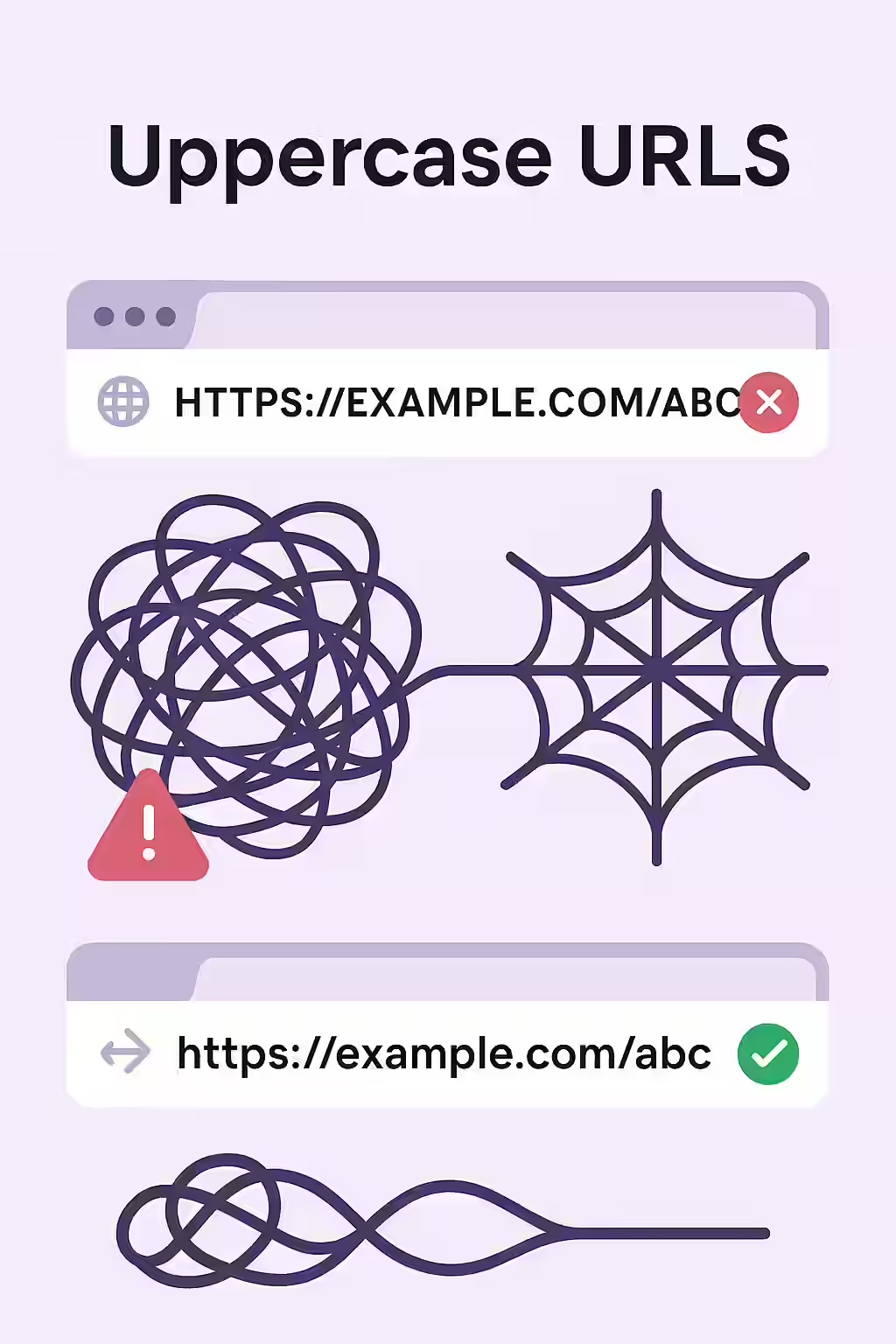
Why Uppercase Characters Are a Problem
As explained in Google’s own guide to URL structure, a simple and logical URL is best.
- Duplicate Content: Search engines treat URLs as case-sensitive. This means that `example.com/Page` and `example.com/page` are seen as two different pages, even if they have the same content.
- Wasted Crawl Budget: Search engines may waste resources crawling the same content at multiple URLs.
A Step-by-Step Guide to a Lowercase URL Structure
The goal is to have a single, canonical, lowercase URL for every page on your site. For more on this, check out this guide to URL structure from Moz.
Code Example: The Fix
<!-- Before: Uppercase characters in the URL --> https://example.com/My-Page/ <!-- After: Lowercase URL --> https://example.com/my-page/ - Crawl Your Site: Use an SEO audit tool like Creeper to identify any URLs with uppercase characters.
- Implement 301 Redirects: For every URL with uppercase characters, implement a 301 redirect to the lowercase version.
- Update Your Internal Links: Find and update any internal links that are pointing to the incorrect, uppercase URLs.
- Check Your CMS Configuration: Ensure that your CMS is configured to automatically generate lowercase URLs for all new pages.
Frequently Asked Questions
What are uppercase characters in URLs?
Uppercase characters in URLs are when you have an uppercase character in a URL. This is a major SEO issue, as it can confuse search engines and prevent them from indexing your pages correctly.
Why are uppercase characters in URLs important?
Uppercase characters in URLs are important because they can confuse search engines and prevent them from indexing your pages correctly. They can also be a frustrating experience for users, as they may not be able to find the pages they’re looking for.
How do I fix uppercase characters in URLs?
There are a variety of different things that you can do to fix uppercase characters in URLs. You should start by using an SEO audit tool like Creeper to identify any pages with uppercase characters in URLs. Once you’ve identified the pages, you can take steps to fix them.
Ready to untangle your web? Start your Creeper audit today and see how you can improve your website’s URLs.