A clean, logical, and user-friendly URL is a cornerstone of good technical SEO. A URL with issues is one that deviates from best practices, creating potential problems for both users and search engines. This guide will explore the most common URL issues and how to fix them.
Think of your URL as the address of your webpage. A good address is short, clear, and easy to remember. A bad address is long, confusing, and full of unnecessary characters. For a broader look at URL optimization, see our guide on the URL category.
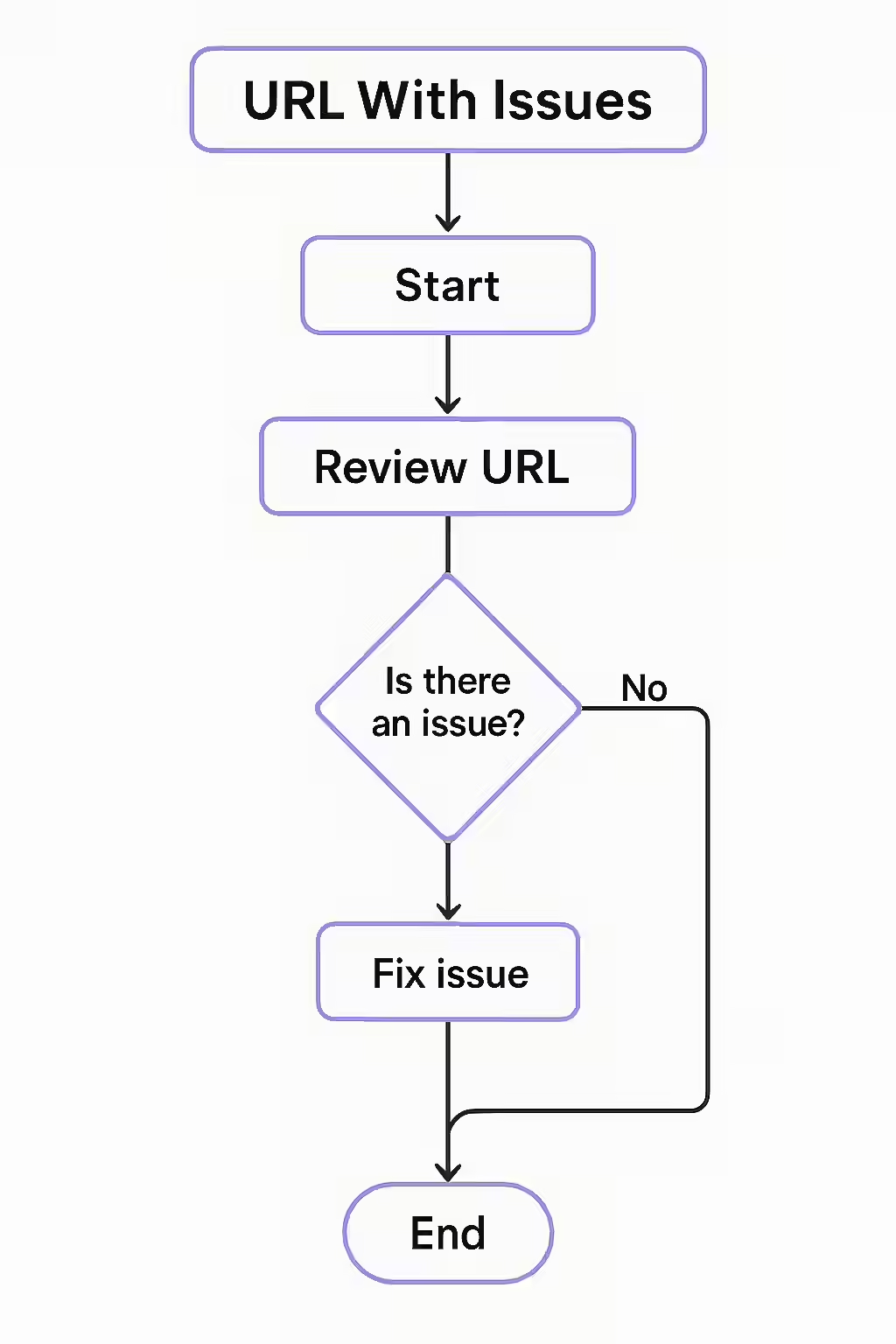
Common URL Issues
As explained in Google’s own guide to URL structure, a simple and logical URL is best.
- Duplicate Content: This is often caused by URL parameters that create multiple versions of the same page.
- Long and Complex URLs: URLs that are overly long and contain a lot of numbers and special characters are difficult for users to read and share.
- Use of Underscores: Google treats hyphens as word separators, but not underscores. This means that a URL with underscores is not as SEO-friendly as one with hyphens.
- Repetitive Paths: A URL with a repetitive path, such as `example.com/blog/blog/my-post`, is a sign of a poorly configured CMS.
A Step-by-Step Guide to a Healthy URL Structure
The goal is to have a single, canonical, lowercase URL for every page on your site. For more on this, check out this guide to URL structure from Moz.
Example: The Fix
Imagine you have a URL like `example.com/products/product_details.php?id=123`. A better, more SEO-friendly URL would be `example.com/products/red-shoes`.
- Crawl Your Site: Use an SEO audit tool like Creeper to identify any URLs with issues.
- Prioritize Your Fixes: Start by fixing the most critical issues, such as duplicate content and broken links.
- Implement 301 Redirects: If you change a URL, be sure to implement a 301 redirect from the old URL to the new one.
- Update Your Internal Links: Make sure that all of your internal links point to the correct, canonical URLs.
Frequently Asked Questions
What are the most common URL issues?
The most common URL issues include duplicate content caused by URL parameters, overly long and complex URLs, the use of underscores instead of hyphens, and repetitive paths. All of these can negatively impact your SEO and user experience.
Why are clean URLs important for SEO?
Clean, well-structured URLs are important for SEO because they are easier for both users and search engines to understand. They can also improve your click-through rate from search results and make your links more shareable.
How can I find and fix URL issues?
The best way to find and fix URL issues is to use a website crawler like Creeper. It will scan your entire site and identify any URLs with issues, such as duplicate content, long URLs, or the use of underscores. You can then take steps to fix these issues, such as implementing 301 redirects, using canonical tags, or updating your internal links.
Ready to fix your problem children? Start your Creeper audit today and see how you can improve your website’s URLs.