In the world of web accessibility, it’s the little things that make a big difference. And when it comes to definition lists, one of the most important little things is to make sure that your <dl>s only have ordered <dt> and <dd> groups. A definition list is an HTML element that is used to create a list of terms and their definitions. It’s represented by the <dl> element, and it contains <dt> (definition term) and <dd> (definition description) elements. This guide will explore the importance of making sure that your <dl>s only have ordered <dt> and <dd> groups and how to fix it.
Think of your website as a dictionary. You want to make sure that all the words and their definitions are organized and easy to read. The same is true for your website. By making sure that your <dl>s only have ordered <dt> and <dd> groups, you can create a more accessible and user-friendly experience for everyone. For a deeper dive into the world of accessibility, see our article on accessibility.
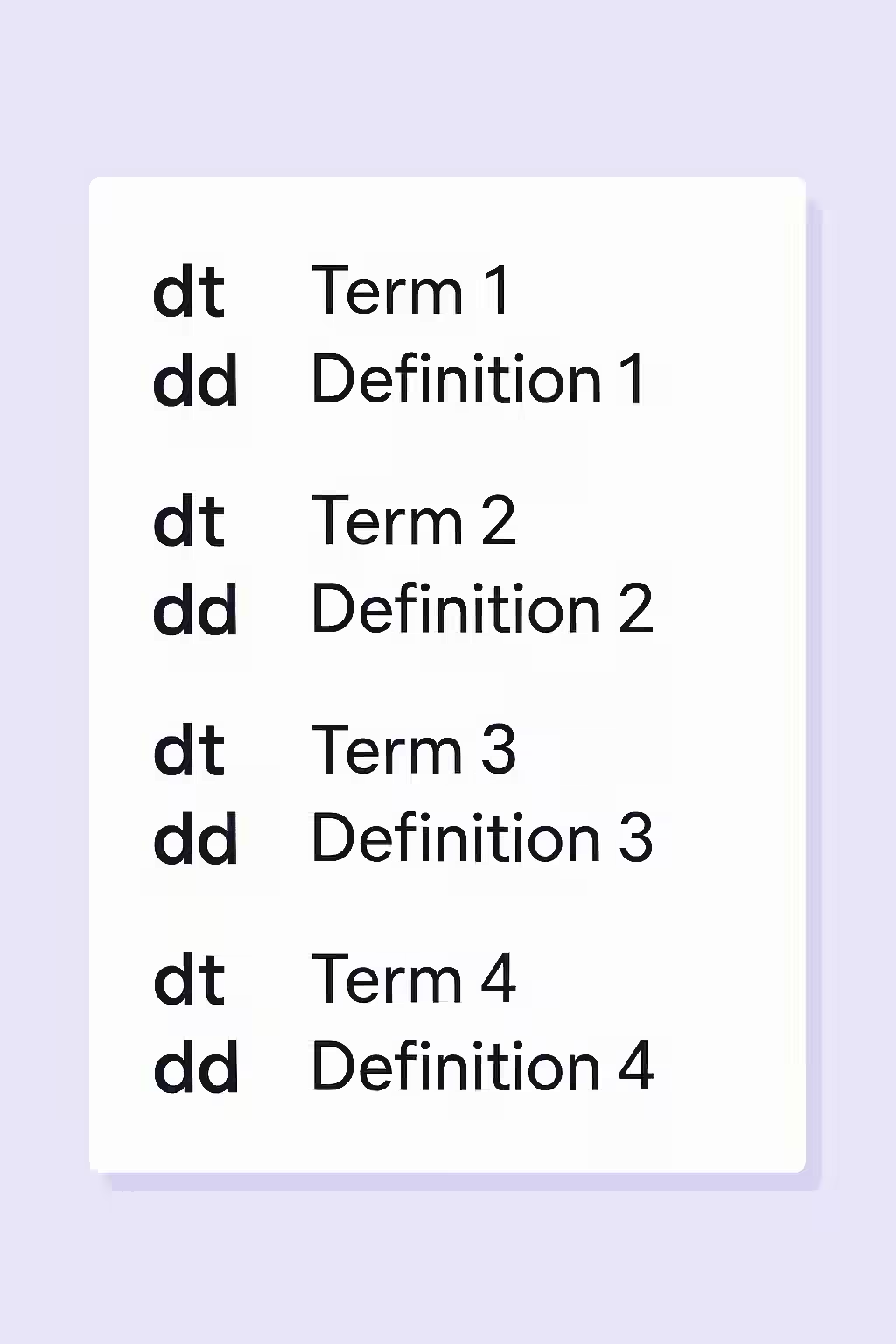
Your Guide to a More Accessible and User-Friendly Website
Fixing <dl>s that do not only have ordered <dt> and <dd> groups is a simple but important task. Here’s how to do it:
- Identify Your <dl>s That Do Not Only Have Ordered <dt> and <dd> Groups: Use an accessibility testing tool like Creeper to crawl your site and identify any <dl>s that do not only have ordered <dt> and <dd> groups.
- Make Sure That Each <dt> Element is Followed by One or More <dd> Elements: The best way to fix this issue is to simply make sure that each <dt> element is followed by one or more <dd> elements.
The SEO Power of an Accessible Website
An accessible website is a more successful website. By making your website more accessible, you can improve your user experience, reach a wider audience, and even improve your SEO. For more on the importance of a well-structured website, check out this guide to definition lists from the W3C.
Don’t let your definition lists be a confusing and frustrating experience for your users. By taking the time to make sure that your <dl>s only have ordered <dt> and <dd> groups, you can build a more accessible and successful online presence. For more on how to create a winning on-page strategy, see our article on on-page SEO.
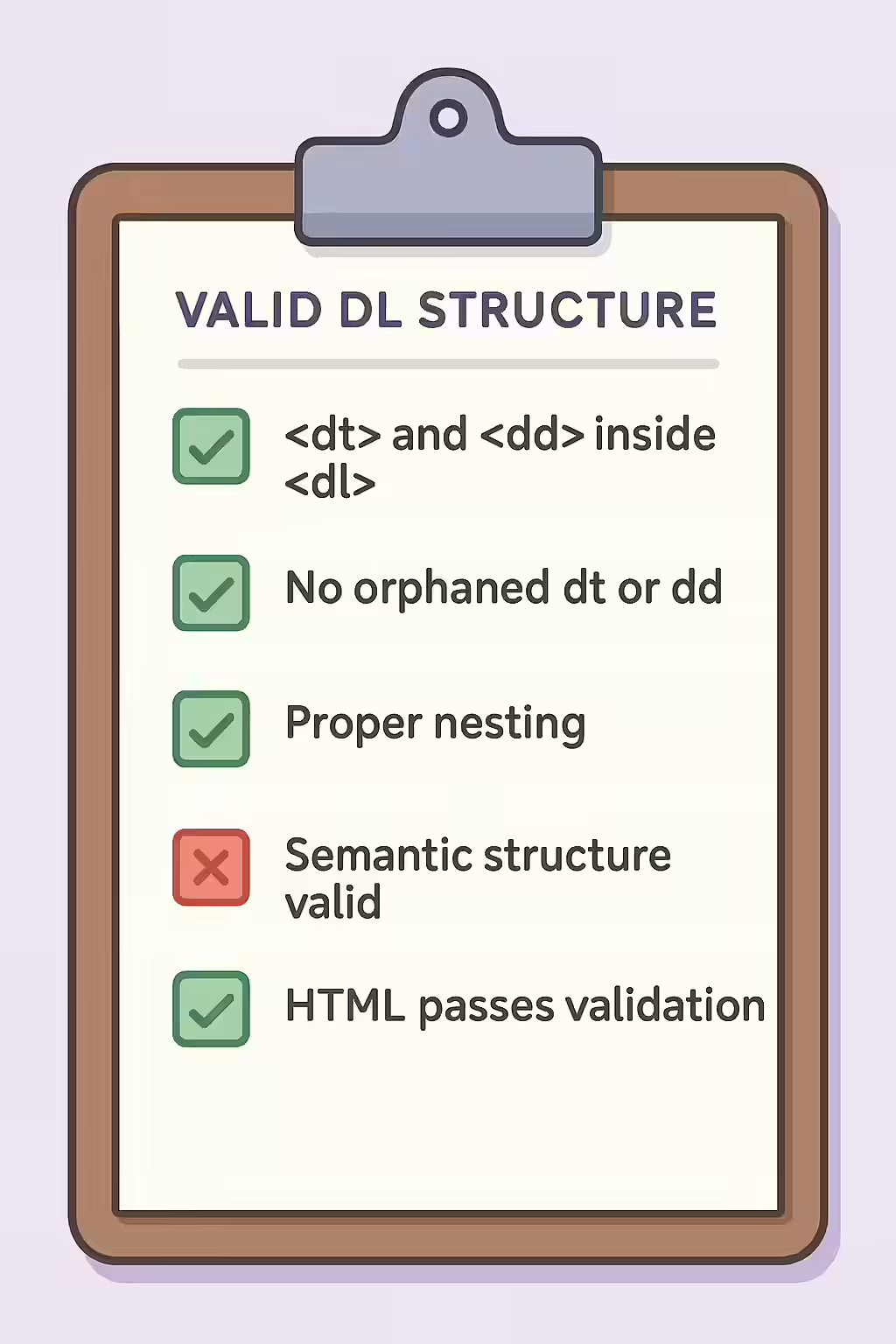
Frequently Asked Questions
What is a definition list?
A definition list is an HTML element that is used to create a list of terms and their definitions. It’s represented by the <dl> element, and it contains <dt> (definition term) and(definition description) elements.
Why is it important for my <dl>s to only have ordered <dt> and <dd> groups?
It’s important for your <dl>s to only have ordered <dt> and <dd> groups so that screen readers can announce the correct information to the user. This is crucial for users who are blind or have low vision.
How do I make sure that my <dl>s only have ordered <dt> and <dd> groups?
You can make sure that your <dl>s only have ordered <dt> and <dd> groups by simply making sure that each <dt> element is followed by one or more <dd> elements.
Ready to make your definition lists more accessible? Start your Creeper audit today and see how you can improve your use of definition lists.