The Future of Technical SEO Is Unified
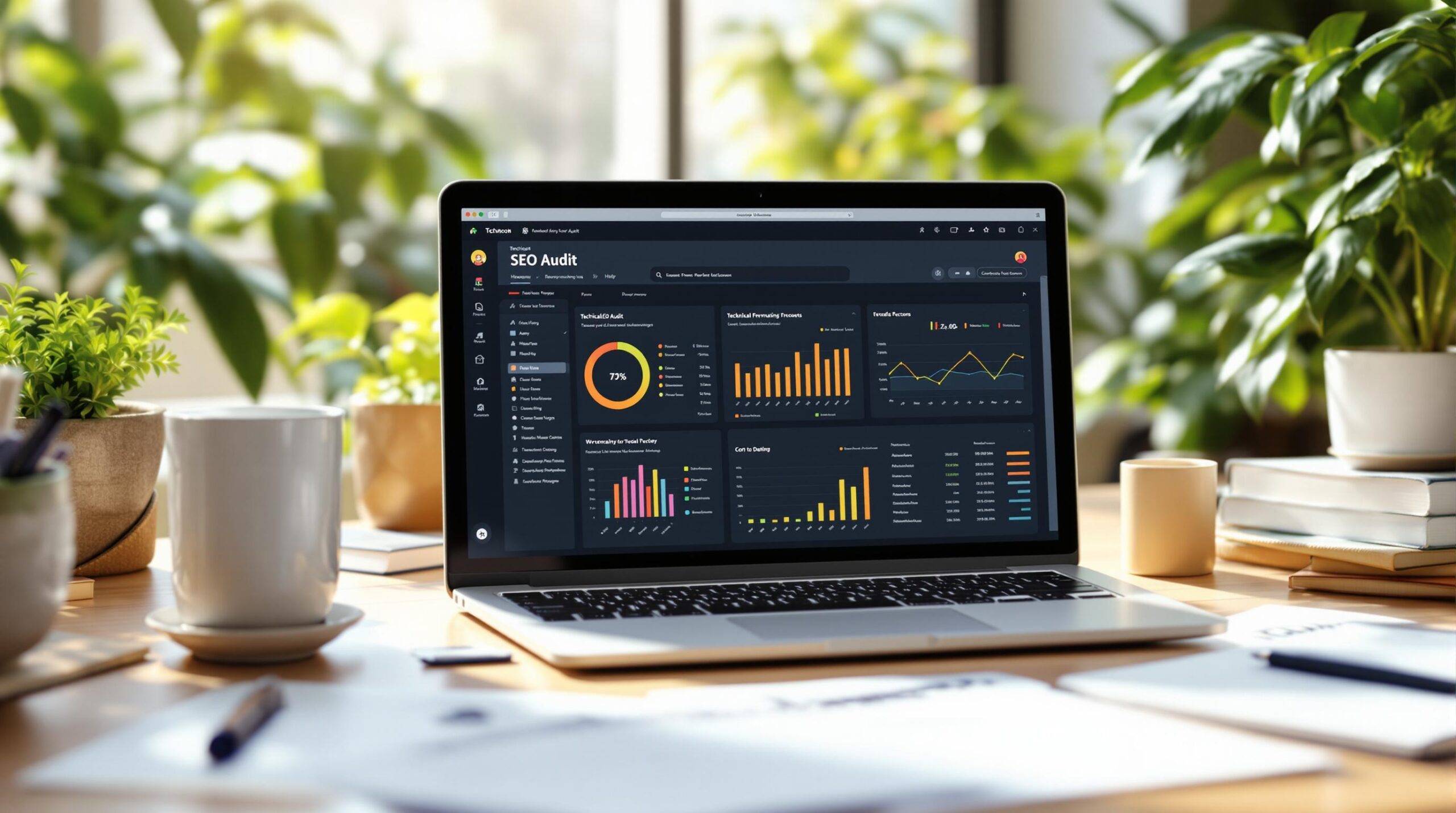
We’ve merged Creeper SEO Audit and CWV RUM (Core Web Vitals Real-time User Monitoring) into a single, streamlined platform designed to simplify and supercharge your technical SEO workflow. The update was internally code-named “Neurite fusion”.
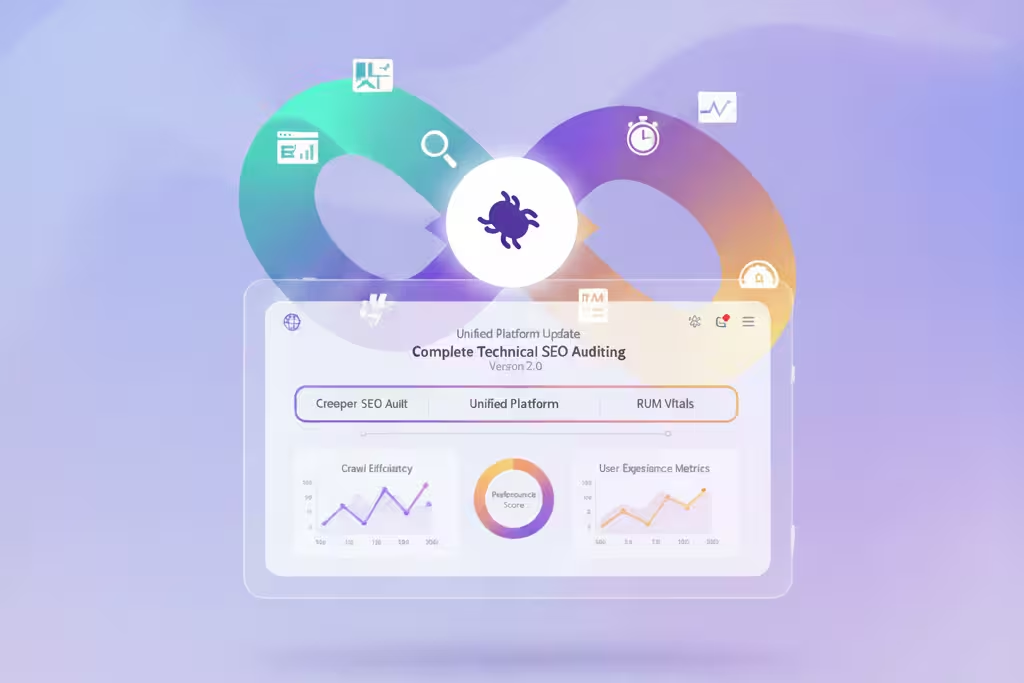
No more switching systems.
No more fragmented insights.
Just one powerful platform built for modern SEO teams.
What this means for you:
- One place to run audits & monitor CWVs
- One project setup
- One unified reporting experience
- One smarter workflow
A Beautifully Redesigned Project Experience
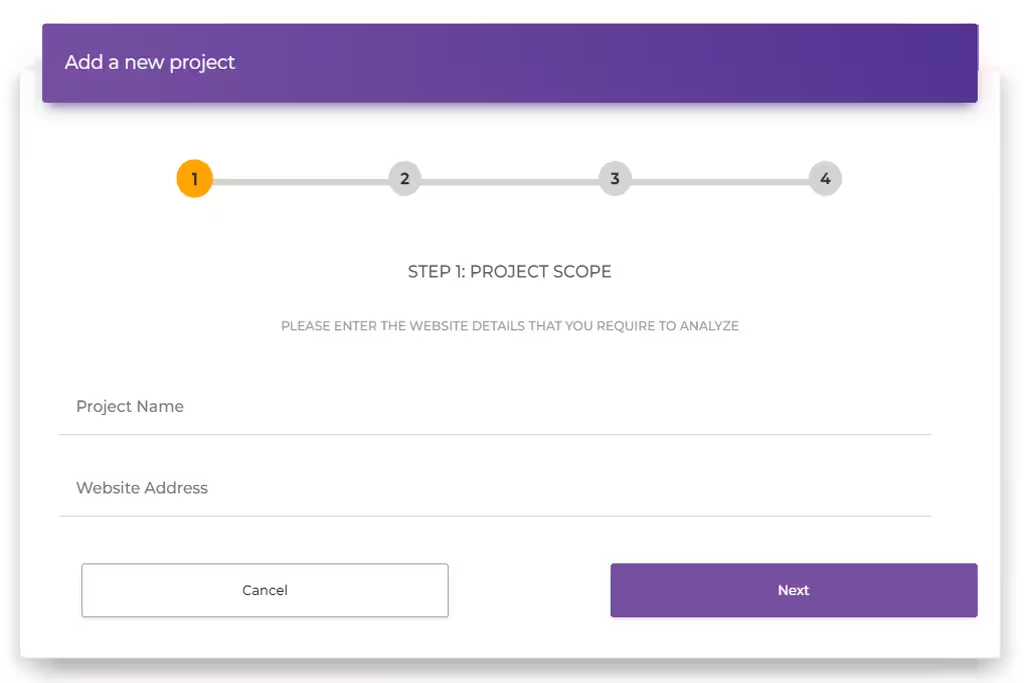
Managing projects has never been easier.
✔ Brand-new 4-step guided project creator
✔ Contextual help for every step
✔ Clean final review before publishing
✔ Client-friendly clarity at every stage
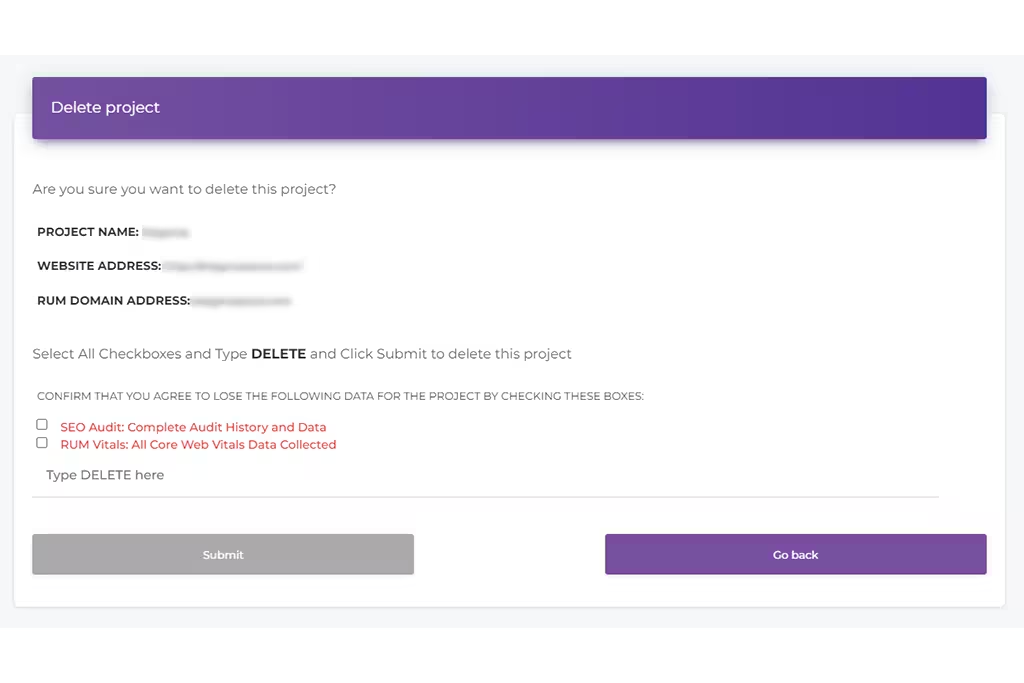
Editing, deleting, or validating projects is now faster, safer, and twice as reliable thanks to our new double-validation system.
A Dashboard That Works With You
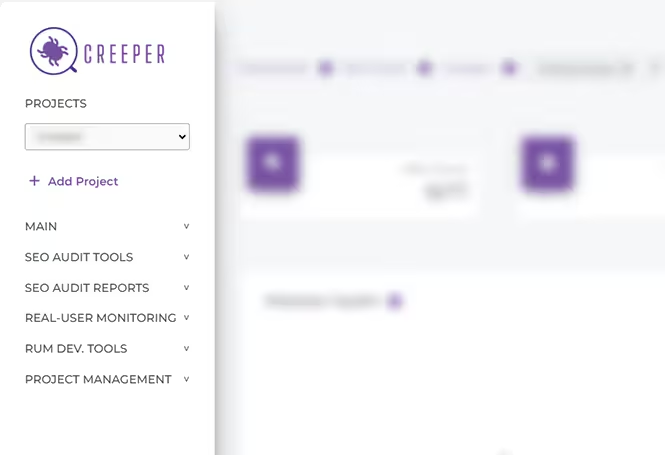
Meet your new home base.
- A persistent left sidebar for instant access to every tool
- Clearer project cards with key stats visible upfront
- All project controls in a single dropdown
- No more bouncing between SEO and RUM tools
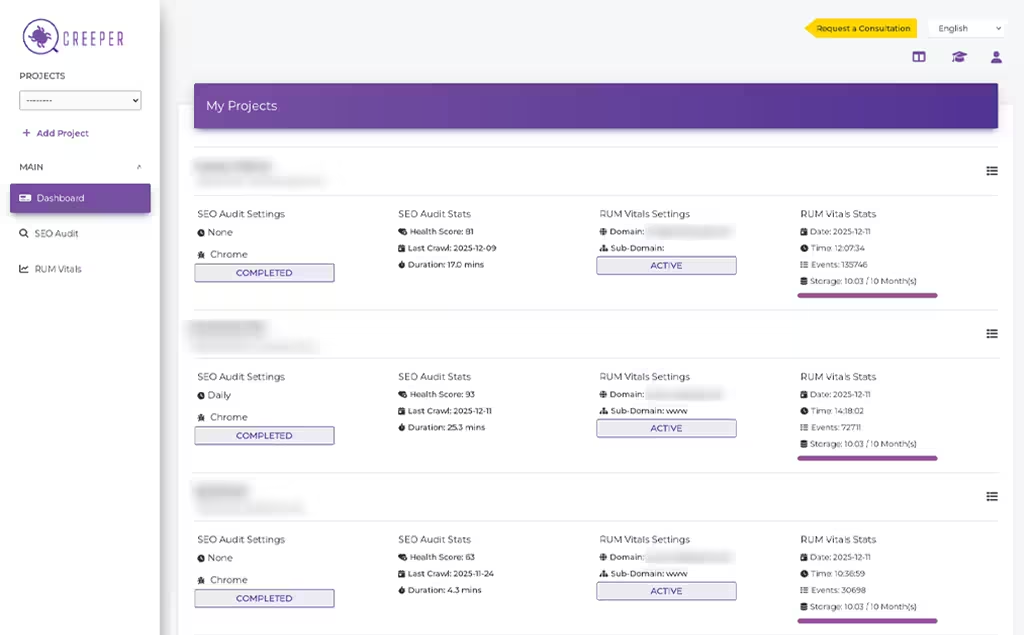
Everything you need — exactly where you expect it to be.
Reports That Flow With Your Workflow
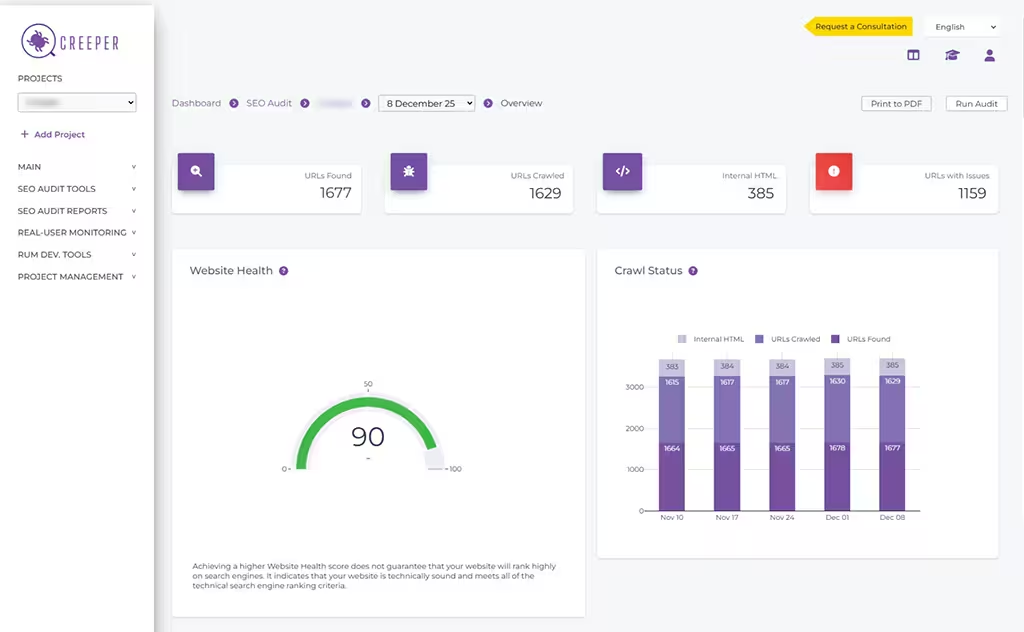
We rebuilt the reporting experience around speed and focus.
- Collapsible report categories (SEO, RUM, Tools, Management)
- Cleaner sidebar navigation
- Smart project switching
- Smart audit history switching
- Breadcrumbs optimized for clarity
You stay in the flow.
We remove the friction.
NEW — Key Highlights Report
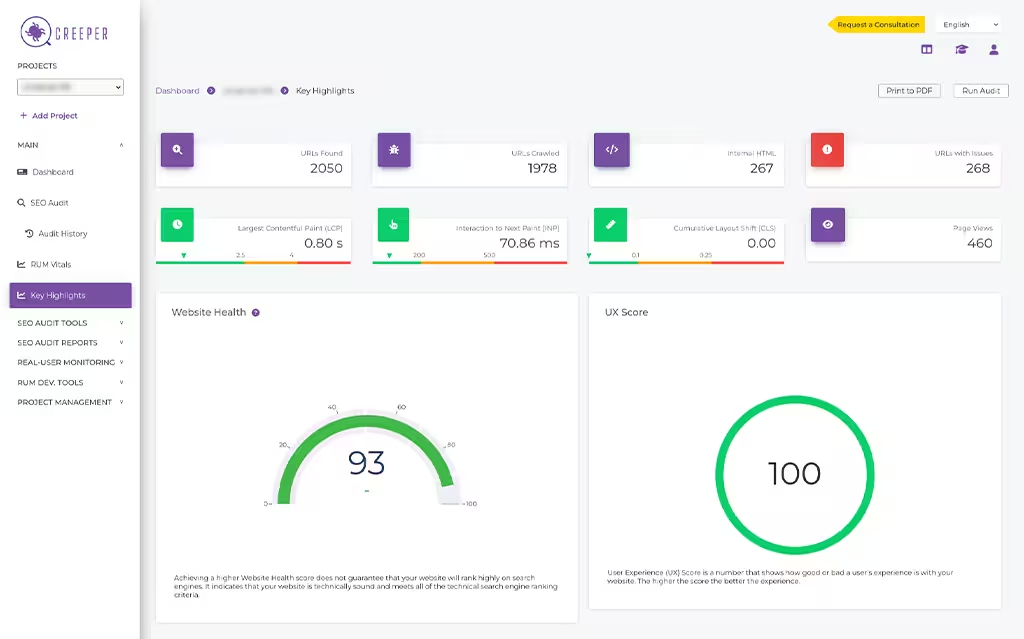
Your most important SEO + RUM KPIs, finally together.
Quick insights.
Client-ready summaries.
One powerful report.
Free RUM For Everyone
RUM tracking is now available to all Creeper users — no subscription required.
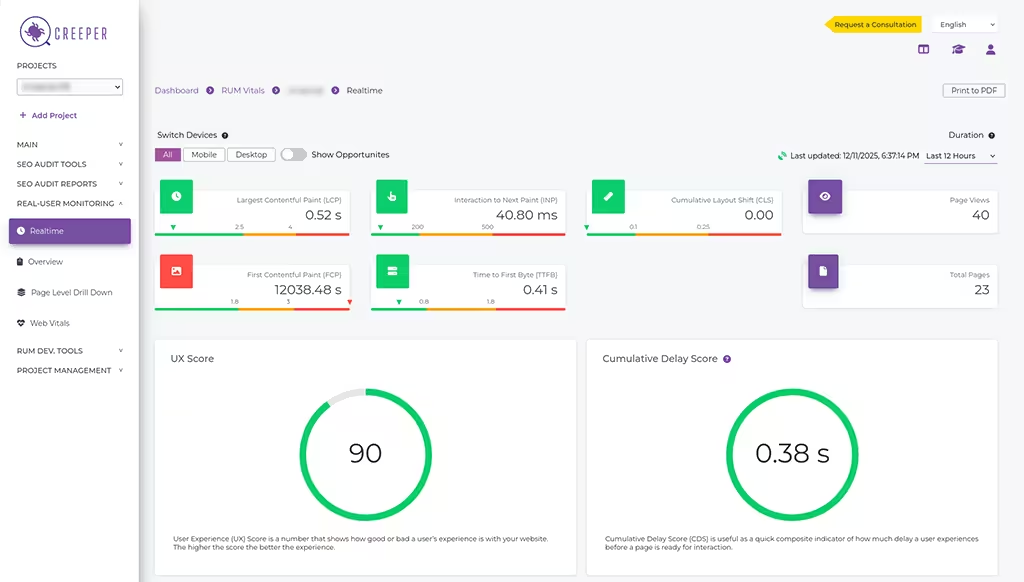
🎉 Includes 2,500 free events/month (~500 page views)
🎉 All existing projects are now RUM-ready
🎉 Just install the tracking script to begin
Ready to experience Creeper 2.0?
Log in now and explore the new unified platform.
Frequently Asked Questions
Find answers to common questions here.
What is Creeper 2.0?
You now get complete Technical SEO insights — audits + real-user Core Web Vitals — all in one place.
Do I need to recreate my existing projects?
You only need to install the RUM script if you want to start receiving real-user data.
What’s new in the reporting interface?
– Collapsible categories
– Cleaner sidebar navigation
– A new Key Highlights Report (SEO + RUM KPIs together)
– Smart project switching
– Smart audit history switching
– Cleaner breadcrumbs
A unified look across all SEO & RUM reports
It’s our most user-friendly reporting system yet.
Is RUM tracking now free for everyone?
All users now get:
✔ Free access to all RUM Vitals tools
✔ 2,500 free RUM events per month (≈500 page views)
✔ Automatic support for RUM across all projects
Simply install the script to begin tracking.
Will my pricing or plan change because of this update?
In fact, RUM is now more accessible because all users get free monthly RUM events at no cost.
Will future updates also be unified?
Going forward, Creeper will continue to evolve as one unified technical SEO platform.
Expect more combined insights, more automation, and a consistent UX across all new features.
How do I install the RUM tracking script?
Why did you combine SEO Audit and RUM Vitals?
– Unifying them allows:
– One project setup
– One reporting interface
– Faster workflows
– Better insights with context
– No more tool hopping
Everything is built to save time and increase clarity.
Is anything changing in how projects are created or managed?
You now use a fully redesigned 4-step guided flow for creating projects, and editing/deleting projects is cleaner, clearer, and validated twice (front-end + backend) for reliability.
Project URLs still cannot be changed, but all other settings remain editable.
What is the new Key Highlights Report?
What does the switch from “page views” to “events” mean?
This means more accurate tracking, better performance insights, and improved flexibility for future enhancements.
Every RUM interaction is measured as an event, giving you more granular data.
Do I need to update anything in my implementation?
If you never installed RUM → you can now install it for free.
Everything else works automatically with the updated platform.
Where can I get help if something looks different?
Check the help guide included in the new project creation flow
Reach out to our team directly if you need assistance
We’re here to help you transition smoothly.