Getting started with Creeper SEO Audit is a breeze, offering both free and professional account options. Each account type comes with its designated set of resources. To explore the distinctions between plans and account types, visit: https://creeperseoaudit.com/pricing/
For a Free Plan Account:

- Visit: https://app.creeperseoaudit.com/register/
- Complete the 5 form fields with the required information:
- Your Name
- Phone Number
- Company Name
- Select Country from the Dropdown
- Verify the reCaptcha test.
- Click ‘Create Account.’
- Upon successful submission, a confirmation message will appear on the screen. Await an email containing your ‘Username/Email’ and ‘Password.’
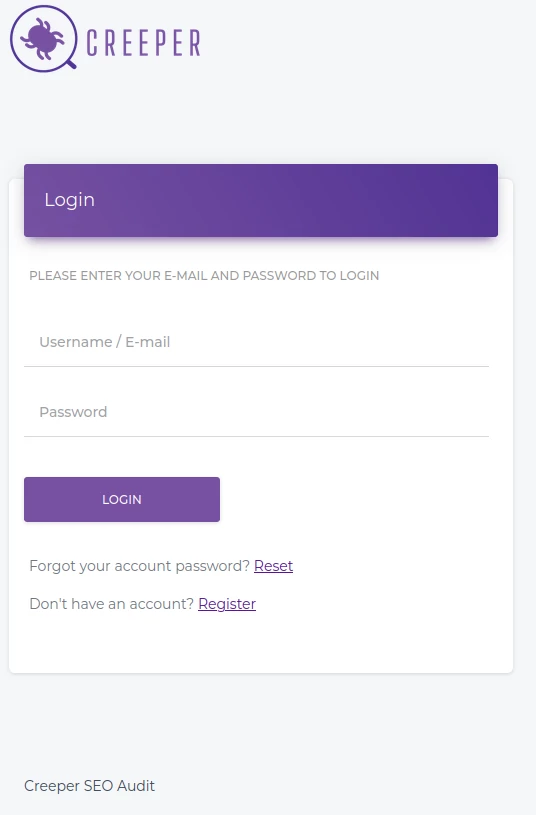
Access your Creeper account using the provided Username/Email and Password at: https://app.creeperseoaudit.com/login/
If you encounter issues receiving the email, please contact our support through the provided contact form or by emailing us at: [email protected].
For a Pro Account:
- Visit: https://creeperseoaudit.com/pricing/creeper-pro-signup/
- Follow the same process as the Free account, filling out the necessary fields.
- Once the form is submitted and your payment is processed, you’ll receive an email from Creeper containing your Username and Password.
For any inquiries, don’t hesitate to reach out via email or contact form. We’re here to help.