Images are essential for a rich user experience, but when they fail to load, they create a jarring visual gap and signal a poorly maintained website. Images with errors, commonly known as broken images, are a critical technical SEO issue. They disrupt the user journey, waste valuable crawl budget, and prevent your visual content from being indexed and driving traffic from Google Image Search.
A broken image is a dead end. It tells users your site is unreliable and tells search engines that your content is not being properly maintained. For a broader look at image optimization, see our guide on the images category.
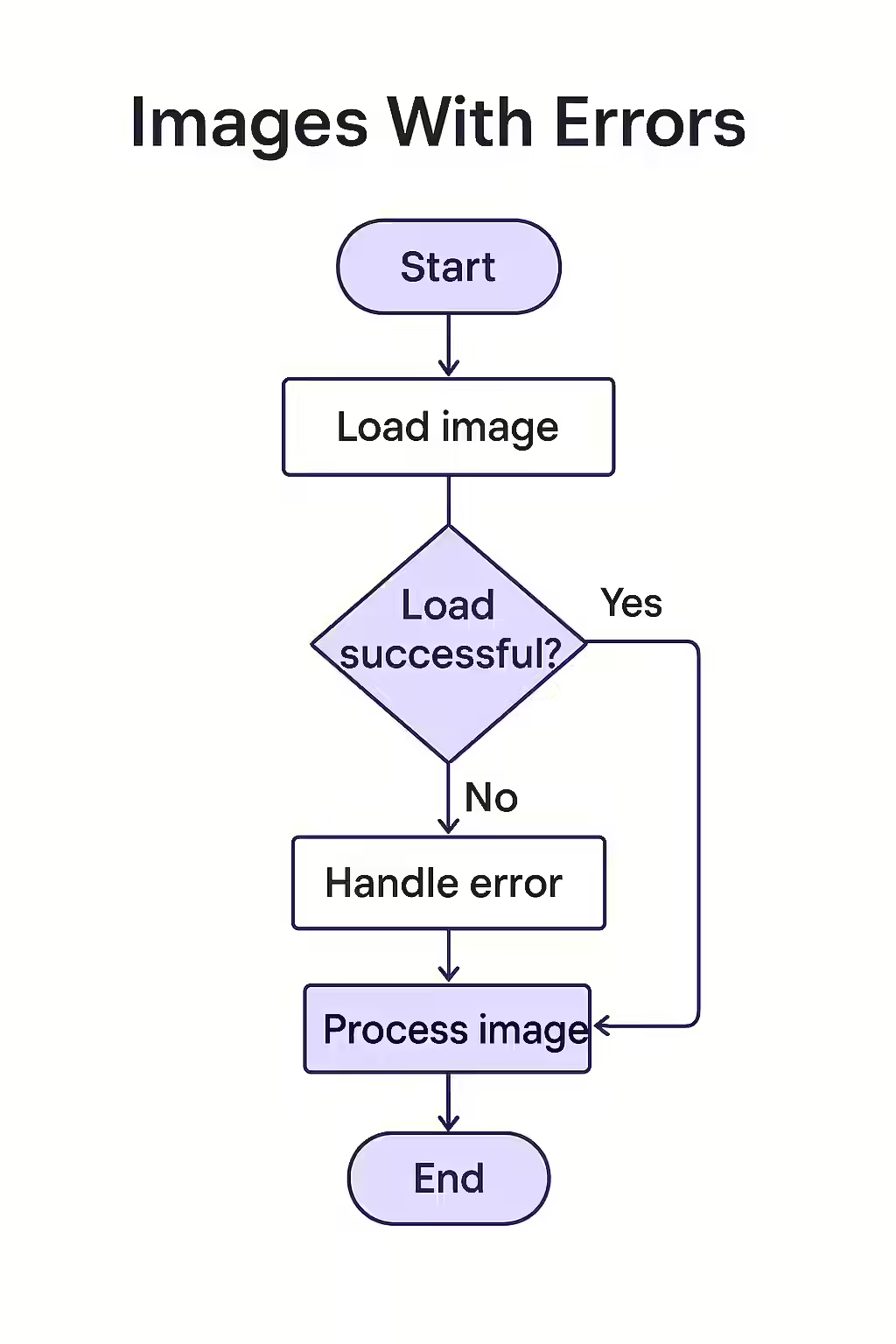
The SEO Fallout from Broken Images
Ignoring image errors is a mistake that can have wide-ranging consequences for your site. Here’s how they can hurt your SEO:
- Poor User Experience: A site littered with broken images appears unprofessional and untrustworthy, which can lead to higher bounce rates and lower engagement.
- Wasted Crawl Budget: When search engine bots repeatedly encounter URLs that lead to broken images, it wastes their limited crawl budget and can lead to them crawling your site less frequently.
- Loss of Image Search Traffic: If an image is broken, it cannot be indexed by Google Images, a significant source of traffic for many websites.
A Proactive Approach to Finding and Fixing Image Errors
Regularly auditing your site for image errors is a crucial part of technical SEO. For a comprehensive guide on image optimization, check out this resource from Moz.
Example: Fixing a 404 Image
<!-- Before: Incorrect file path leads to a 404 --> <img src="/images/my-photo.jpg" alt="My Photo"> <!-- After: Corrected file path --> <img src="/img/my-photo.jpg" alt="My Photo">For more on image best practices, see our article on images over 100KB. For Google’s official guidance, see their documentation on Google Images.
Frequently Asked Questions
What is ‘hotlinking’ and can it cause broken images?
Hotlinking is when another website displays an image from your site by linking directly to its URL, using your server’s bandwidth. Many hosts have ‘hotlink protection’ to prevent this. If this protection is misconfigured, it can accidentally block your own site from displaying your images, causing them to appear broken.
Can SVGs have errors?
Yes. While SVGs are code and not traditional image files, they can still be ‘broken’ if the file path is incorrect (leading to a 404) or if the XML code within the SVG is malformed, which would prevent it from rendering correctly.
How can I find all broken images on my site efficiently?
The most efficient way is to use a website crawler like Creeper. It will scan every page on your site and check the status code of every image it finds. This will generate a comprehensive report of all 4xx and 5xx image URLs and the pages they are on, allowing you to fix them in bulk.
Are broken images tarnishing your website? Use Creeper to find and fix all image errors and present a picture-perfect site to your users.