The `rel=”nofollow”` attribute is a powerful hint for search engines, but its proper use depends entirely on the context: is the link internal or external? Applying `nofollow` to an internal link (a link to another page on your own site) is almost always a mistake that wastes PageRank. Applying it to an external link (a link to another website) is a valid and sometimes necessary practice for managing untrusted content or paid links.
Understanding this distinction is critical for a healthy link equity distribution strategy. Using `nofollow` incorrectly can either devalue your own content or fail to protect you from associating with low-quality external sites. For a broader look at linking, see our guide on the links category.
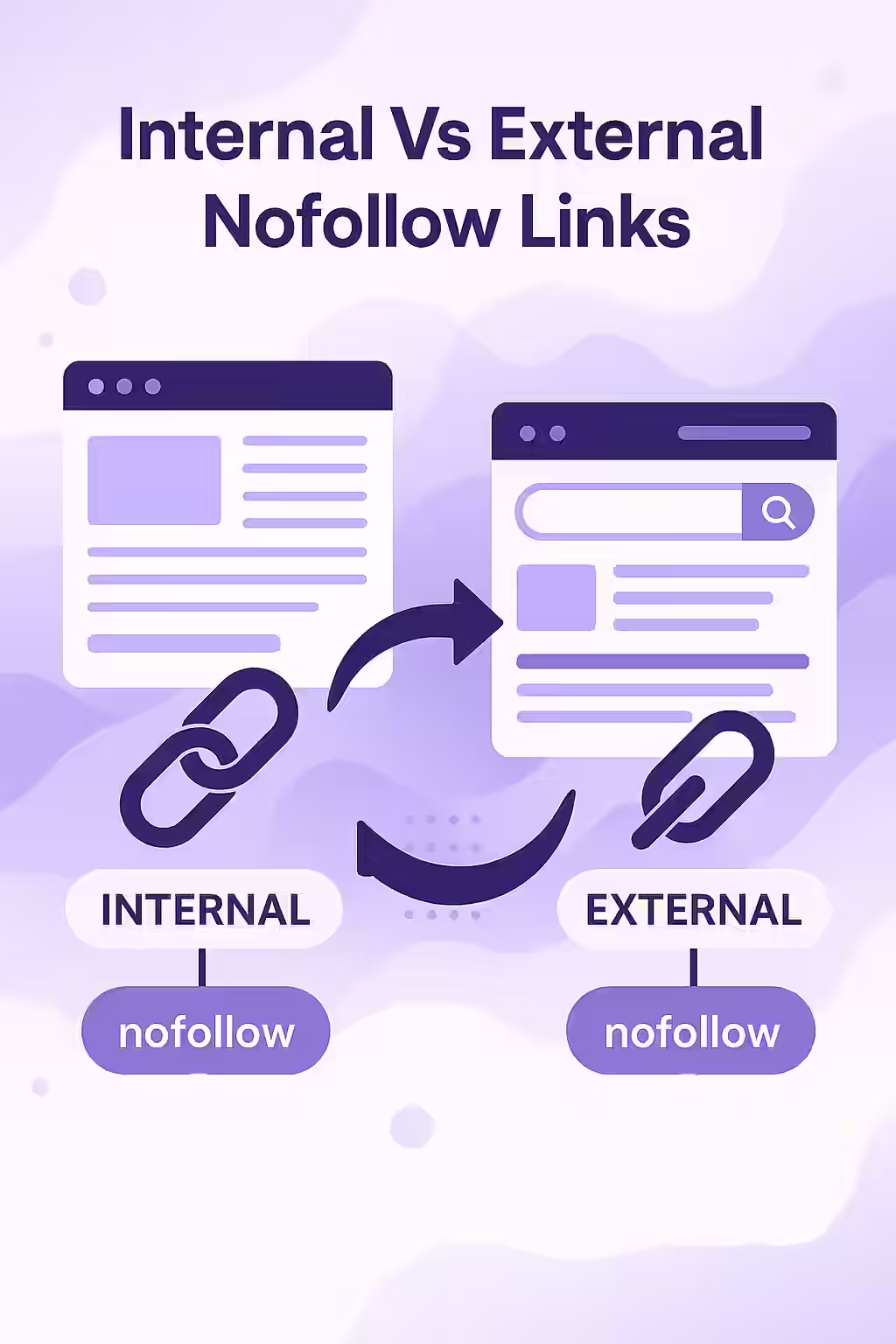
Internal Nofollow Links: The Leaky Bucket
As we cover in our guide to internal nofollow outlinks, this practice is a remnant of an outdated SEO tactic called “PageRank sculpting.” It does not work. When you nofollow an internal link, the PageRank that would have passed through it simply evaporates. You are actively preventing search engines from understanding the structure of your site and devaluing your own pages.
External Nofollow Links: A Necessary Tool
Using `nofollow` on external links is an entirely different matter. It’s a way to tell search engines, “I am linking to this page, but I don’t necessarily endorse it or want to pass my site’s authority to it.” For a deep dive into this topic, this guide from Ahrefs is an excellent resource.
In 2019, Google introduced two more specific attributes. As their official documentation explains, you should now use:
- `rel=”sponsored”`: For all paid or sponsored links, such as advertisements or affiliate links.
- `rel=”ugc”`: For User-Generated Content, such as links in blog comments or forum posts.
- `rel=”nofollow”`: As a catch-all for other scenarios where you want to link to a page but don’t want to imply an endorsement.
Example: Correct `nofollow` Usage
<!-- Incorrect: Nofollowing an internal link --> <a href="/my-service-page" rel="nofollow">Our Services</a> <!-- Correct: Nofollowing a sponsored external link --> <a href="https://example.com/sponsor" rel="sponsored">Our Sponsor</a>By using `nofollow` correctly, you can protect your site’s reputation without harming its internal authority flow. This is a key part of a successful on-page SEO strategy.
Frequently Asked Questions
Should I nofollow all of my external links?
No. Linking to authoritative, relevant external websites is a positive signal to search engines that your content is well-researched. You should only use ‘nofollow’ (or ‘ugc’/’sponsored’) on external links that you cannot vouch for, such as user-submitted comments, or for links that are part of a paid campaign.
Should I nofollow links on images?
The same rules apply. If an image links to another page on your site, it should be a standard, followed link. If it links to an external site as part of a sponsorship, it should have a `rel=”sponsored”` attribute.
What are rel=’ugc’ and rel=’sponsored’?
These are more specific versions of ‘nofollow’ introduced by Google. `rel=”sponsored”` should be used for paid or affiliate links. `rel=”ugc”` (User-Generated Content) should be used for links in comments or forums. Using these helps Google better understand the nature of the link.
Are you using nofollow correctly? Start your Creeper audit today to get a complete picture of your link equity flow.