For a successful international SEO strategy, your signals to search engines must be clear and consistent. A critical error that creates a conflicting signal is having `hreflang` tags on a non-indexable page. This is a logical contradiction. You are telling search engines, “Here is a list of all the international versions of this page,” while simultaneously telling them, “By the way, don’t include this page in your index.” This conflict can cause search engines to ignore your `hreflang` annotations entirely, breaking your international setup.
Think of it as submitting a chapter for a book, but with a sticky note on it that says “Don’t publish this.” The editor will be confused and will likely discard the entire chapter, including any notes about its translations. Similarly, a non-indexable page is not a valid part of an `hreflang` cluster. For a broader look at international SEO, see our guide on the localization category.
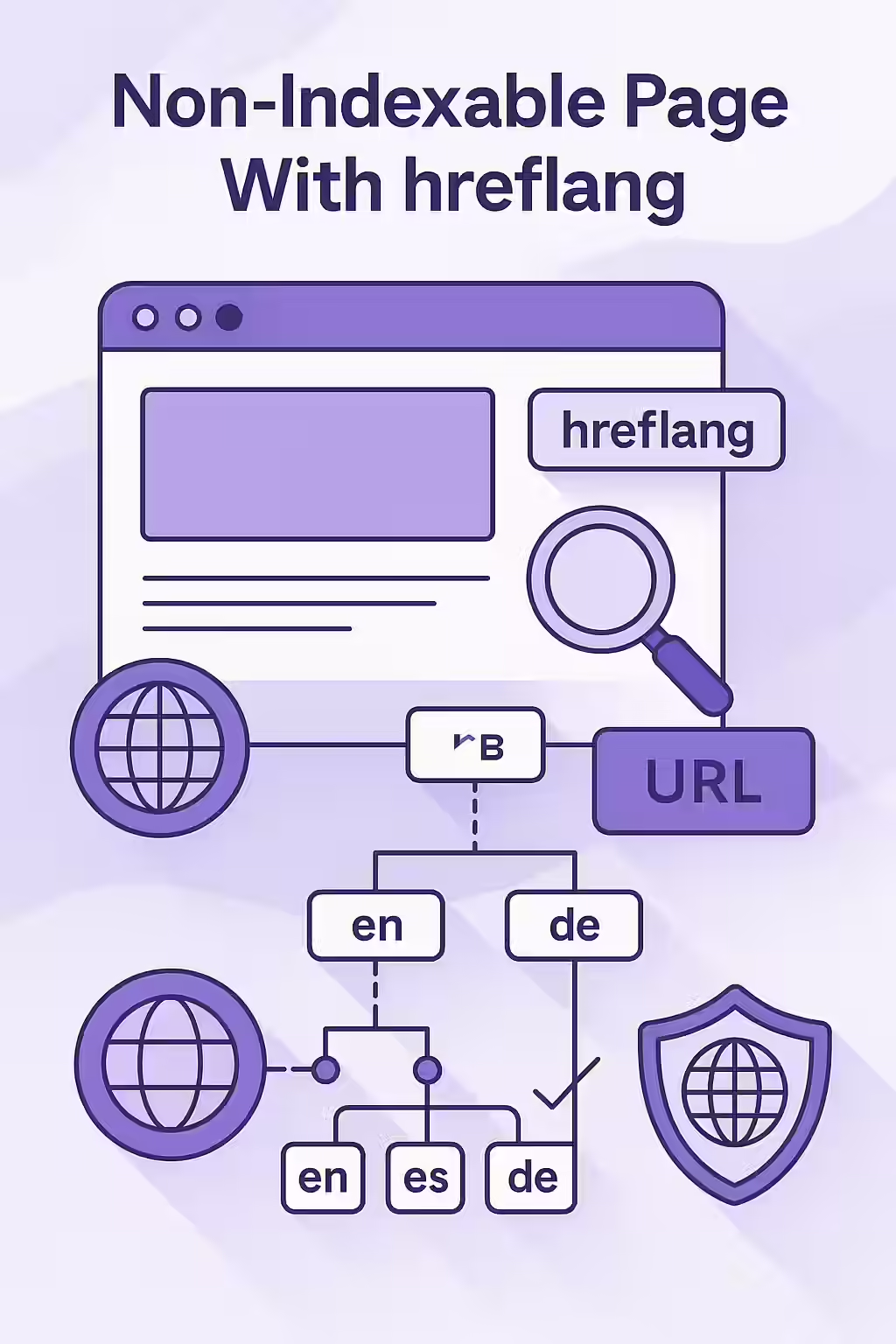
Why Hreflang and Non-Indexable Status Don’t Mix
The purpose of `hreflang` is to help Google swap the correct version of a page into the search results. This can only work if all the pages in the `hreflang` set are valid, indexable candidates. As Google’s documentation makes clear, the URLs you specify must be indexable.
- It Breaks the Hreflang Cluster: A valid `hreflang` implementation requires reciprocal links between all pages in the set. If one page is non-indexable, it cannot be a valid member of the cluster, which can cause the entire set to be disregarded.
- It’s a Wasted Signal: The `hreflang` tags on a non-indexable page will not be processed correctly, as search engines will prioritize the ‘noindex’ or other non-indexability signal.
- It Signals Poor Site Health: This type of conflicting signal indicates a poorly maintained site, which can impact how search engines crawl and trust your site over time.
A Step-by-Step Guide to Fixing the Conflict
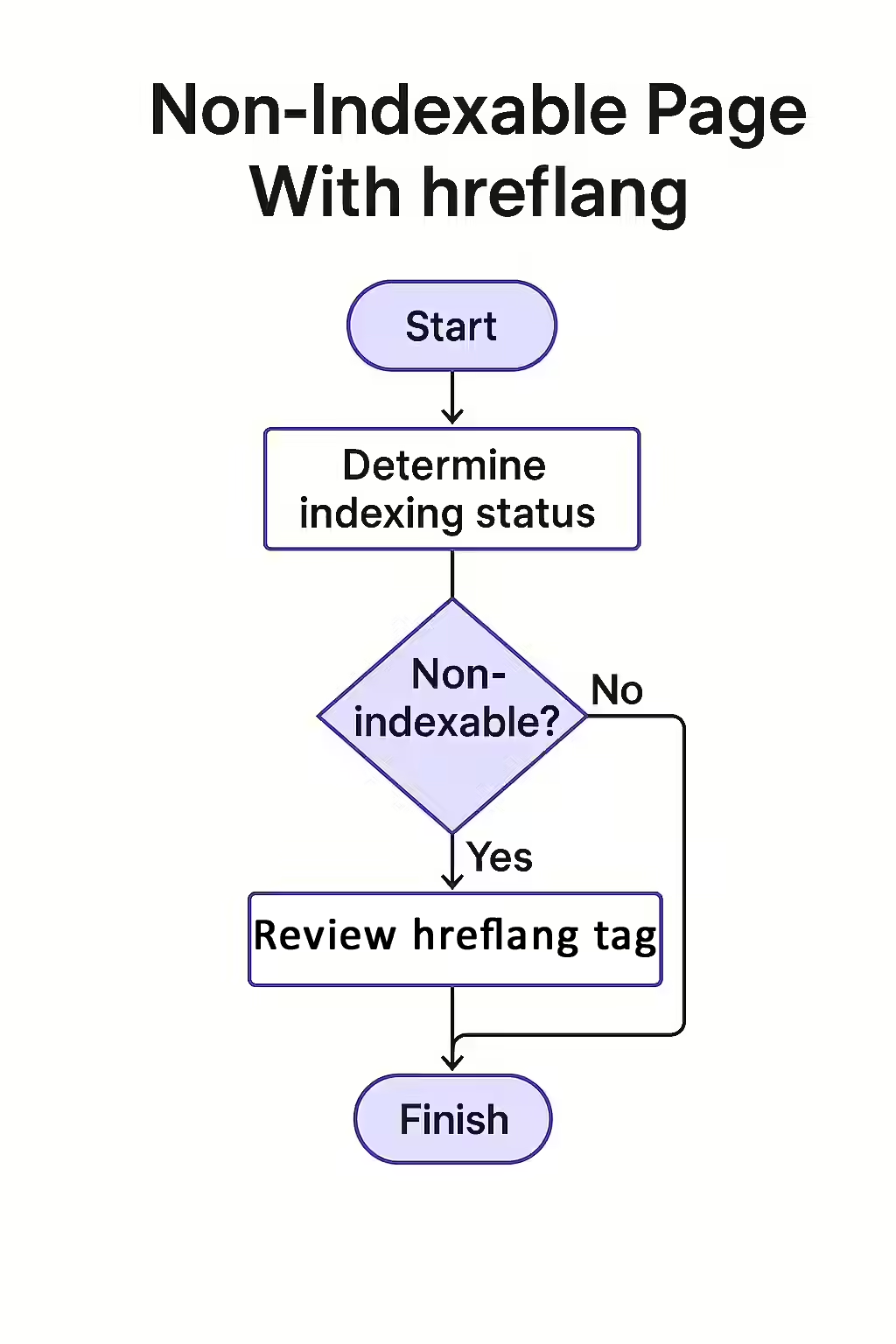
The goal is to ensure that any page containing `hreflang` tags is itself an indexable, canonical page. For more on the `noindex` directive, see our guide on the noindex directive.
- Crawl Your Site: Use an SEO audit tool like Creeper to perform a full crawl. The tool will identify the indexability status of every page and whether it contains `hreflang` tags.
- Identify the Conflicting Pages: Filter your crawl data to find all pages that are marked as non-indexable but also contain `hreflang` annotations.
- Determine the Page’s Purpose: For each conflicting page, decide if it should be indexable. If it’s a valuable page that should be in search results, remove the `noindex` tag or other reason for non-indexability.
- Remove Hreflang from Non-Indexable Pages: If the page is correctly marked as non-indexable (e.g., a filtered search result), then you must remove the `hreflang` tags from it.
The SEO Power of a Well-Structured Website
A well-structured website provides clear and consistent signals to search engines. By ensuring your indexing and localization directives are in harmony, you create a technically sound foundation for your international SEO efforts. For more on this, check out this guide to hreflang from Moz. This is a key part of a successful on-page SEO strategy.
Frequently Asked Questions
What makes a page ‘non-indexable’?
A page is considered non-indexable if it has a `noindex` tag, is blocked by robots.txt, has a canonical tag pointing to a different URL, or returns a non-200 HTTP status code. Any of these signals prevent it from being included in the search index.
Is it ever okay to have hreflang tags on a non-indexable page?
No, this is always an error. The `hreflang` tag is an indexing instruction designed to help Google show the *right* page in the index. Placing it on a page that you are simultaneously telling Google *not* to index is a direct contradiction that will cause the hreflang tags to be ignored.
How can I find all the non-indexable pages that have hreflang tags?
The most effective way is to use a website crawler like Creeper. It will scan every page, check its indexability status, and also check for the presence of hreflang tags, flagging any page where these two conflicting conditions are met.
Are your international signals crossed? Start your Creeper audit today to find and fix conflicting SEO directives.