A broken fragment identifier, sometimes called a broken bookmark or jump link, occurs when you have a link pointing to a specific section of a page (e.g., `page.html#section`), but the corresponding `id` for that section does not exist on the page. While this won’t cause a 404 error, it creates a jarring user experience, as the browser is unable to “jump” the user to the correct location. This is a common issue in long-form content with a table of contents.
Think of your website as a library. A fragment link is like a reference in a book that says, “See Chapter 5, Page 200.” If you turn to page 200 and there’s no Chapter 5, the reference is broken and useless. By fixing any broken fragment links, you can create a more successful and user-friendly experience for everyone. For a deeper dive into the world of linking, see our article on the links category.
Why Broken Fragment Links Matter
The primary impact of a broken fragment link is on user experience and accessibility. As explained in the MDN guide to URL fragments, their purpose is to direct the browser to a specific point on a page.
- User Experience: When a user clicks a link to a specific section, they expect to be taken there. If the link fails to move them, it creates confusion and frustration.
- Accessibility: Users of assistive technologies rely on well-structured documents to navigate. A table of contents with broken jump links is a significant barrier.
How to Fix Broken Fragment Identifiers
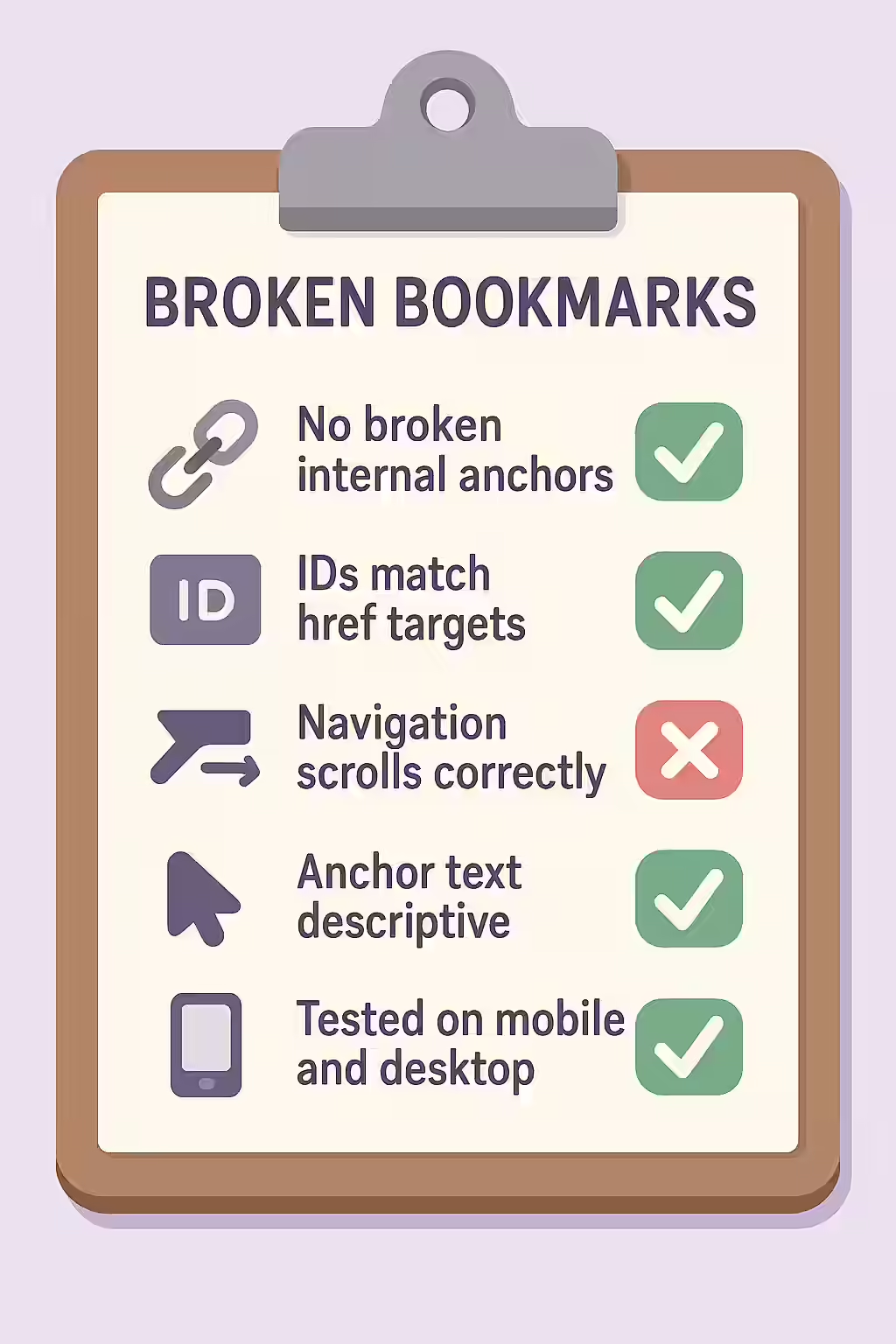
Fixing a broken fragment identifier is a simple but important task. It involves ensuring that the `id` attribute of the target element exactly matches the fragment in the link’s `href` attribute.
<!-- Before: The link's href does not match the target id --> <a href="#summary">Go to Summary</a> ... <h2 id="conclusion">Summary</h2> <!-- The id is "conclusion", not "summary" --> <!-- After: The link's href and the target id now match --> <a href="#summary">Go to Summary</a> ... <h2 id="summary">Summary</h2> <!-- Correct -->For another excellent resource, check out this guide to URLs from Moz.
Frequently Asked Questions
What is a fragment identifier?
A fragment identifier is the part of a URL that comes after a hash symbol (`#`). It’s often called a ‘bookmark’ or a ‘jump link’ because it tells the browser to scroll to a specific element on the page that has a matching `id` attribute.
Do broken fragment links impact SEO?
Broken fragment links don’t directly impact SEO in the same way a 404 error does, because the browser doesn’t send the fragment part of the URL to the server. However, they create a poor user experience, which can indirectly affect SEO by increasing bounce rates and reducing user engagement.
How can I test for broken fragment links?
You can test for broken fragment links by using a website crawler like Creeper. It will scan all of your internal links, including those with fragment identifiers, and report any that point to an `id` that doesn’t exist on the target page.
Ready to fix your broken links? Start your Creeper audit today and see how you can improve your website’s URLs.