Imagine your website is a bucket full of water (which represents authority or “link juice”). Every link you place on a page is a tiny hole in that bucket. A few holes are necessary to water the garden—linking to authoritative sources is good! But if you have pages with high external outlinks, your bucket might be leaking faster than you can fill it up.
In the world of technical SEO, managing your link structure is crucial. While the web is built on connections, excessive linking to third-party sites can dilute your page’s authority, distract users, and in extreme cases, look like spam to search engines.
What Are High External Outlinks?
Simply put, this refers to a single webpage that points to a large number of different domains (external sites). While directories and resource lists naturally have a higher count, a standard blog post or landing page shouldn’t look like a link farm.
To understand the high external outlink meaning, you have to look at the ratio of content to links. If a user spends more time clicking away from your site than reading your content, you might have a problem.

Actionable Steps: Auditing Your Outlinks
Don’t panic! You don’t need to delete every citation. Follow these steps to ensure your external links are helping, not hurting:
- Audit the Quantity: Use a tool like CreeperSEOAudit to identify pages with an unusually high number of external links (typically over 50-100 depending on the page length).
- Check for Relevance: Every link should add value. If you are linking to 10 different “SEO tools” in one paragraph, pick the best two and remove the rest.
- Use Nofollow for User-Generated Content: If the links are in comments or forums, ensure they are tagged with
rel="nofollow"orrel="ugc"to prevent spam issues. Learn more about internal vs external nofollow links. - Security Check: When linking to external sites, especially if they open in a new tab, ensure you aren’t creating security vulnerabilities. Check for unsafe cross-origin links.
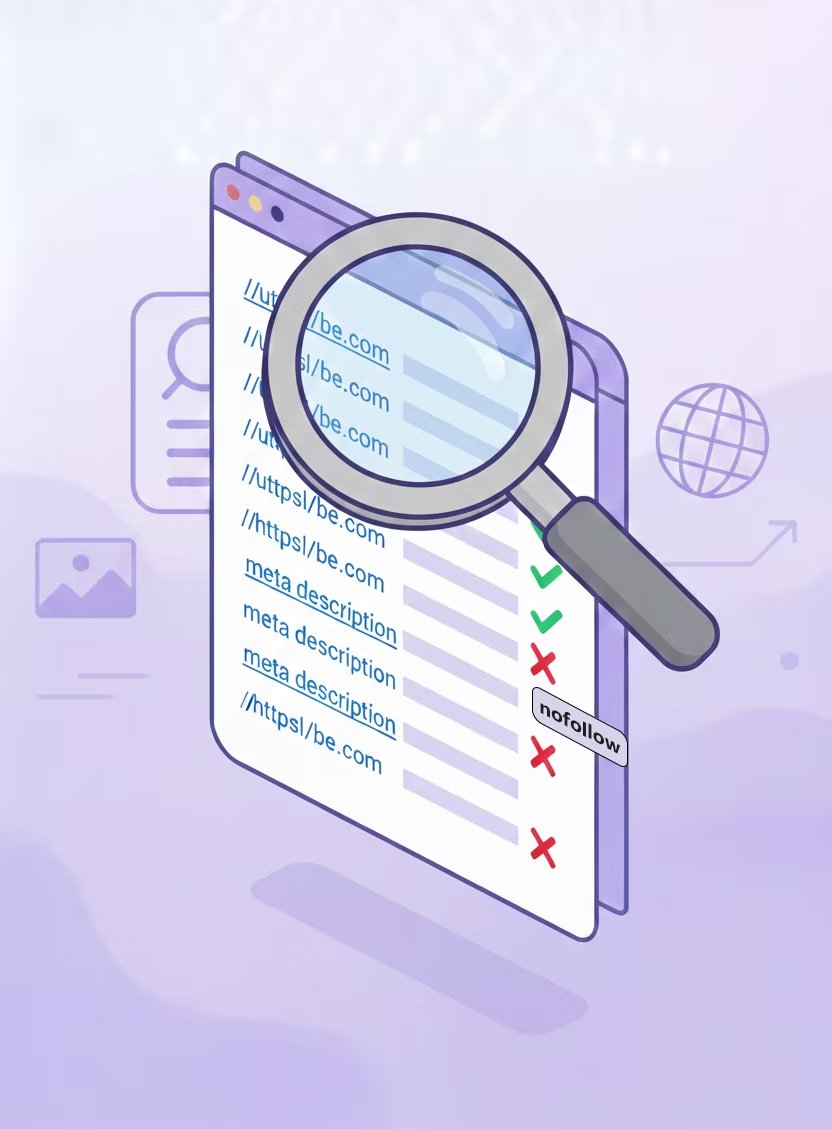
SEO Benefits of Controlling Outlinks
Why bother pruning these links? The benefits go beyond just “looking tidy”:
- Preserve Link Equity: By limiting external links, you ensure that more PageRank flows to your own important internal pages via your internal navigation.
- Improved User Experience (UX): Too many links can be overwhelming (cognitive overload). A clean reading experience keeps users on your site longer.
- Trust and Authority: Search engines evaluate the company you keep. Linking to high-quality sites boosts trust; linking to hundreds of low-quality sites destroys it.
FAQs
Is there a specific penalty for having too many external links?
Technically, Google does not have a hard algorithmic penalty solely for the number of links. However, pages with high external outlinks can be flagged as “link farms” or spam if the links are irrelevant, low-quality, or sold. It also dilutes the value passed to other internal pages. You can read more about Google’s stance on link spam here.
Does using ‘nofollow’ fix high external outlink issues?
Using rel="nofollow" tells search engines not to pass PageRank (authority) to the linked site. While this preserves your site’s equity to an extent, a page with 100+ links, even if nofollowed, can still offer a poor user experience and look spammy.
What is considered a ‘high’ number of external outlinks?
In the past, Google suggested a limit of 100 links per page. Today, the limit is much higher and depends on context (e.g., a directory vs. a blog post). However, if your content is thin and you have dozens of external links, you likely have a high external outlink meaning relevance issue.
Need help identifying these links? Run a full audit with our SEO audit checklist to see exactly where your link equity is going.
For further reading on how browsers handle links, check the MDN Web Docs on the Anchor element.