Internal linking is a powerful SEO tool for distributing authority and guiding users through your website. However, it’s possible to have too much of a good thing. A page with a high number of internal outlinks can be a sign of a poorly structured page, and it can dilute the authority that the page passes to other pages. Auditing these pages is a key part of maintaining a healthy and effective site architecture.
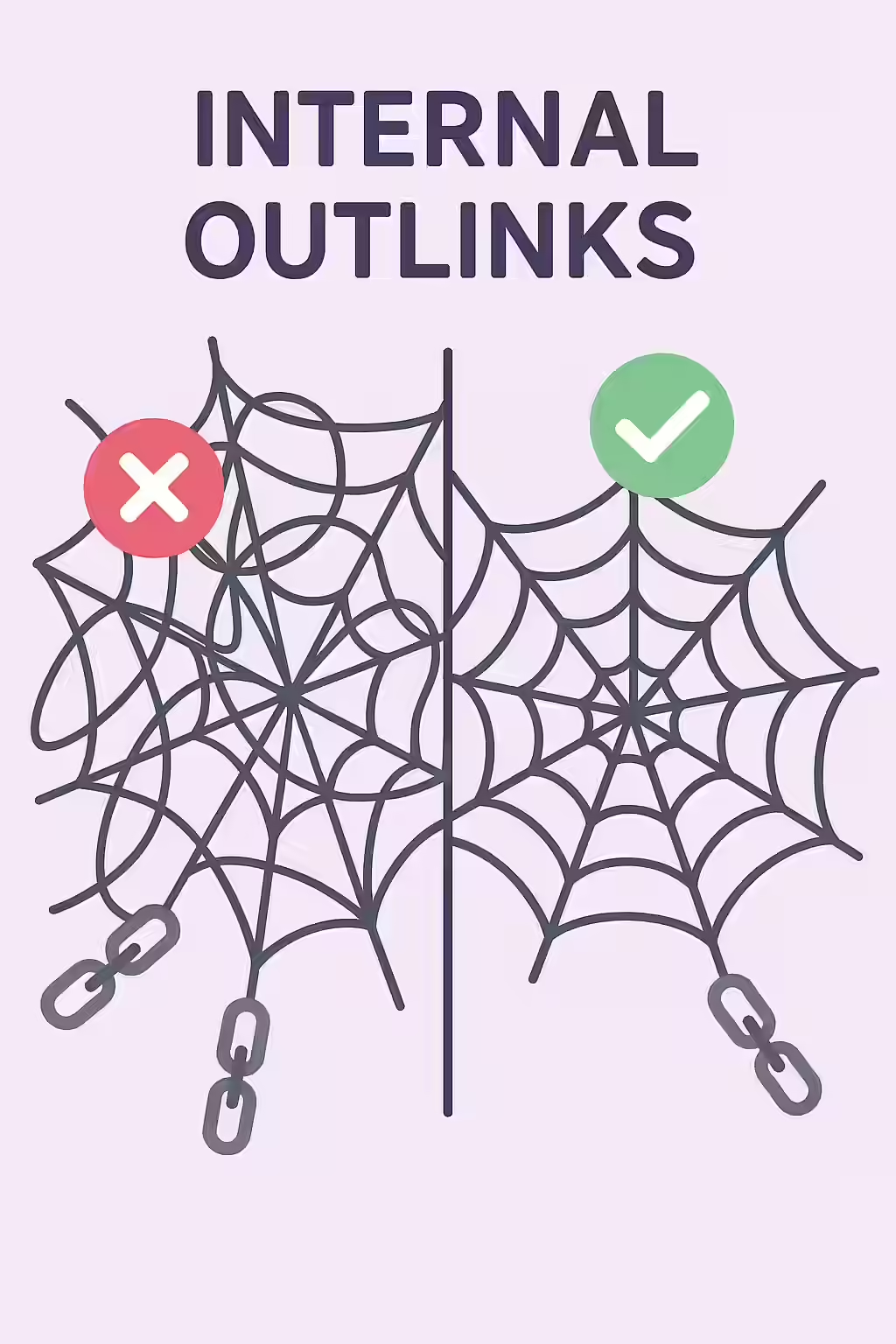
Think of your website as a spiderweb. A well-structured web has strong, clear connections that efficiently transfer vibrations. A messy, chaotic web has too many strands going in every direction, and the vibrations get lost. For a broader look at linking, see our guide on the link structure category.
Why Too Many Internal Links Can Be a Problem
As explained in Google’s own guide to crawlable links, a clear and logical link structure is essential.
- Dilution of PageRank: The more links on a page, the less authority is passed to each individual linked page.
- Poor User Experience: A page with too many links can be overwhelming and confusing for users, making it difficult for them to find the information they need.
- Wasted Crawl Budget: While less of a concern for most sites, a page with an excessive number of links can be a signal of a low-quality, auto-generated page that may not be worth a crawler’s time.
A Step-by-Step Guide to Auditing Your Internal Links
The goal is to ensure that your internal links are relevant, useful, and strategically placed. For more on this, check out this guide to internal linking from Moz.
Example: The Fix
Imagine a blog post with a “related articles” section that lists every other article on your site. This is a poor user experience. A better approach would be to:
- Only link to a few of the most relevant articles.
- Use a more sophisticated related posts plugin that uses categories or tags to find relevant content.
- Crawl Your Site: Use an SEO audit tool like Creeper to get a complete list of all your internal pages.
- Identify High-Outlink Pages: Sort your list of pages by the number of internal outlinks to quickly find the ones that need review.
- Manually Review the Pages: For each page with a high number of outlinks, ask yourself: Are all of these links necessary and relevant? Is this page providing a good user experience?
- Prune and Consolidate: Remove any links that are not providing value. Consider restructuring your navigation or using a more intelligent system for related content.
Frequently Asked Questions
Is there a specific number of internal links that is ‘too many’?
There is no magic number. A well-structured category page might have hundreds of links, while a blog post might only have a few. The key is relevance and user experience. However, if a page has an unusually high number of links compared to the rest of your site, it’s worth a closer look.
How does a high number of internal links affect PageRank?
Each page has a certain amount of PageRank to distribute through its links. The more links on a page, the less PageRank is passed to each individual linked page. A page with an excessive number of links can dilute the authority it passes, making it less effective at boosting the rankings of other pages.
How can I find pages with a high number of internal outlinks?
The most effective way is to use a website crawler like Creeper. It will scan your entire site and generate a report of all your pages, which you can then sort by the number of internal outlinks to quickly identify the pages that need to be reviewed.
Ready to fix your spiderwebs? Start your Creeper audit today and see how you can improve your website’s links.